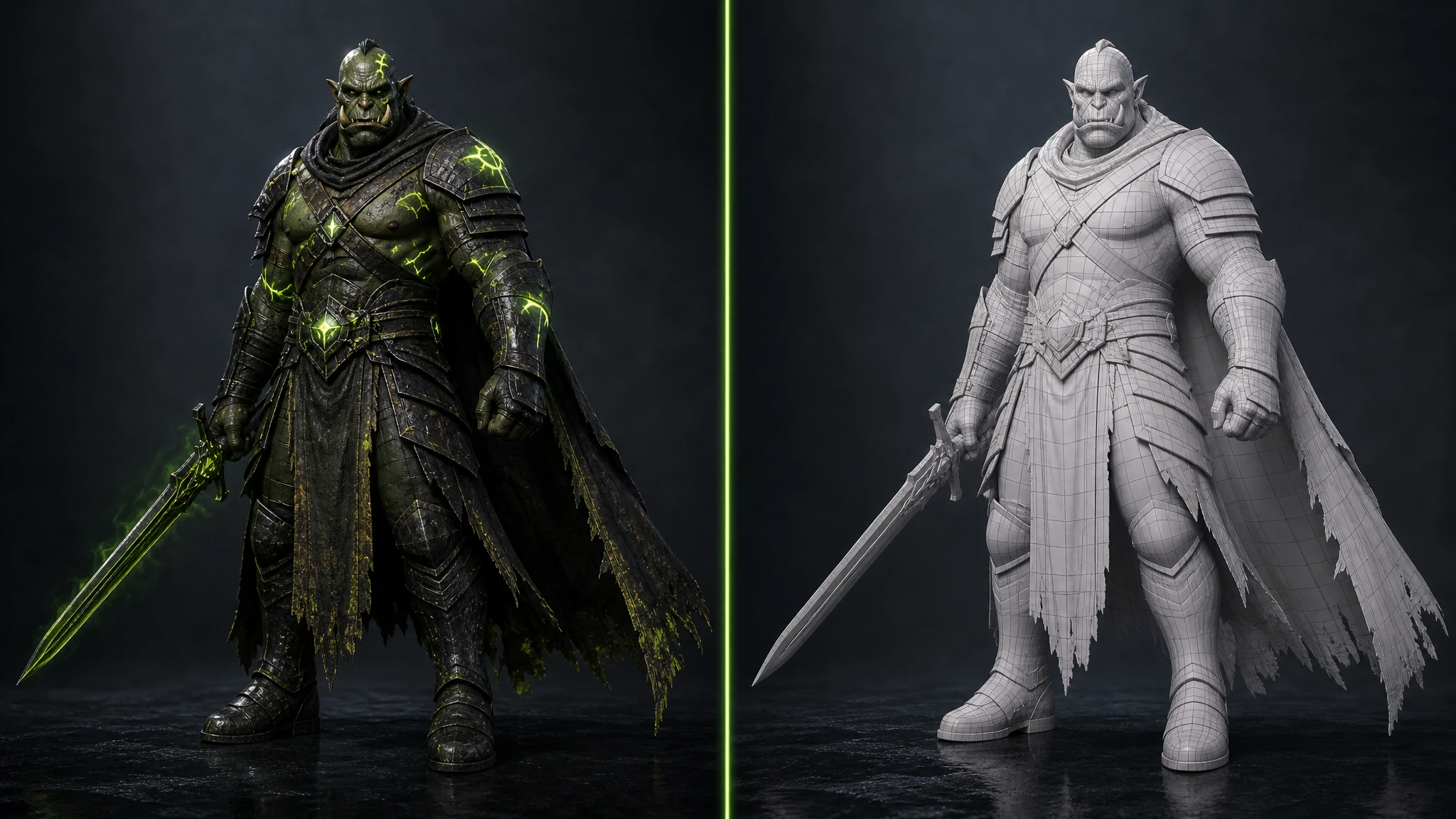
Creating production-ready 3D game assets used to mean weeks of Blender sculpting, hand-painted textures, and manual rigging: a process that could burn 20–40 hours on a single character. In 2026, AI has turned that equation upside down. The right ai 3D model generator can take you from a text prompt to a game-ready mesh in under two minutes.
But the market is crowded. Some tools are pure 3D generators with no image pipeline. Others are image-only platforms with no engine plugins. A few charge enterprise prices for output that barely clears hobbyist quality. And almost none of them were purpose-built for the game development workflow.
We researched and tested 11 platforms, covering image generation, 3D model generation, image-to-video AI generation, workflow automation, and engine integration, and ranked them so you can make the right call for your project, studio, and budget.
01What to look for in an AI game asset tool
Not all AI tools are equal. Here are the six criteria that actually matter for game development workflows:
Full pipeline coverage
Can the tool handle images, 3D models, video, and editing in one place? Switching between five apps for one asset kills productivity.
Engine plugins
Native plugins for Unity, Unreal, Blender, and Godot mean assets land in your project with one click: no manual export/import cycles.
3D model quality
Clean topology, proper UVs, and PBR-ready textures are non-negotiable for low poly 3D models that perform well in-engine.
Workflow automation
The ability to chain tasks (generate image, remove background, create 3D, export) saves hours on every asset batch.
Pricing & free tier
Indie devs and solo teams need a free tier that actually lets you evaluate the tool, not just see a demo. Low-credit free tiers are essentially paywalls.
Commercial licensing
Any asset you ship in a commercial title needs clear IP ownership. Free tiers with CC BY 4.0 requirements can cause licensing headaches at launch.
02Rapid Assets — best for a complete game asset pipeline
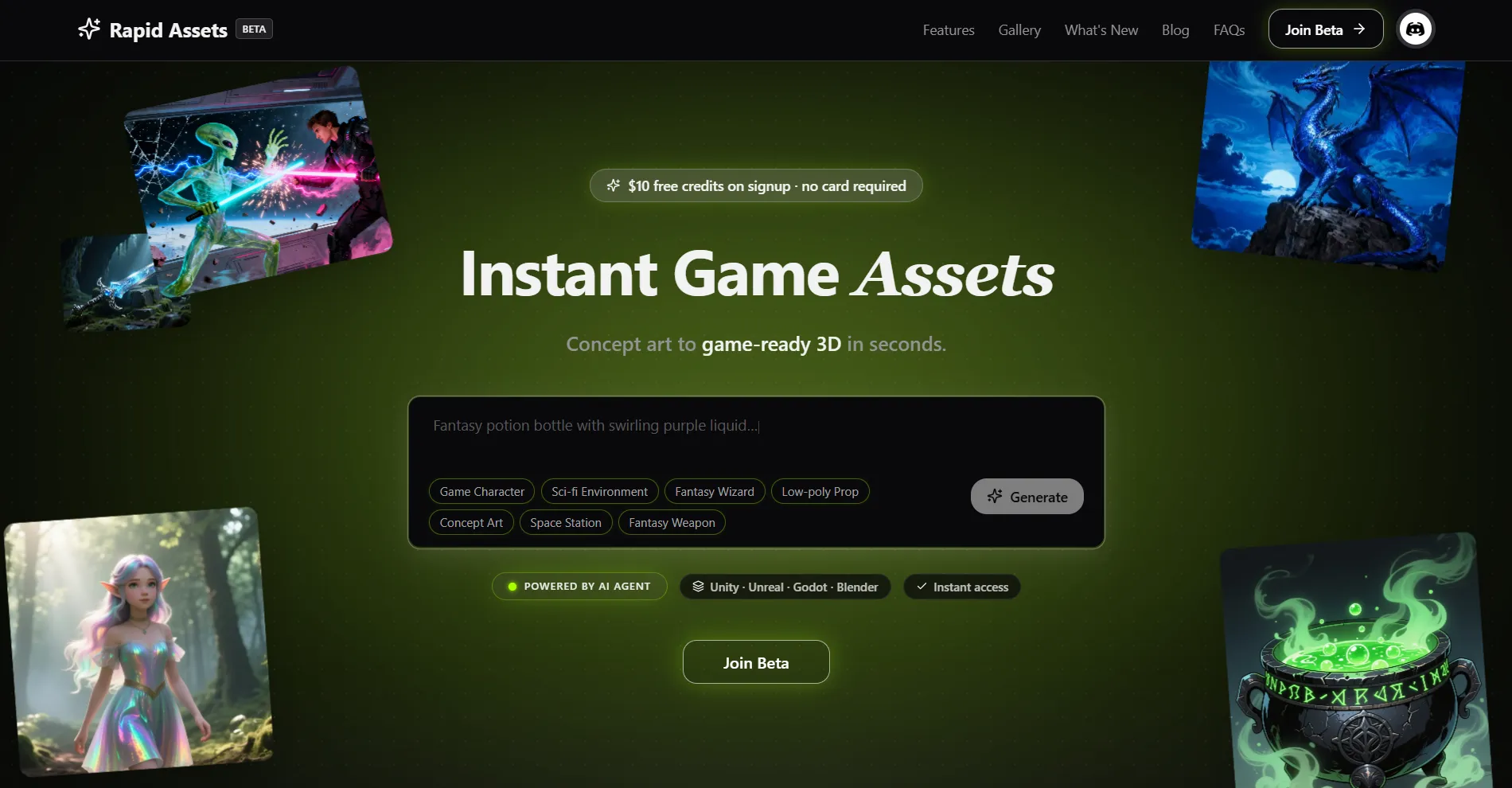
$10 in free credits on signup: no credit card required. Covers multiple image generations, image-to-3D model conversions, image editing sessions, and video generation. Full commercial rights on all output. No watermarks. No attribution required. Free credits do not expire during the trial window.
If you have been jumping between Meshy for 3D, Leonardo AI for images, ImagineArt for video, and a separate editing app just to produce one game asset: Rapid Assets was built to end that. It is also the best 2D to 3D AI converter for game developers who want to take a concept image and get a game-ready mesh without leaving the platform. It combines text-to-image generation, image-to-3D model generation, image editing, and image-to-video generation, all from a single account, through an interactive chat-driven workflow. No subscriptions to juggle. No manual format conversions between apps.
More importantly, Rapid Assets ships native plugins for all four major game engines: Unity, Blender, Unreal Engine, and Godot. Generated assets land directly inside your project with one click: textures import as Texture2D in Unity, meshes appear in the Content Browser in Unreal, and models drop into your Blender scene or Godot project without a single manual export. The built-in workflow automation lets you chain tasks (generate a concept image, remove the background, spin up a 3D model, and export) all in a single pipeline, hands-free.
New users get $10 in free credits on signup, no credit card required: enough to generate multiple images, edit them, and create 3D models before committing to a paid plan. This is the most generous free start of any tool on this list.
Pros
- Native plugins for Unity, Blender, Unreal Engine, and Godot, in one subscription
- Full pipeline: image generation, 3D model, image editing, video generation, all in one platform
- Built-in workflow automation — chain tasks into multi-step production pipelines without leaving the app
- One-click asset import directly into your game engine project — no manual export, no format hunting
- Free to start with $10 credit on signup, no credit card required
- Purpose-built for game developers — not retrofitted from a general creative or marketing tool
Cons
- No free forever plan — credits expire after the trial period ends
- Model style variety is expanding — some niche art styles still maturing
03Meshy — best for full 3D production with video & animation
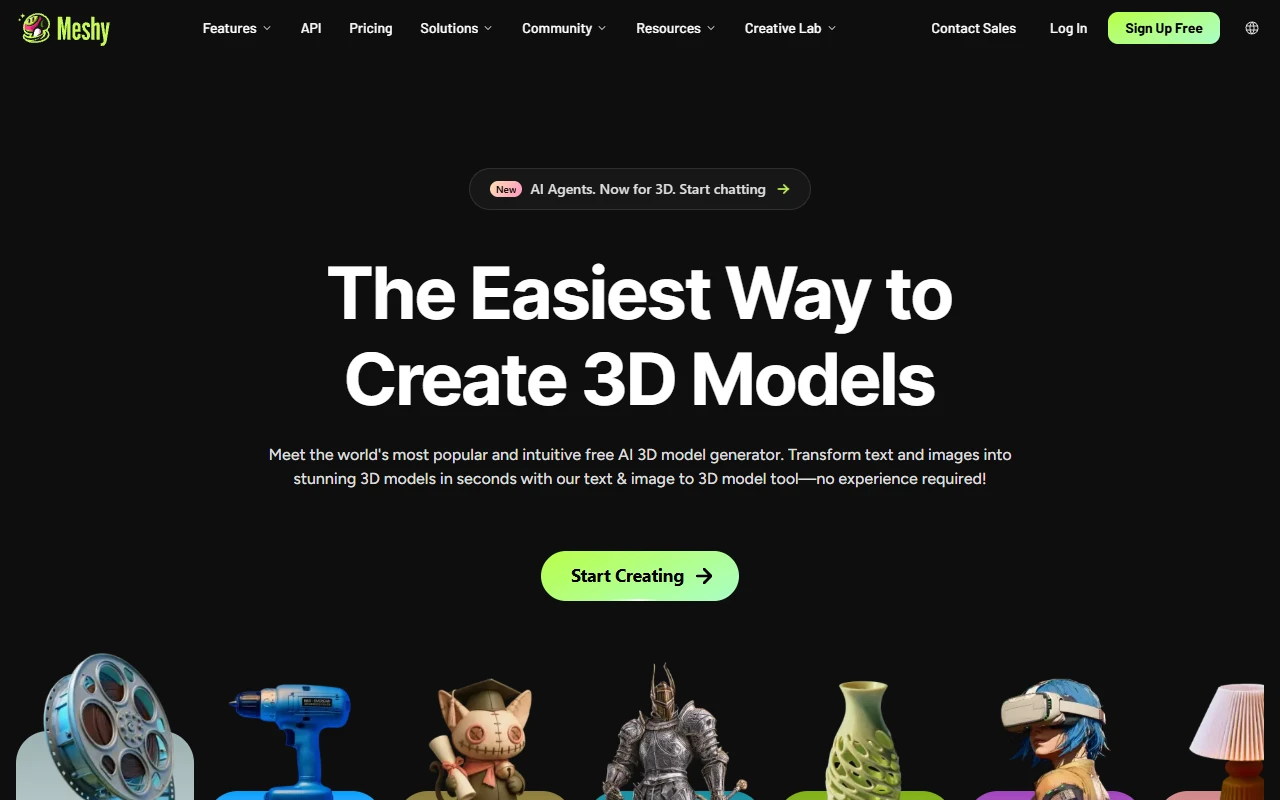
Meshy covers text-to-3D, image-to-3D, AI image generation (multi-view), 3D-to-video, AI texture editing, auto-rigging, and a 500+ animation library, with plugins for Unity, Blender, Unreal, Godot, Maya, and 3ds Max. Where Meshy falls short is on the production workflow layer: characters require post-gen cleanup, there is no AI workflow builder for chaining tasks, asset management is weak, and it has no collaborative workspace, making it harder to use at team scale without significant manual overhead.
Pros
- Excellent text-to-3D and image-to-3D generation quality
- AI image generation (text-to-image, multi-view) built in
- 3D-to-video and AI texture editing included
- Auto-rigging + 500+ game-ready animations
- Plugins for Unity, Blender, Unreal, Godot, Maya, 3ds Max
Cons
- Characters still require significant manual cleanup after generation
- Limited editing after generation — hard to refine specific parts
- Weak asset management — no project folders or file organisation
- No collaborative workspace for team-based production
- No AI workflow builder — every task is run in isolation
- Gets expensive quickly for teams sharing credits
04Tripo AI — best for fast 3D mesh generation
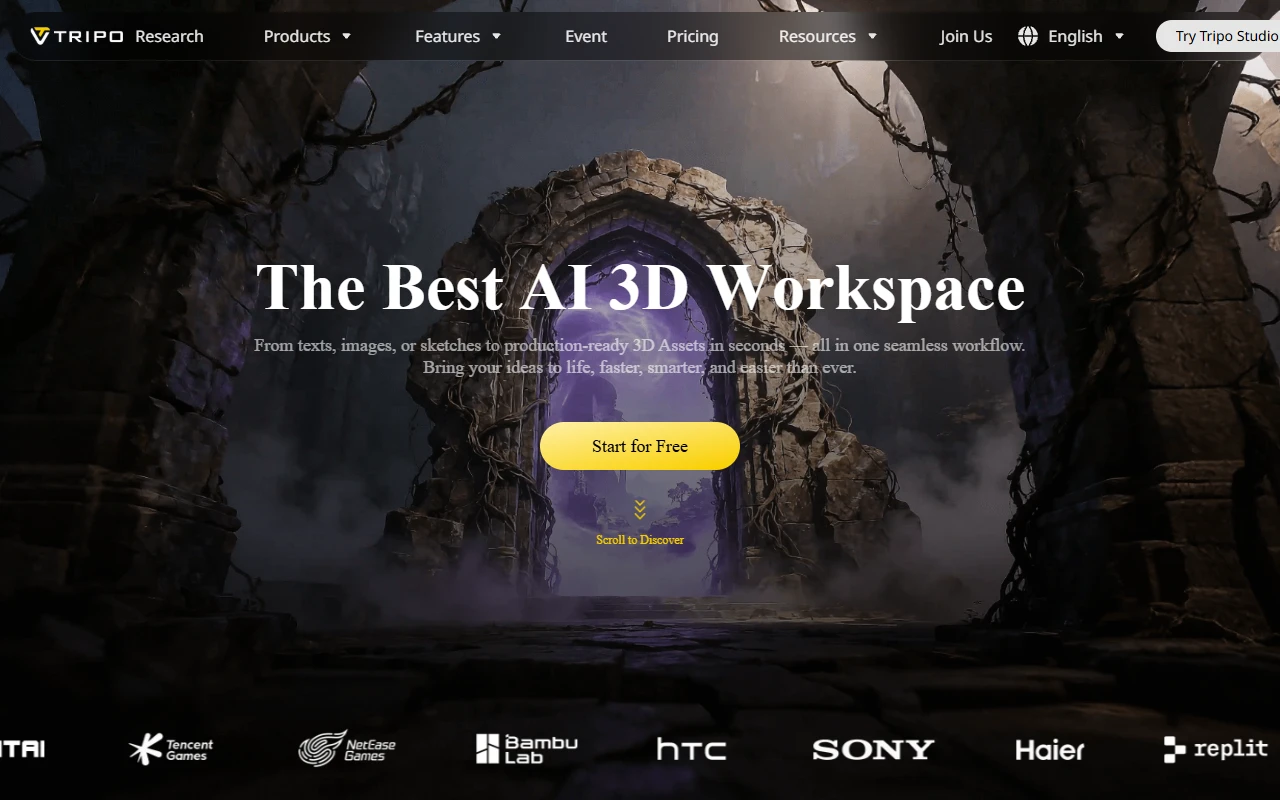
Tripo AI is a fast image to 3D model converter focused purely on 3D generation speed and geometry quality. But Tripo is narrow by design: texturing is weak and rigging is only average, making it a fast prototyping tool, not a complete production workflow.
Pros
- Extremely fast 3D generation — among the quickest on the market
- Good topology and great geometry quality on hard-surface assets
- API access for developers integrating 3D into their pipelines
Cons
- Weak texturing pipeline — output often requires manual texture work
- Rigging quality is average — usable but not a standout feature
- Limited collaboration features for team workflows
05Scenario — best for style-consistent asset production at scale
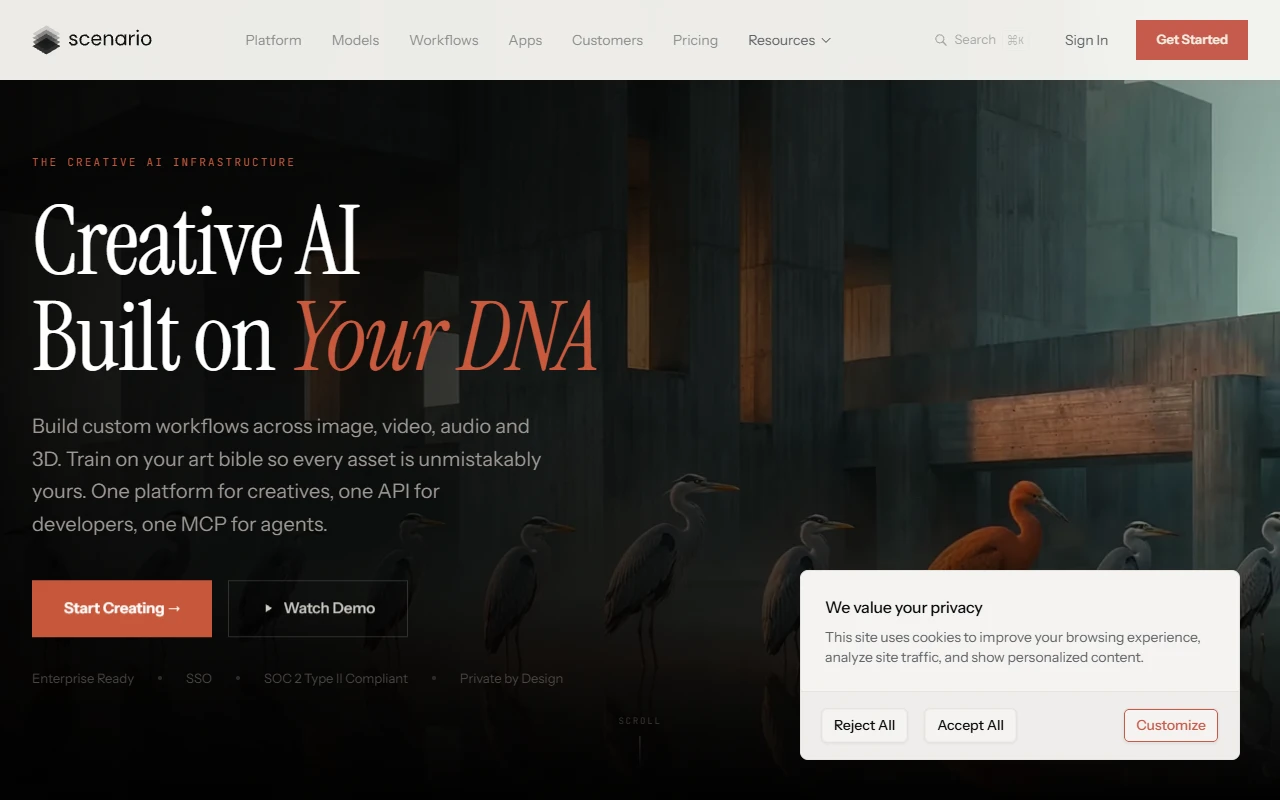
Scenario is a feature-rich platform built for enterprise studios, offering multiple AI models, a workflow system, team collaboration, model training, APIs, and a Unity plugin, all in one dashboard. The catch: it is built for enterprise studios, not indie developers. The UI is complex, pricing escalates fast, and the 3D workflow remains fragmented.
Pros
- Access to a large library of AI models from multiple providers
- Team collaboration, APIs, and Unity plugin included
- Workflow system and custom model training for style consistency
Cons
- Complex UI — steep learning curve that puts off indie and solo developers
- Expensive at scale — pricing escalates quickly beyond the starter tier
- Mostly enterprise-focused — not designed for indie team workflows
- 3D workflow is still fragmented — no seamless image-to-3D-to-game-engine pipeline
06Layer AI — best for enterprise creative workflows

Layer AI is an enterprise creative operating system with workflows, templates, and team collaboration tools, bringing together images, video, 3D, and audio in one platform. But enterprise is the operative word: Layer AI is not designed for the solo indie dev or small team. Pricing is enterprise-level, the product is hard for beginners, and there is very little community or tutorial content to help new users get productive.
Pros
- Enterprise-grade workflows and production templates
- Strong team collaboration with pooled credits (no per-seat fees)
Cons
- No plan suited to indie devs or small teams — pricing is on the expensive side
- Hard for beginners — no simple prompt-to-asset workflow
- Limited community resources and very few tutorials available
- No native game engine plugins — requires external integrations
- No Godot support; no built-in 3D generation
07ImagineArt — best for multi-format AI generation
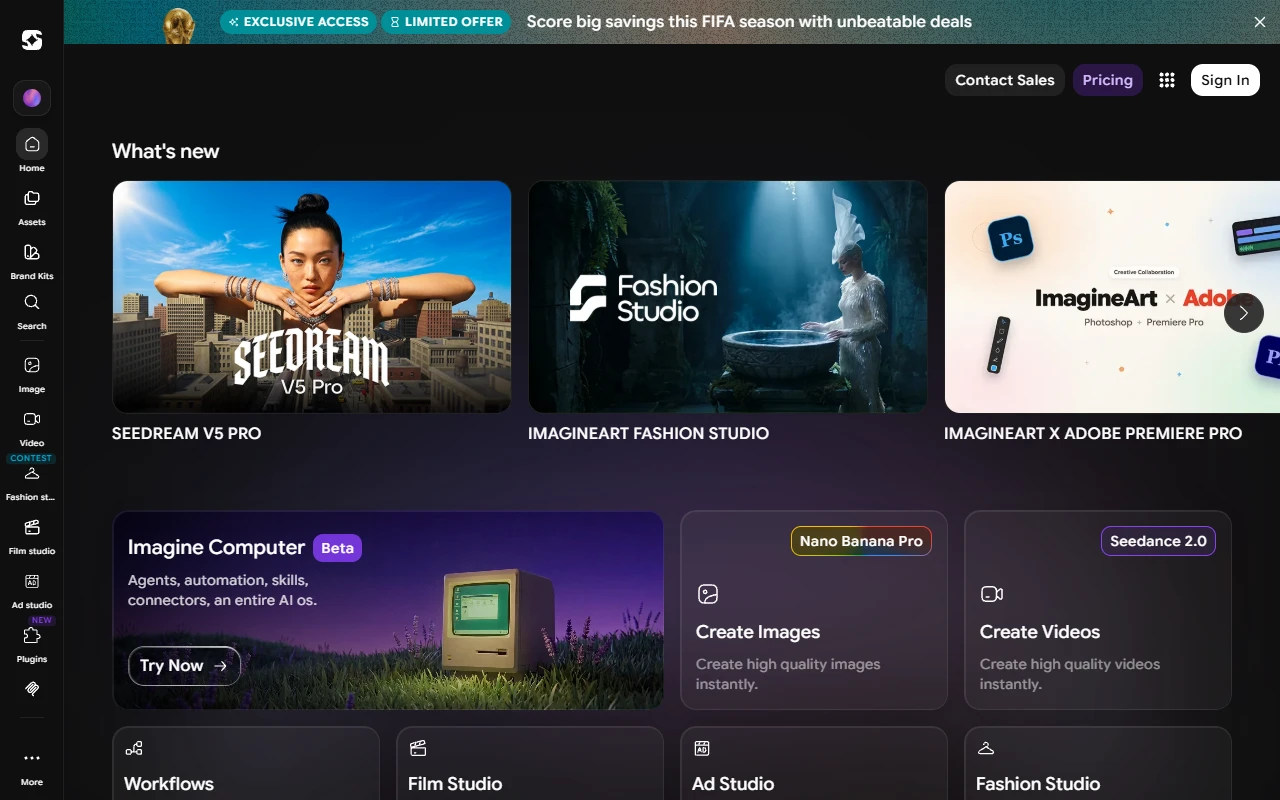
ImagineArt has an impressive feature list on paper: images, video, music, canvas, game assets, and a Flow automation system all in one platform. The sheer breadth looks appealing at first glance. But breadth is also ImagineArt's core problem: it tries to do everything and ends up doing nothing particularly well for game developers. The production pipeline is weak, asset organisation is poor, and 3D quality is inconsistent when it exists at all.
Pros
- Huge feature list: images, video, music, canvas, game assets, and workflow automation
- Multiple AI models available in one subscription
Cons
- Too many features spread too thin — lack of focus hurts depth in every area
- Weak production pipeline — not designed for game asset workflows
- Poor asset organisation — finding and managing generated content is frustrating
- 3D quality is inconsistent and unreliable for production use
- No game engine plugins for Unity, Unreal, Blender, or Godot
- No clear commercial licensing framework for shipped game assets
08Leonardo AI — best for high-quality 2D concept art
Leonardo AI has a large community around AI image generation, with solid output quality for concept art, textures, and environment references. Model training, a prompt library, and style control options are available. But Leonardo has not translated image quality into a real game development workflow: 3D generation is weak, there is no rigging, no animation support, and no path from a generated image into Unity or Unreal without leaving the platform entirely.
Pros
- Huge community and extensive tutorials for getting started quickly
- Amazing image quality — one of the best for concept art and texture references
- Custom model training and a rich prompt library
Cons
- Weak 3D generation — not reliable for production-ready game assets
- No rigging or animation pipeline for character assets
- No Unity, Unreal, Blender, or Godot workflow — everything is manual export
- No path from generated concept art to game-ready 3D model in one tool
- Image-focused platform adapted by game devs — not built for game dev
09Civitai — best for niche art style exploration
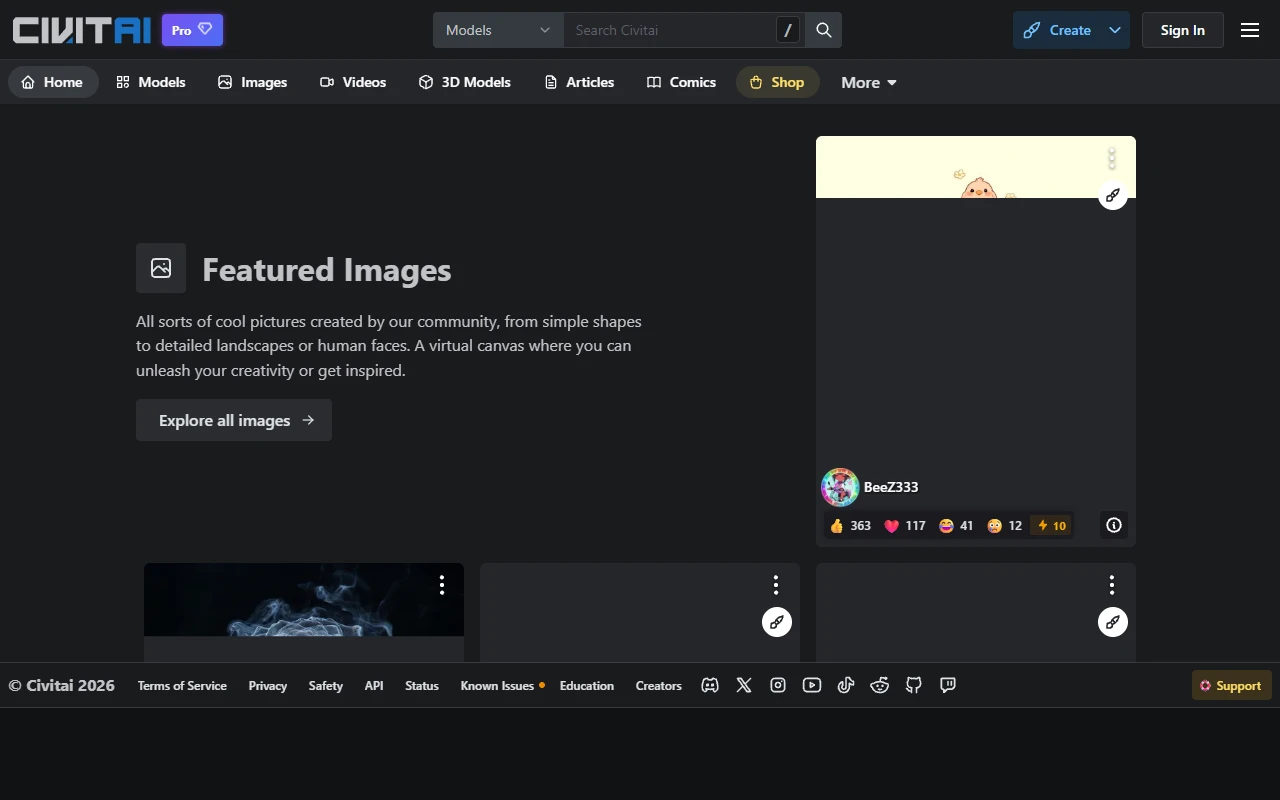
Civitai has the largest community of any platform on this list: hundreds of thousands of models, LoRAs, and creators sharing and remixing AI-generated content openly. If you need a niche art style (pixel art, anime, painterly realism, dark fantasy), you can probably find a community model tuned for it. But Civitai is a content community, not a production tool. There is no production pipeline, project management, or path to getting generated images into your game without significant manual work.
Pros
- Largest community of AI models, LoRAs, and creators on any platform
- Free access to vast range of niche and specialised image generation styles
Cons
- No production pipeline — not designed for game asset workflows
- Model discovery is difficult — quality varies enormously between community uploads
- Quality is highly inconsistent — testing many models is required to find reliable ones
- No project management — no way to organise assets by project or build
- No 3D generation, no engine plugins, no commercial licensing clarity
10Kaedim — best for CAD-quality 3D hard surface assets
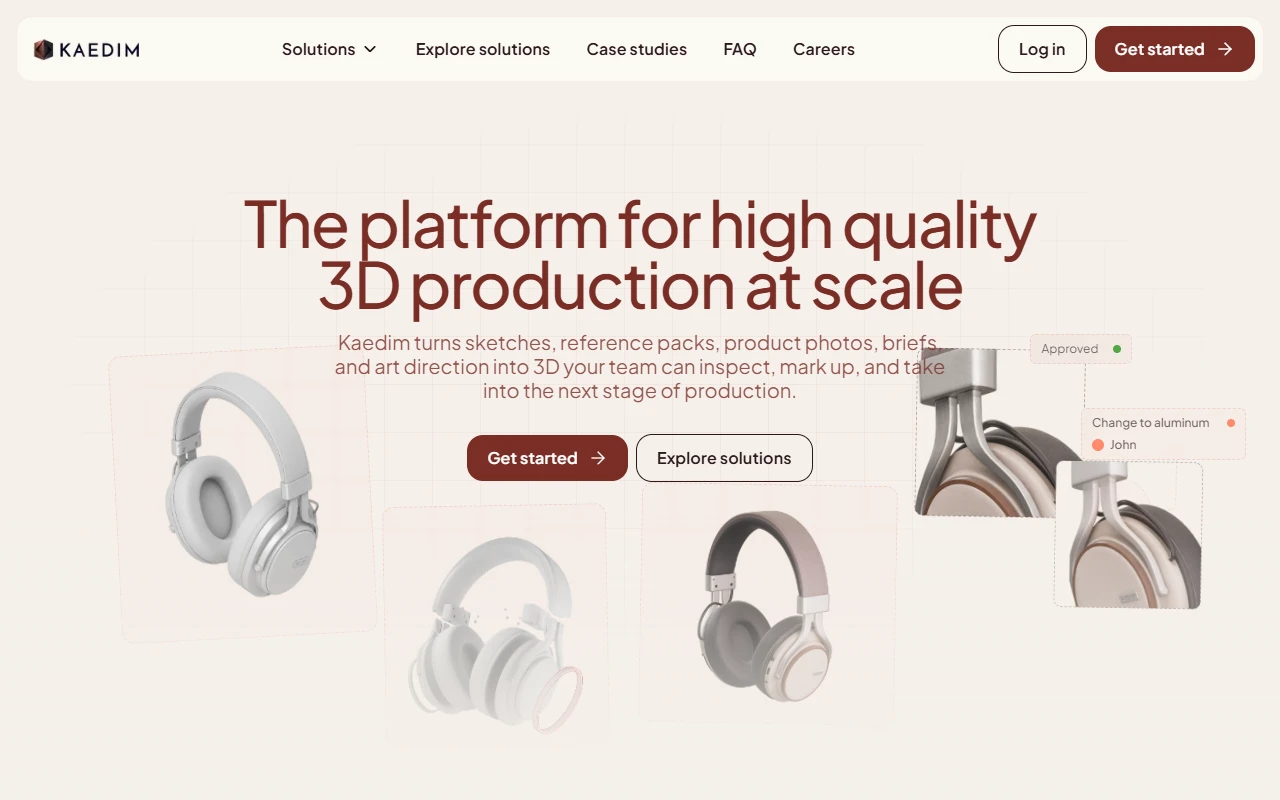
Kaedim is a professional 3D asset generation platform aimed at studios needing CAD-quality hard surface assets and style-consistent props for AAA productions. Output quality on architectural, industrial, and vehicle assets is solid. But Kaedim is very expensive, character generation is a noted weak point, and editing options after delivery are minimal, making it a niche specialist tool, not an all-round game dev pipeline.
Pros
- Professional studio-quality output for hard surface and CAD-based assets
Cons
- Very expensive — enterprise pricing with no self-serve tier for indie devs
- Character generation is notably weaker than hard-surface asset output
- Few editing tools — limited ability to refine or adjust delivered assets
- No image generation, video generation, or image editing pipeline
- No game engine plugins — manual export required for every engine
11Rodin (Hyper3D) — best for API-driven 3D generation
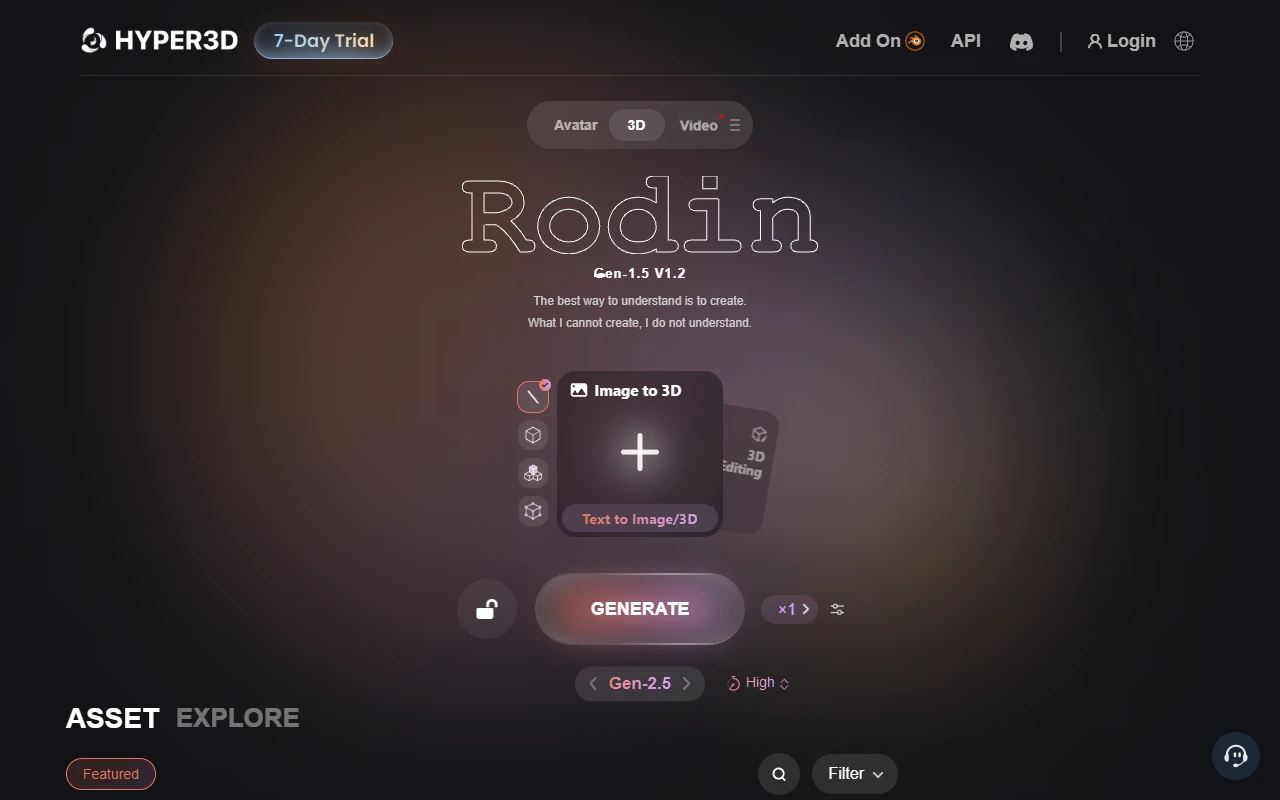
Rodin by Hyper3D focuses on 3D geometry generation: photorealistic quality at fast generation speeds. It ships a DCC Bridge with plugins for Blender, Unreal, Unity, Godot, Cinema 4D, Maya, 3ds Max, and Rhino, plus a ComfyUI integration, alongside its API. The workflow tooling is weak and collaboration is minimal, making it a strong 3D generation engine but a narrower production tool than a full pipeline platform.
Pros
- Good geometry quality — photorealistic output at fast generation speeds
- DCC Bridge plugins for Blender, Unreal, Unity, Godot, Cinema 4D, Maya, 3ds Max, and Rhino
- API access and ComfyUI integration for developers building custom 3D pipelines
Cons
- Weak workflow tooling — no production pipeline or task chaining
- Weak collaboration — not designed for team-based asset production
- Editing is very limited after a model is generated
- No image generation, video generation, or image editing pipeline
12Luma Labs — best for cinematic video generation
Luma Labs offers video generation and some 3D capabilities as part of a broader creative platform. In practice, Luma's focus is split between video and 3D in a way that leaves both pipelines feeling incomplete for game developers. Asset management is weak, there is no game development pipeline (no engine plugins, no rigging, no animation cycles), and the pricing is calibrated for marketing teams rather than game studios.
Pros
- Strong video generation quality
- Some 3D generation capability included
Cons
- Focus split between video and 3D — neither pipeline is fully built out for game dev
- Weak asset management — no project organisation or asset library tools
- No game development pipeline — no engine plugins, rigging, or animation cycles
- No image-to-3D model conversion for game-ready meshes
- Pricing calibrated for marketing teams — overkill cost for the game dev value delivered
13How to choose the right AI game asset tool
The best tool depends on your specific workflow. Use these decision points to narrow down your choice:
Do you need assets that land directly inside your game engine?
→ Use Rapid Assets.
It combines native one-click plugins for Unity, Blender, Unreal Engine, and Godot with a full image, 3D, and video generation pipeline in one account.
Do you need more than just 3D models — images, video, editing too?
→ Use Rapid Assets.
Meshy, Tripo AI, and Kaedim are 3D-only. If you need a complete creative pipeline in one account (image, 3D, video and editing together), Rapid Assets covers all four output types.
Are you a solo indie dev or small team with a tight budget?
→ Start with Rapid Assets' free tier.
Rapid Assets gives $10 in free credits at signup with no credit card. Kaedim and Layer AI require sales conversations. Meshy's free tier caps at 5–10 models with licensing restrictions.
Do you need the absolute highest-quality 3D meshes and can handle a 3D-only workflow?
→ Consider Meshy or Tripo AI.
Both are solid 3D-only tools. Meshy has a stronger community and texture pipeline; Tripo AI is faster with average auto-rigging. Neither covers images, video, or editing.
Are you a large studio needing style-consistent assets at massive scale?
→ Use Rapid Assets.
Rapid Assets supports consistent art style generation across a full project without the enterprise onboarding overhead. Scenario and Kaedim can also do this, but Scenario is built for 2D production at scale and Kaedim for style-consistent 3D hard-surface assets specifically. Both require significant budget and onboarding time.
Do you need game trailers and cinematic marketing video?
→ Use Rapid Assets.
Rapid Assets includes image-to-video generation as part of its full pipeline, covering trailers and gameplay previews alongside your other assets. If you need dedicated cinematic video tooling specifically, Luma Labs' Ray 3.2 model leads the field, and ImagineArt offers a wider model selection for image-plus-video creative campaigns.
14Frequently asked questions
Rapid Assets is a top choice for game developers because it combines native plugins for all four major engines (Unity, Blender, Unreal Engine, and Godot) with an interactive, chat-driven pipeline covering image generation, 3D model generation, image editing, video generation, and workflow automation in a single account. For pure 3D generation, Meshy and Tripo AI are solid alternatives, though they require separate tools for images, editing, and video.
Rapid Assets, Meshy, Tripo AI, and Kaedim all support image to 3D model conversion. Rapid Assets and Tripo AI offer the fastest fully automated pipelines. Kaedim adds a human review step for higher consistency on complex assets. Rodin (Hyper3D) also supports image-to-3D but only through its API: there is no user interface.
Rapid Assets supports native plugins for all four major engines (Unity, Blender, Unreal Engine, and Godot) in one subscription, alongside its full image, 3D, and video generation pipeline. Tripo AI also supports Godot alongside Unity, Blender, and Unreal.
Character turnaround refers to generating a character from multiple angles (front, side, three-quarter view, and back) to serve as reference sheets for 3D modelers, riggers, or as source images for image-to-3D pipelines. Rapid Assets supports multi-view character generation and character reference sheets natively. Meshy and Tripo AI can produce 3D characters that you can orbit yourself for reference views once the model is generated.
Most paid plans on these platforms allow full commercial use with complete IP ownership. The critical exceptions are free tiers: Meshy's free tier licenses assets under CC BY 4.0, which requires attribution and may conflict with your game's release requirements. Rapid Assets, Tripo AI's Pro plan, and Kaedim all grant full commercial ownership on paid plans. Always review a platform's licensing terms before shipping assets in a commercial title.
Rapid Assets offers the most generous starting point with $10 in free credits on signup and no credit card required. This gives you meaningful access to low poly 3D model generation, image generation, and editing before spending anything. Tripo AI's free tier allows roughly 8 models per month, and Meshy offers 100 monthly credits (around 5–10 models), both with output licensing restrictions on free accounts that Rapid Assets does not impose.