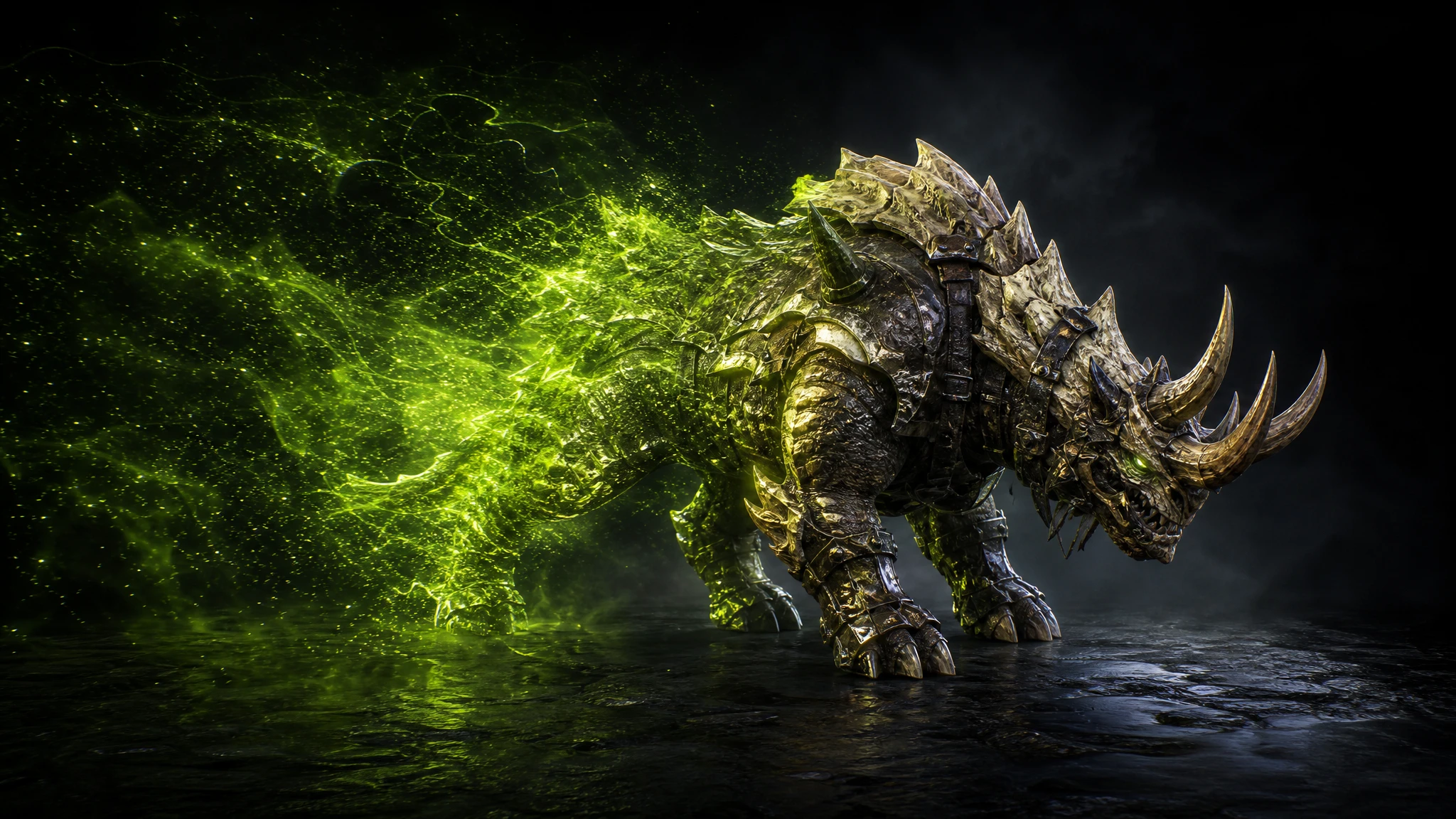
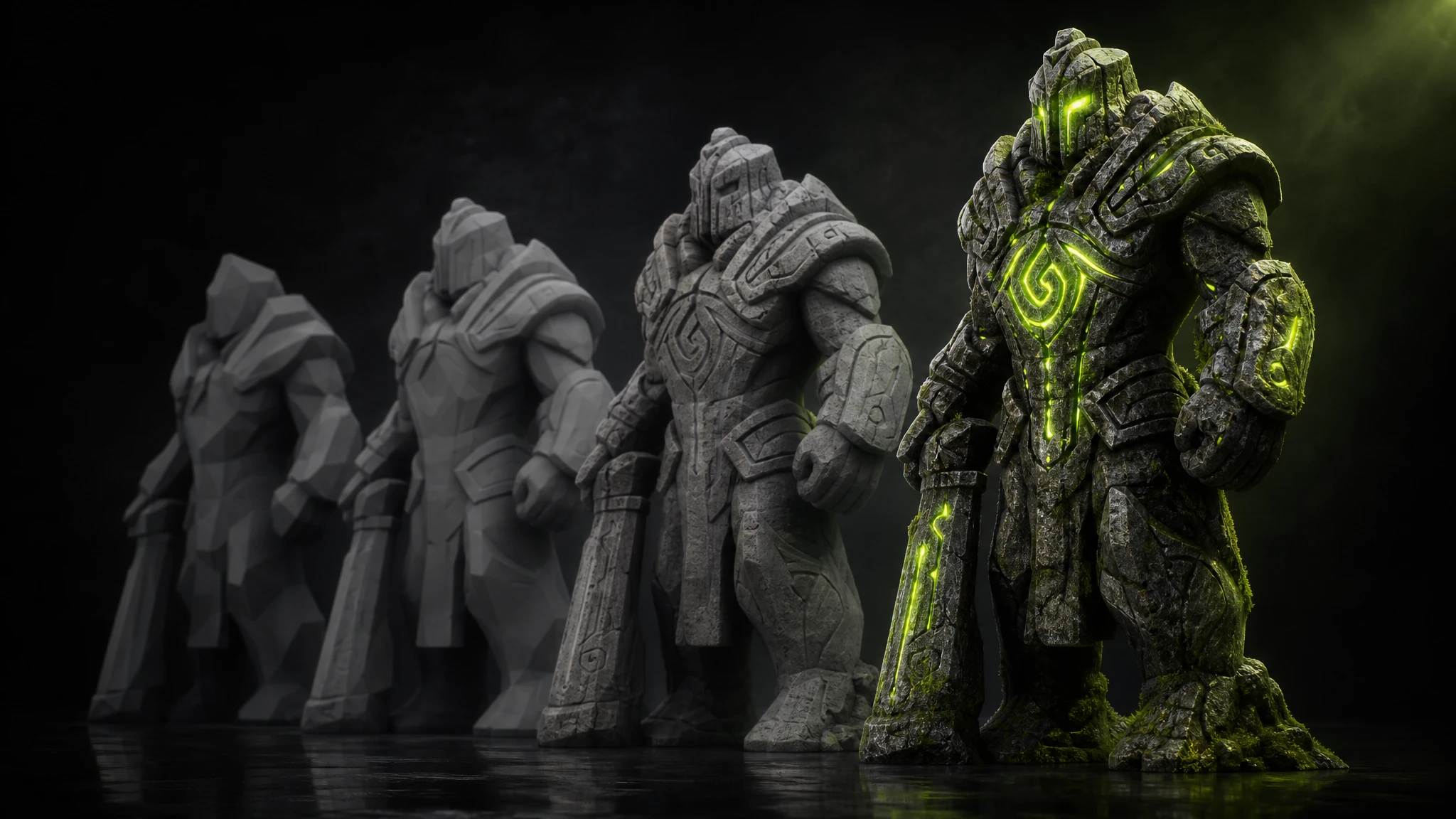
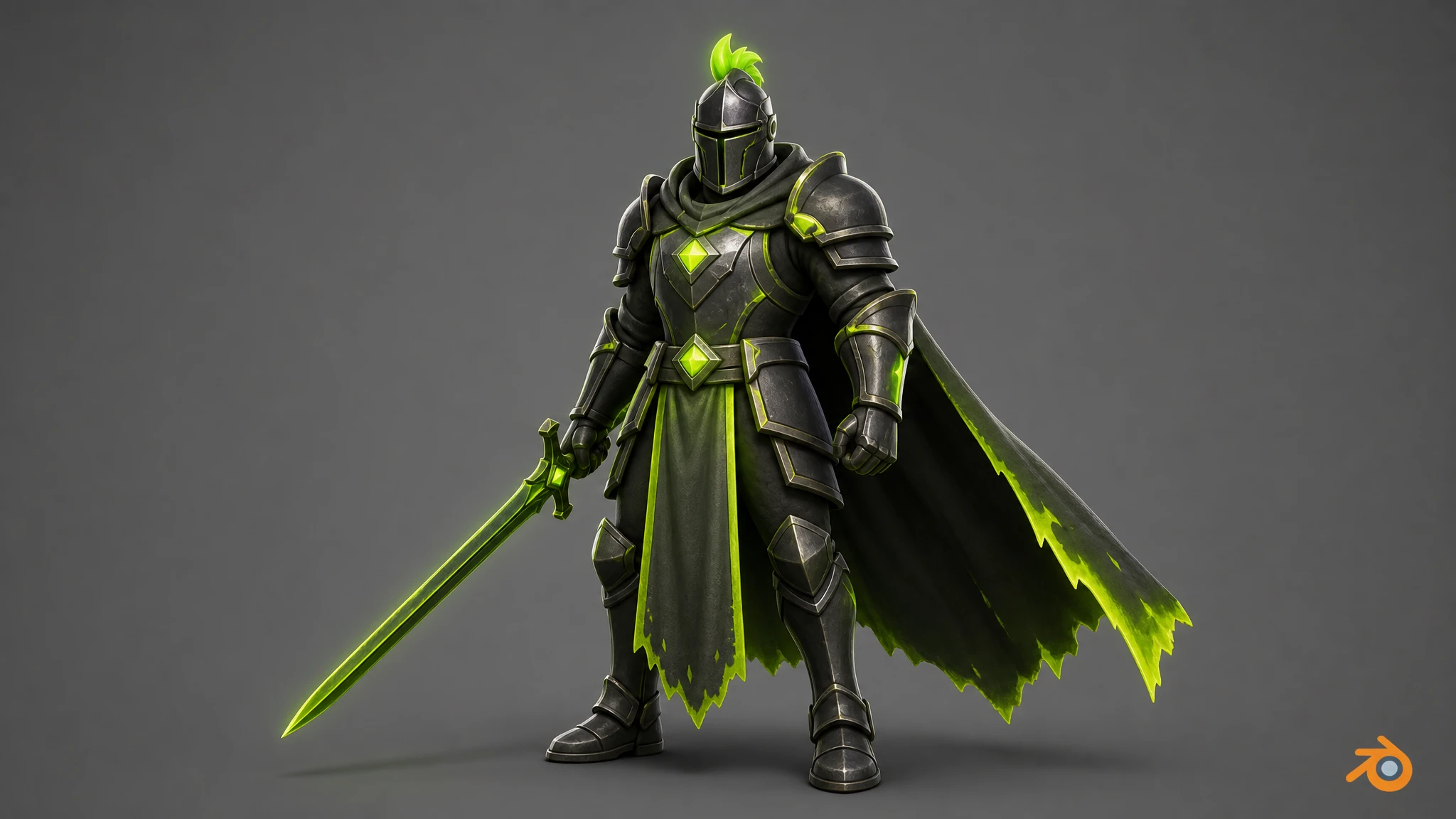
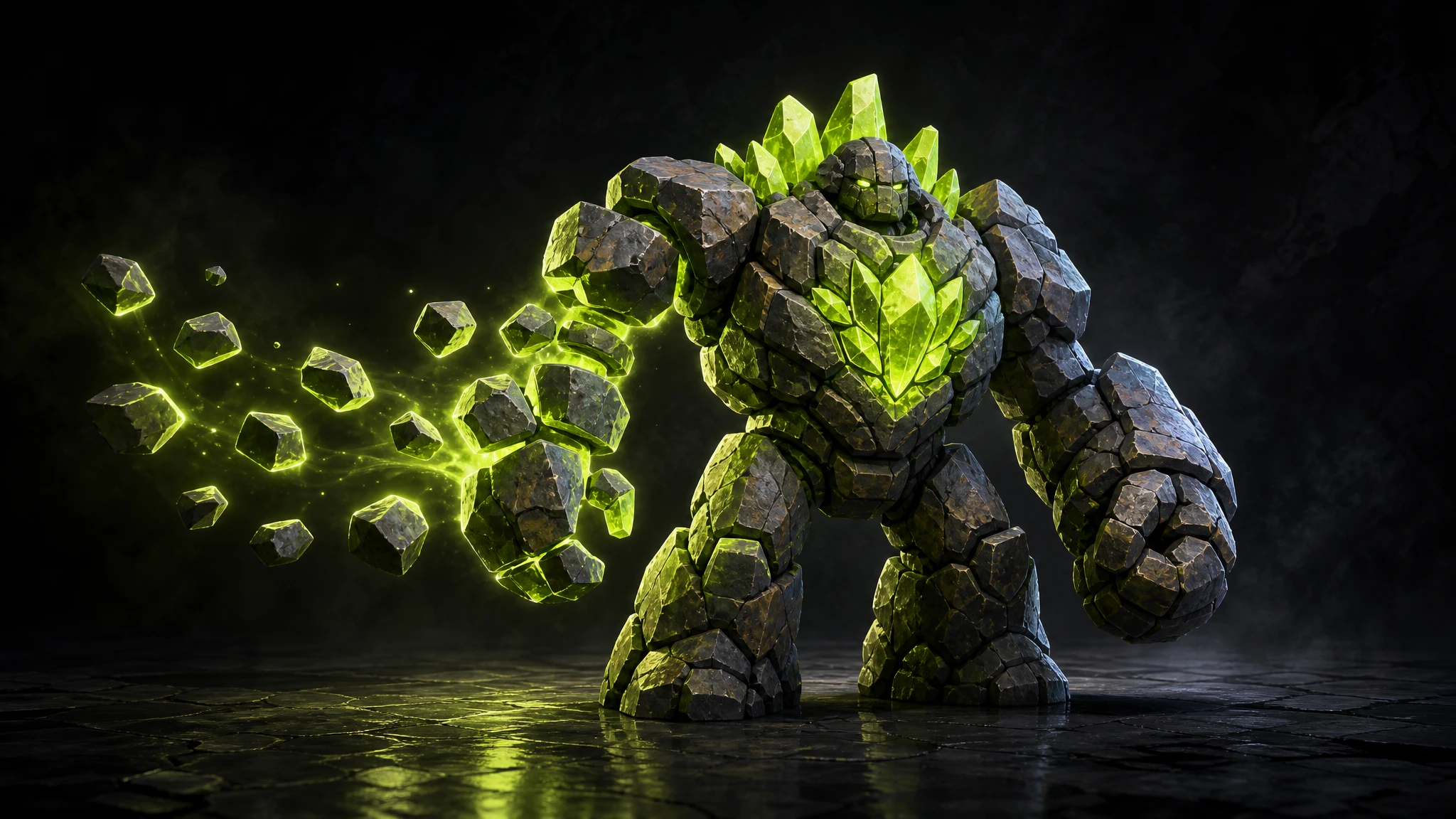
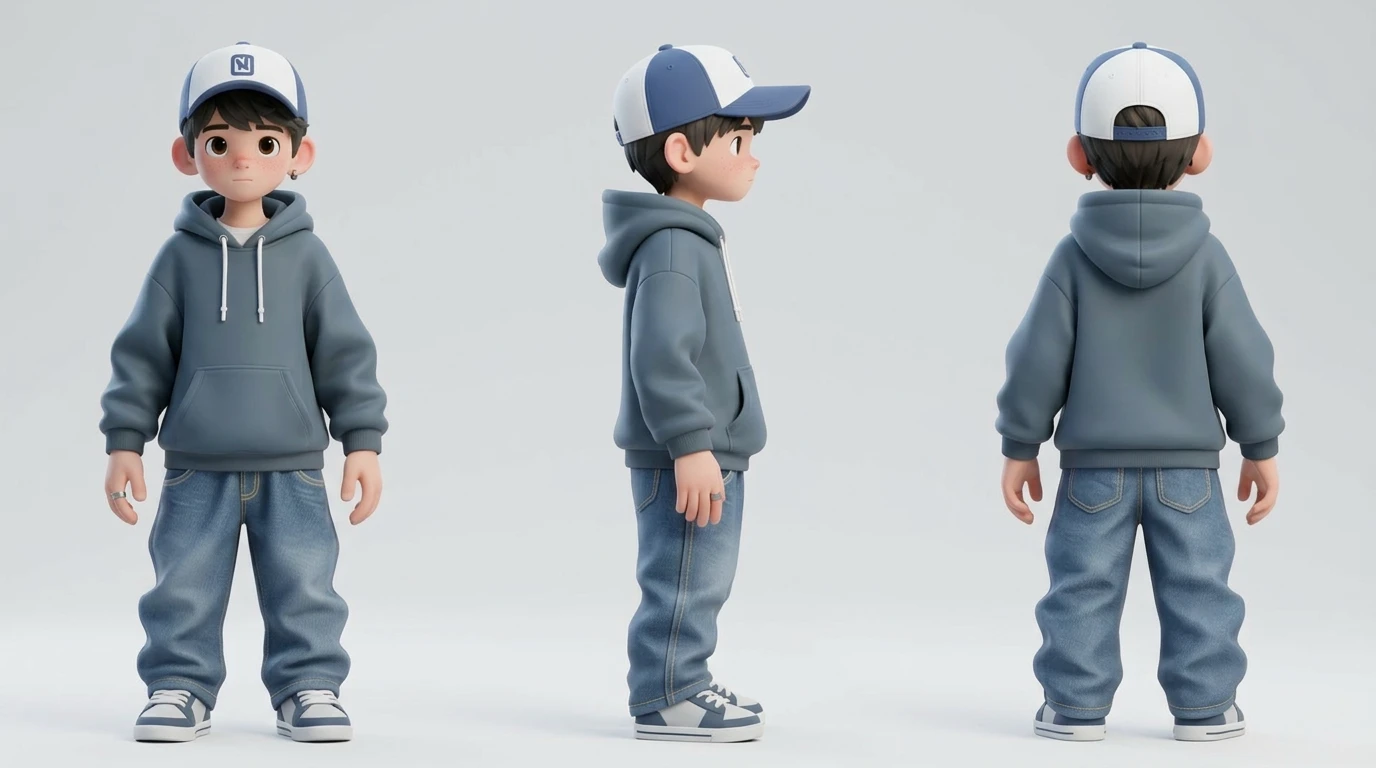
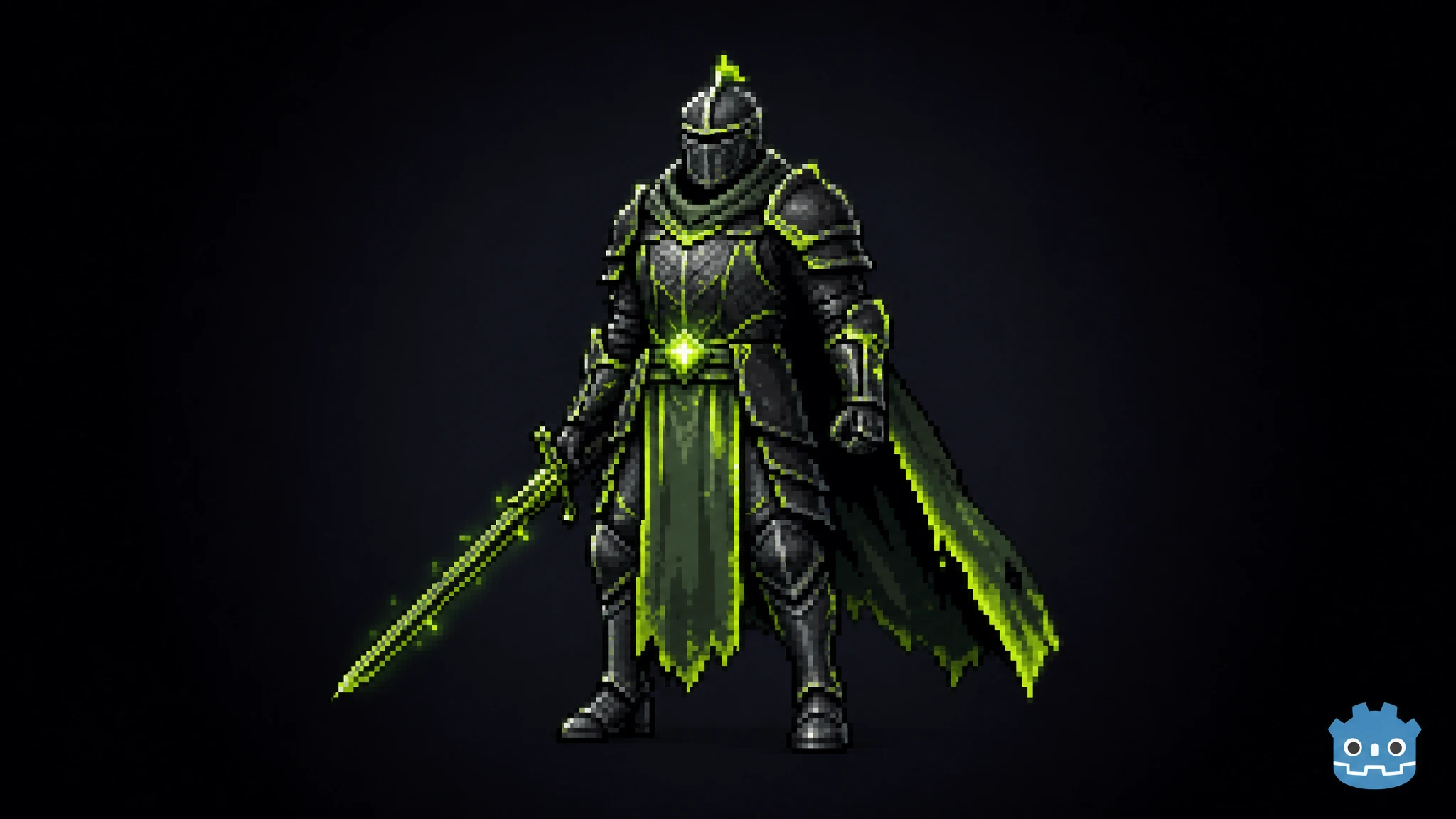
Upload any character and generate up to 4 pose variations — running, T-pose, fighting stance, crouching, jumping and more. The face, costume and art style stay perfectly identical across every pose. No rigging. No manual posing.
Input Character
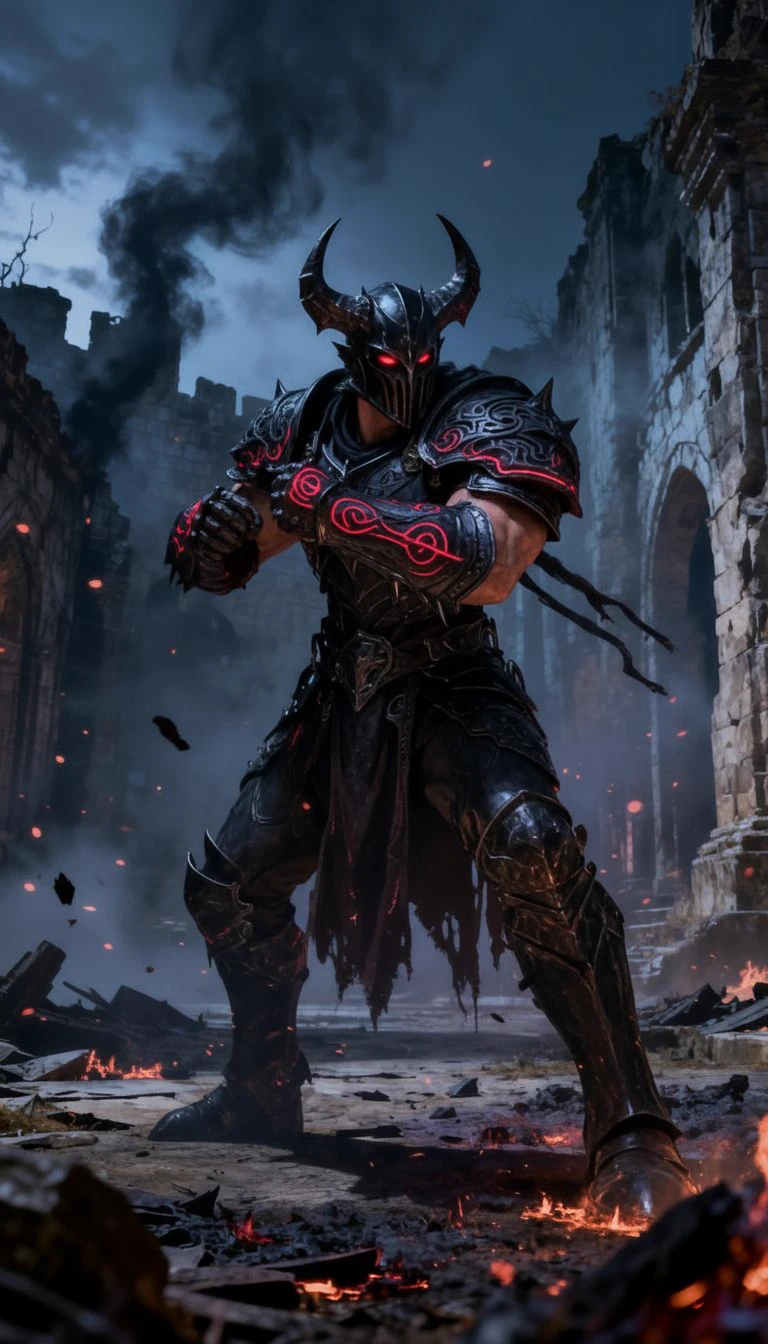
Fighting Stance
Running Charge
Leaping Attack
Power Pose
One input character → 4 instant pose variations. The costume, face and style stay perfectly identical.
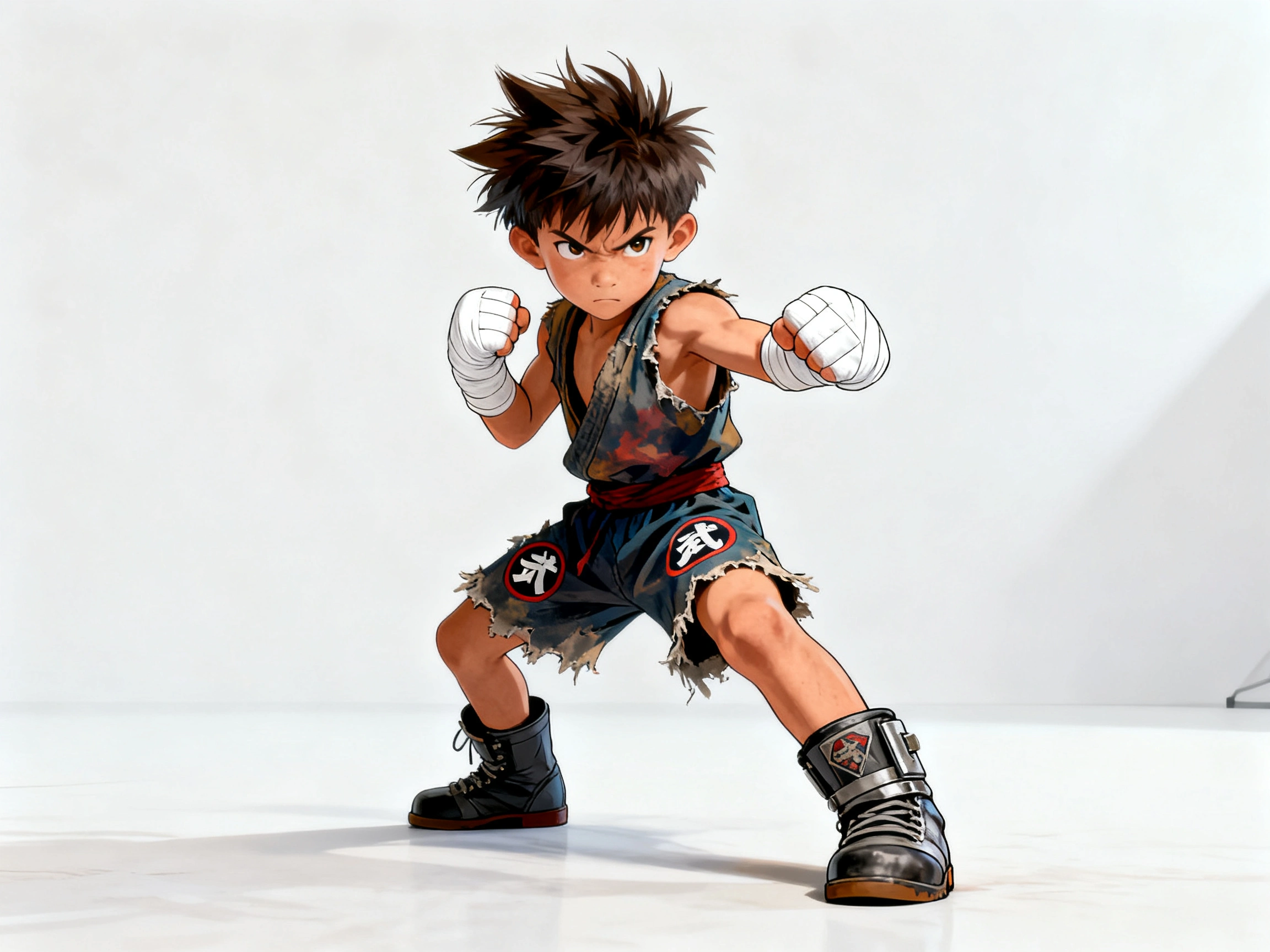
From fantasy warriors to 3D casual heroes and arcane spellcasters — generate up to 4 body poses from a single input. The character's face, outfit and art style stay locked across every output.
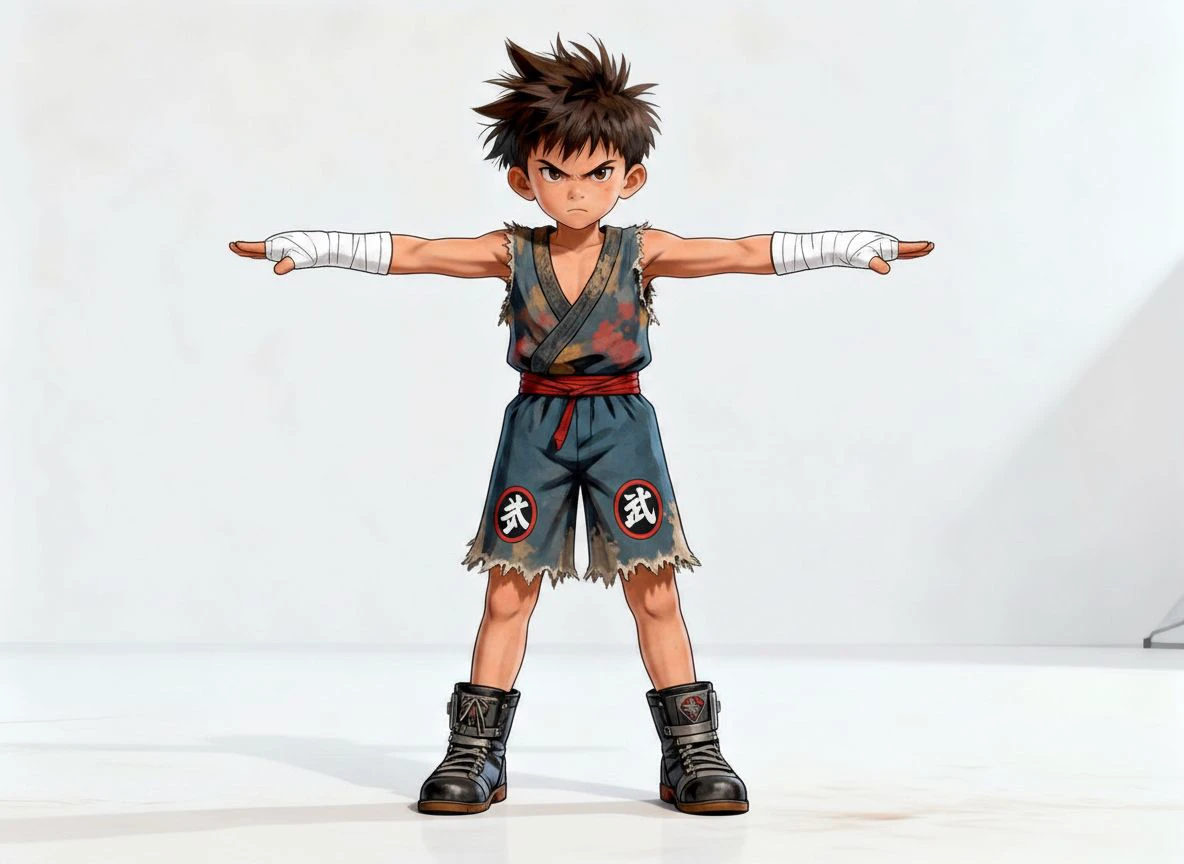
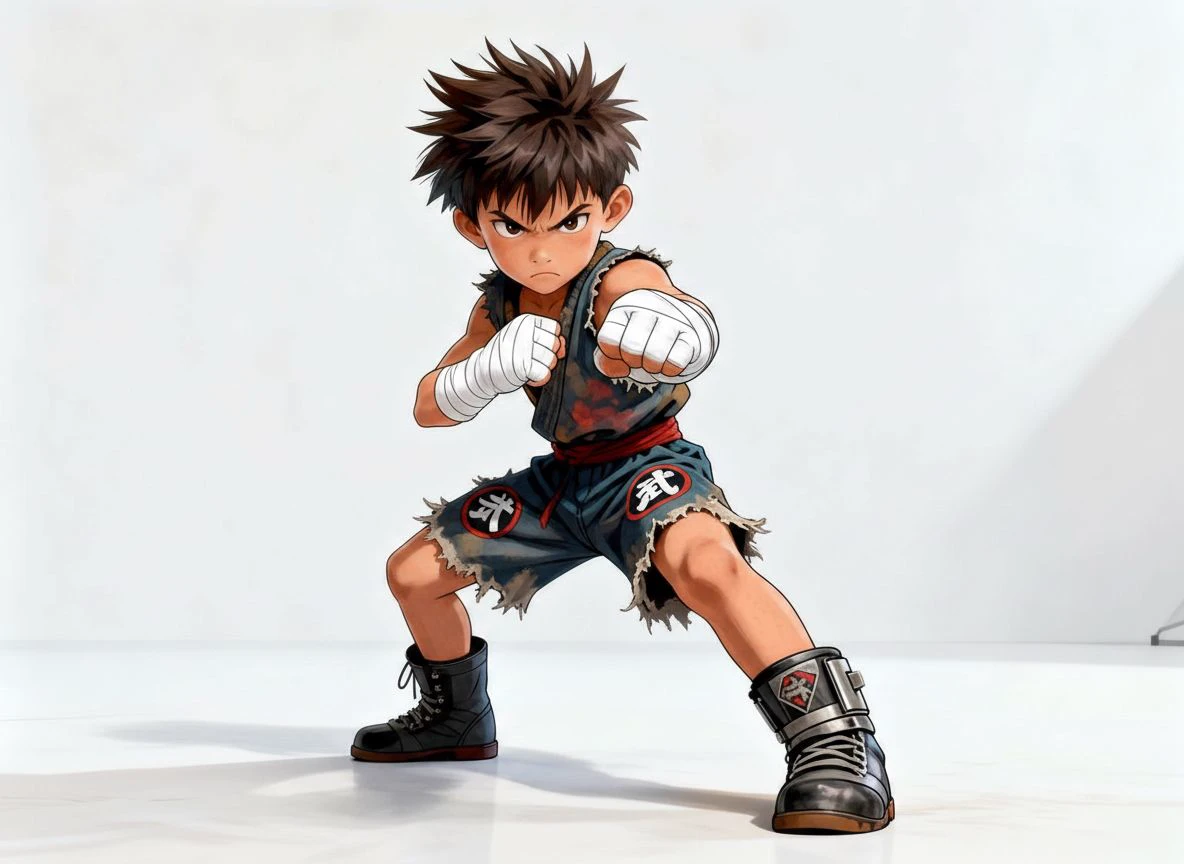
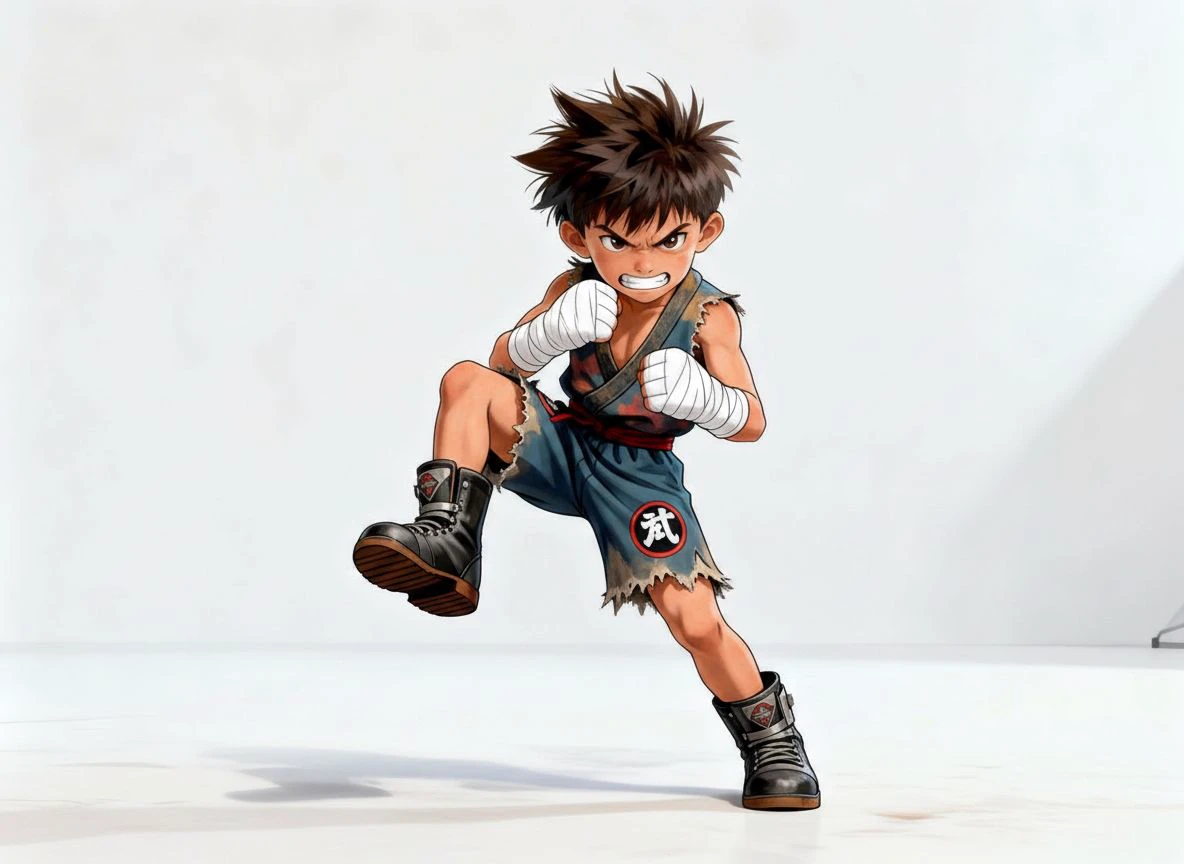
From a single standing input, generate the T-pose (the standard bind pose for rigging in Unity, Unreal and Blender) alongside a wide fighting stance and a running kick. Same outfit, same face, same character — three production-ready poses.
Input
T-Pose — for rigging
Fighting stance
Stomp Stance
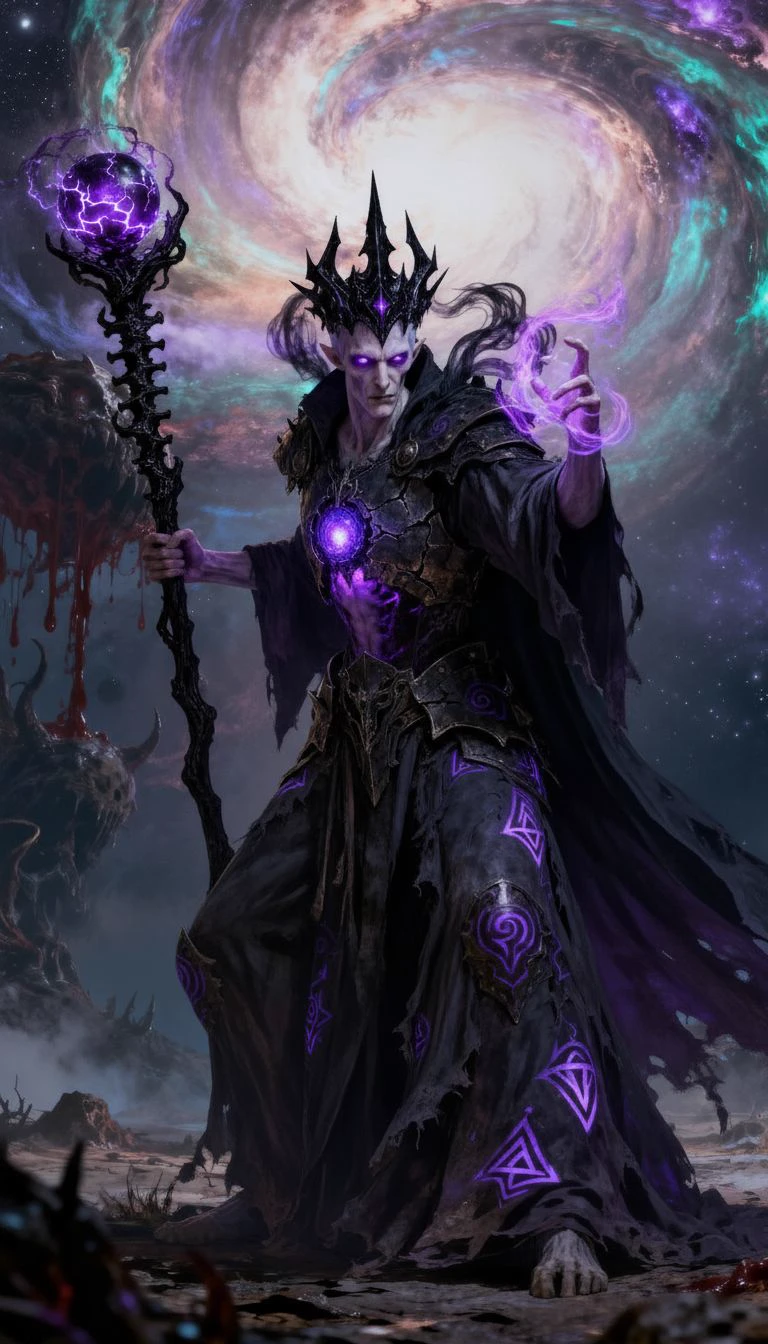
Flowing robes and magic effects are preserved just as cleanly as armor. From one standing input, this arcane sorceress generated a wide battle stance, a kneeling spell-cast, a defensive guard and a triumphant celebration — same robes, staff and glowing runes throughout.
Input
Battle stance
Spell-cast kneel
Defensive guard
Celebrating
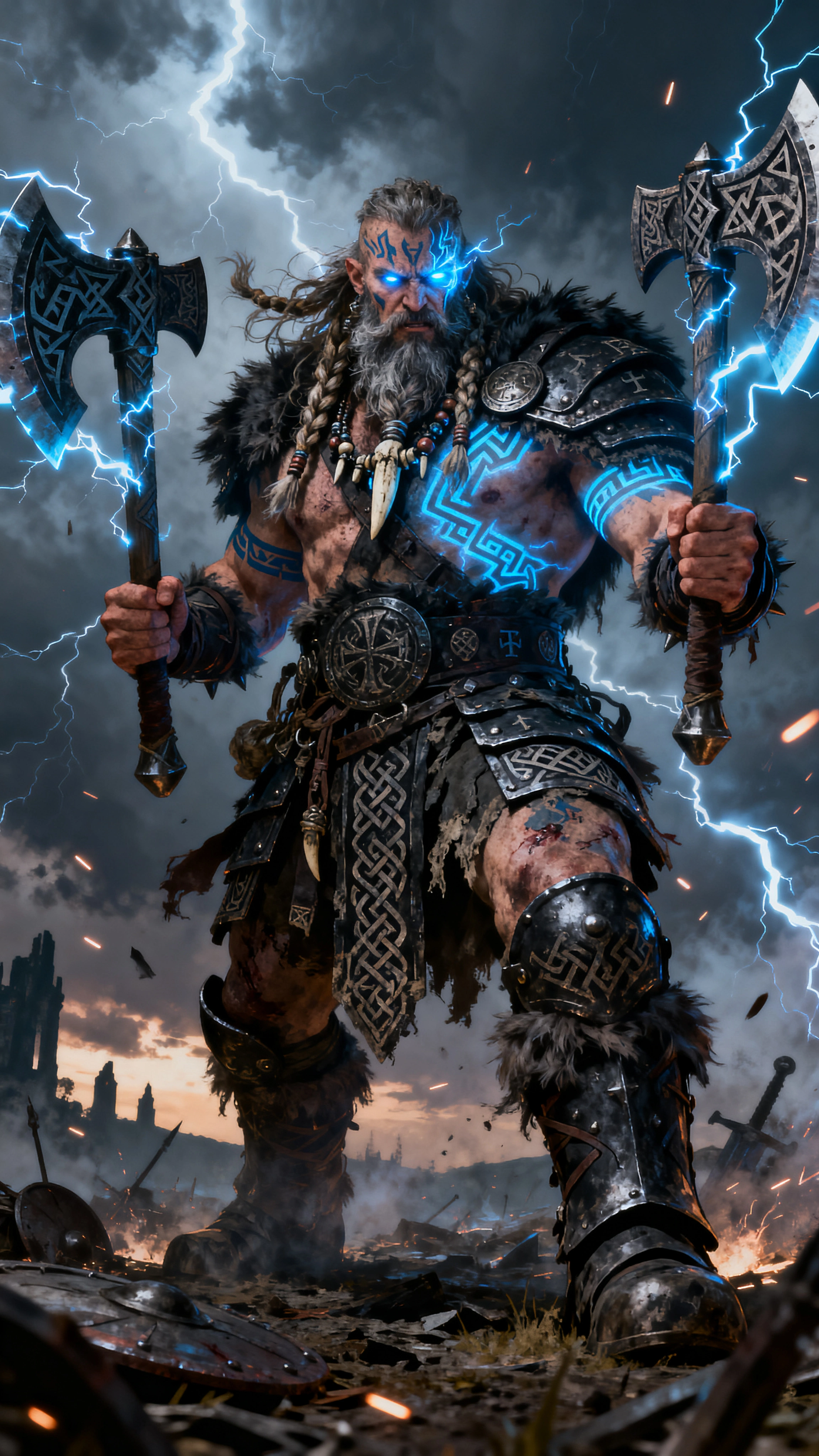
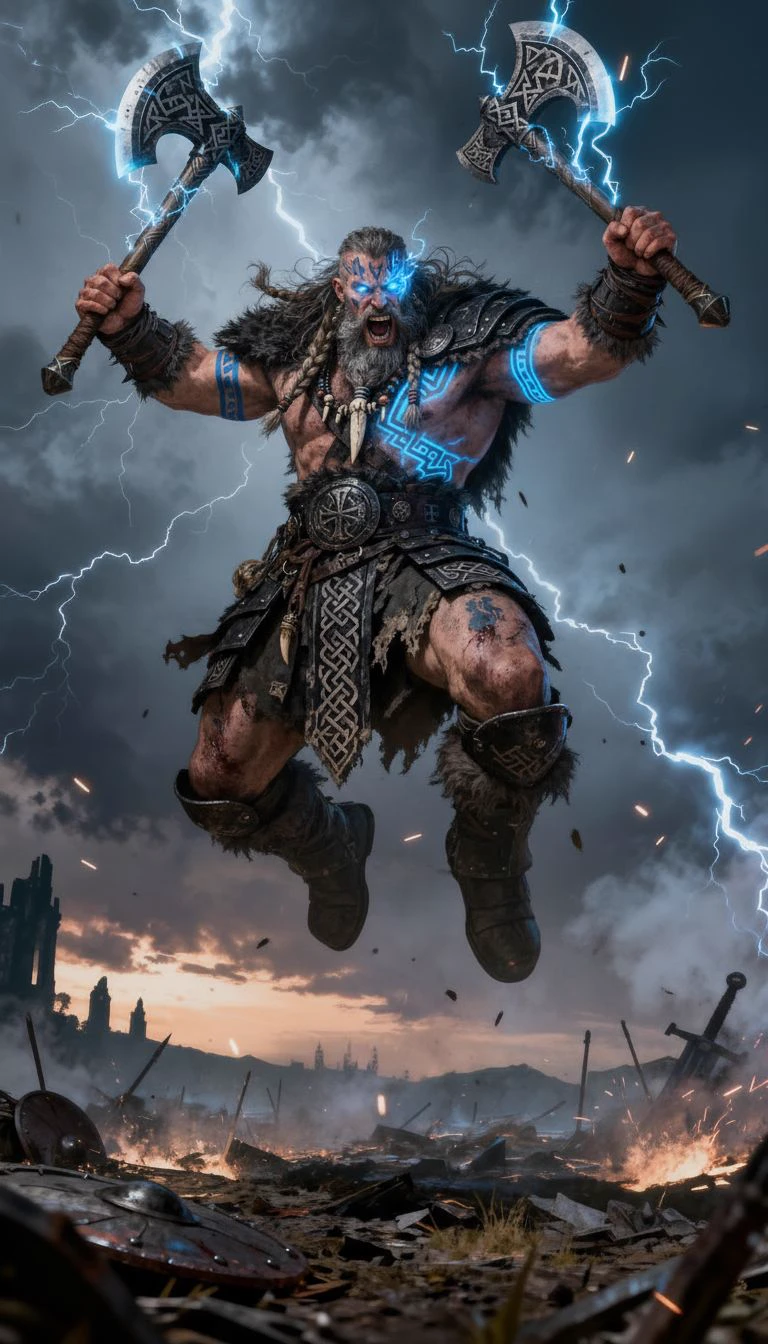
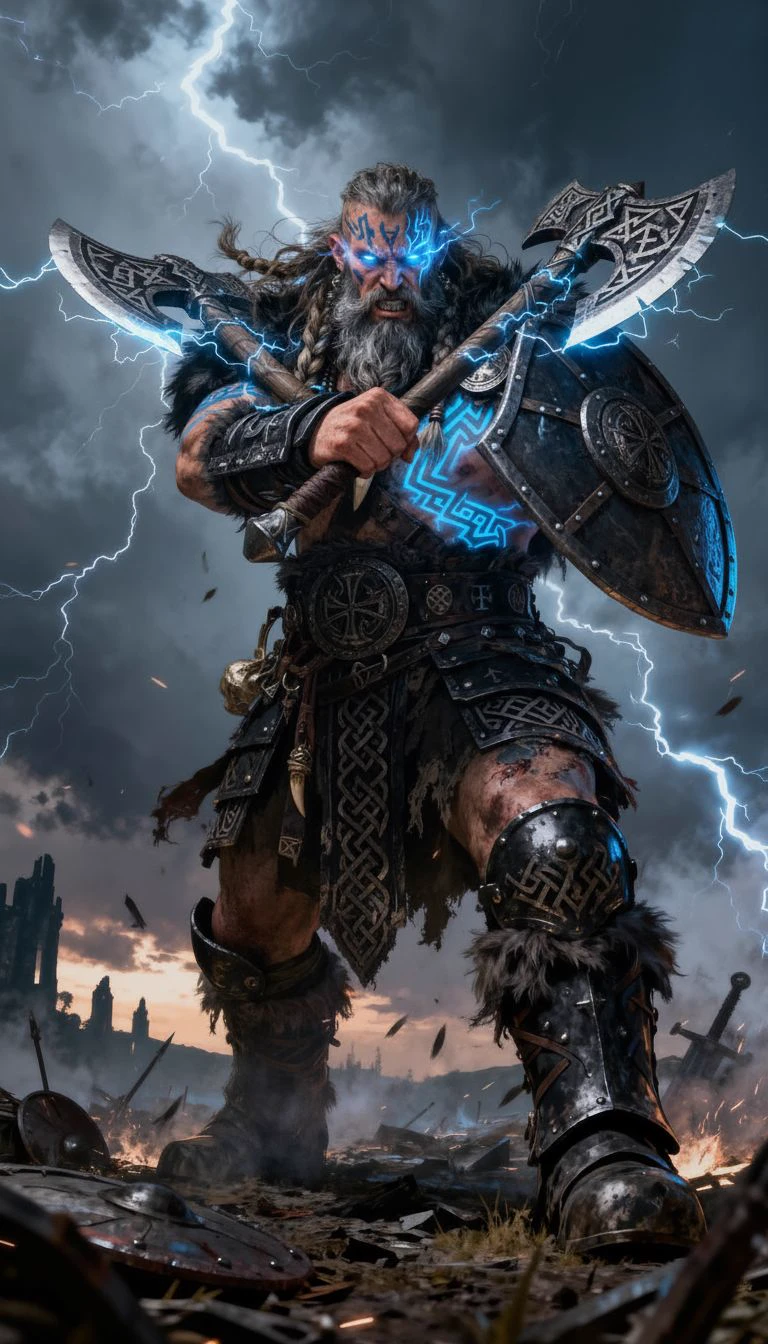
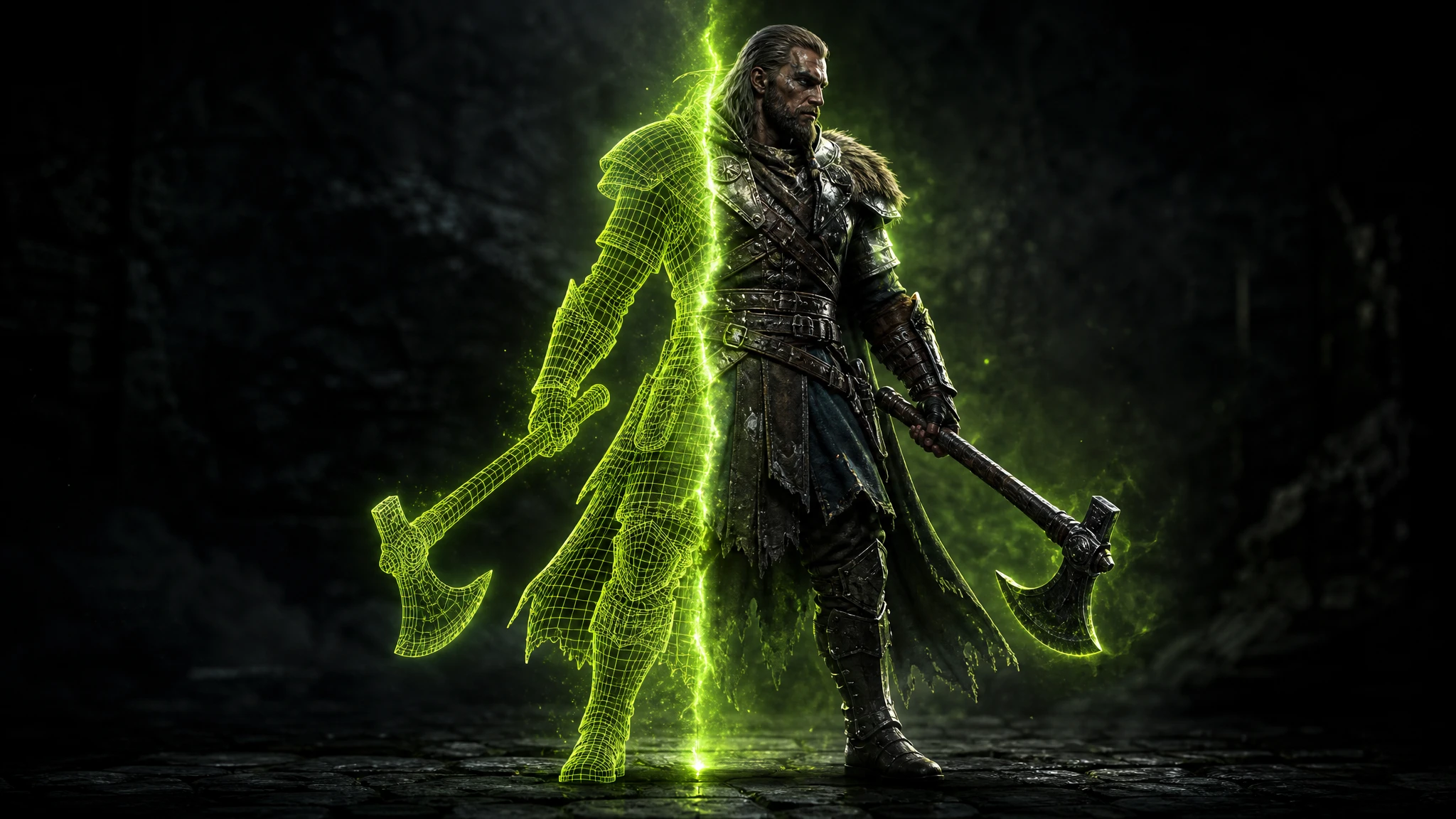
A dual-axe Nordic berserker generated four battle poses from a single input — a wide ready stance, an airborne leaping strike, a crossed-axe guard and a charging advance. The lightning-rune tattoos, fur armor and twin axes stay perfectly consistent across all four.
Input
Battle stance
Leaping attack
Guard stance
Charging
No rigging, no keyframing, no 3D software. Upload your character, pick up to 4 poses, and get all outputs in seconds.
Upload any PNG, JPG or WebP character image — AI-generated, hand-drawn or 3D rendered. The AI locks the face, costume and style as your reference across every pose output.
Select from running, T-pose, fighting stance, crouching, jumping, leaping attack, defeated, victory and more. Mix any combination freely — even a T-pose alongside action poses in one run.
Get up to 4 high-resolution pose outputs per generation — exported as PNG, ready for Unity, Unreal, Blender, or any design and animation pipeline.
A pose variation generator takes one input character image and produces multiple versions of it — each in a different body posture — while keeping the face, costume and art style completely identical.
One locked character. Up to 4 poses. Zero manual rigging or keyframing required.
Try it for Free
Game characters need a T-pose for rigging, running and idle for animation cycles, attack poses for combat and defeated poses for story beats. Commissioning all of those per character takes hours.
With Rapid Assets you generate every body pose in seconds — from a single input image — and drop them straight into your engine or animator's timeline.
Start for Free
Real pose variations generated by game developers, animators and artists. Hover to pause the reel and take a closer look.
Sorceress · Battle Stance
Berserker · Leaping Attack
Anime Fighter · T-Pose
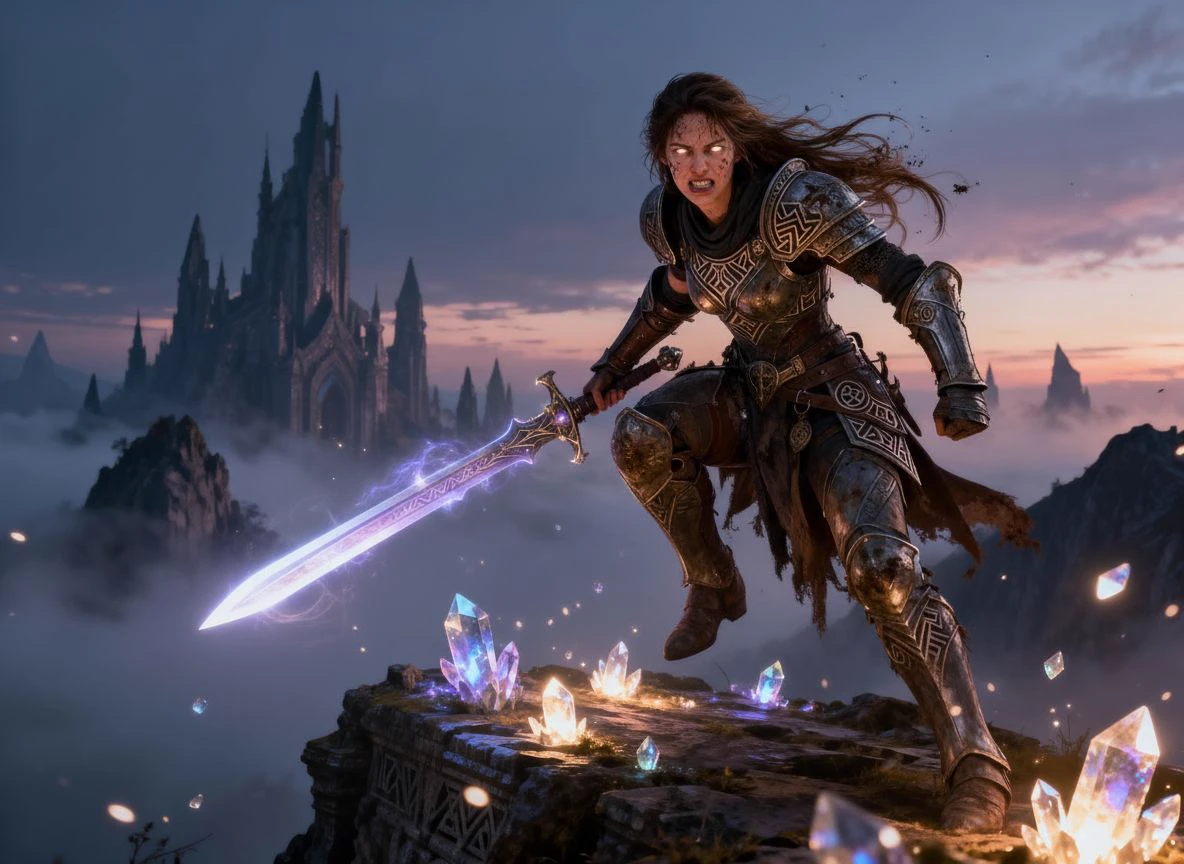
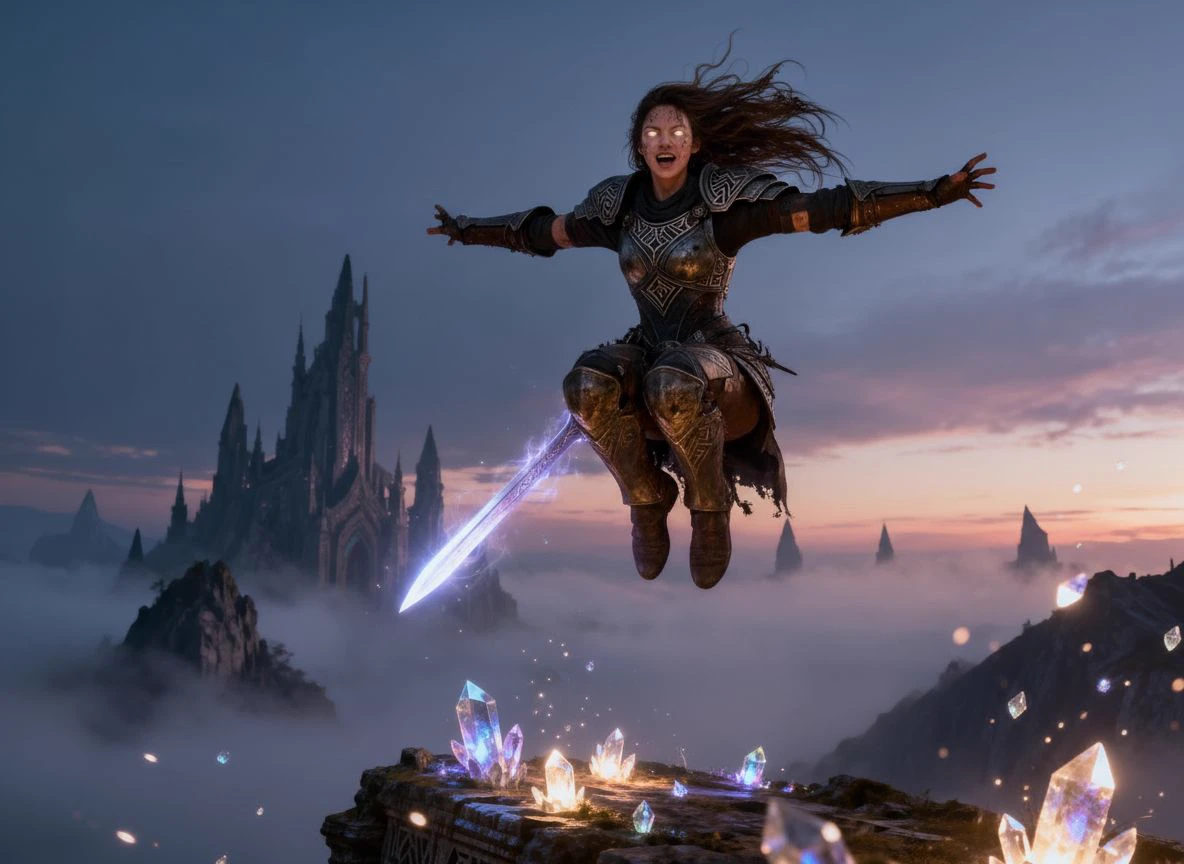
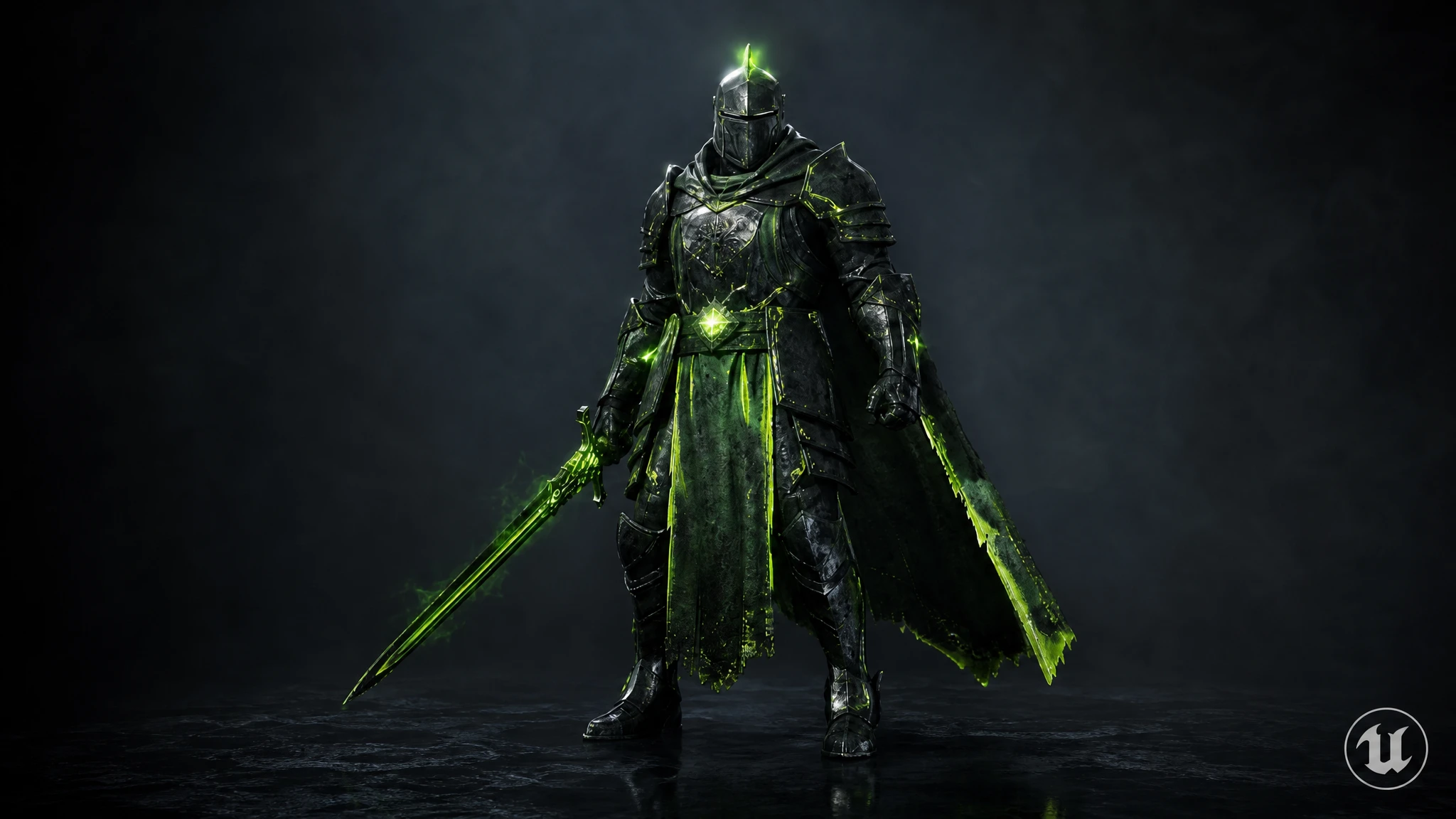
Crystal Knight · Running Attack
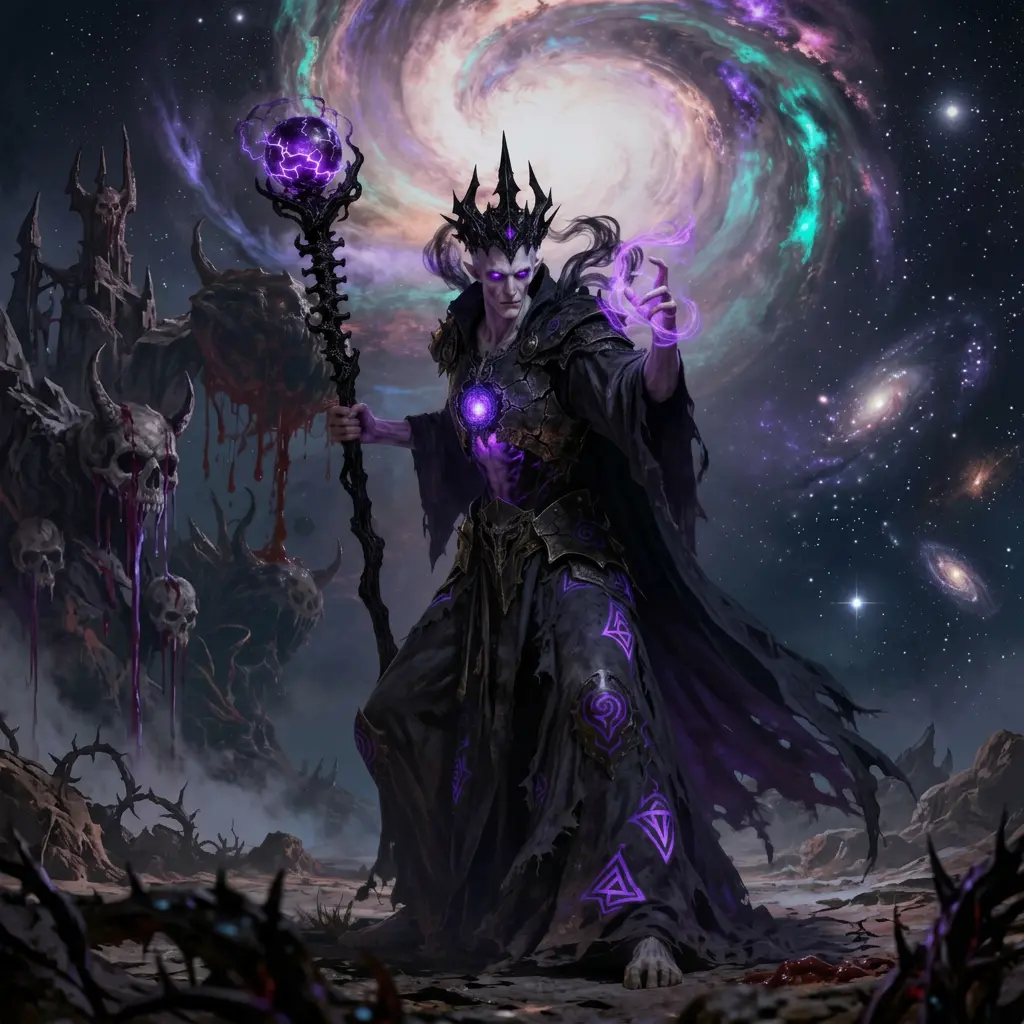
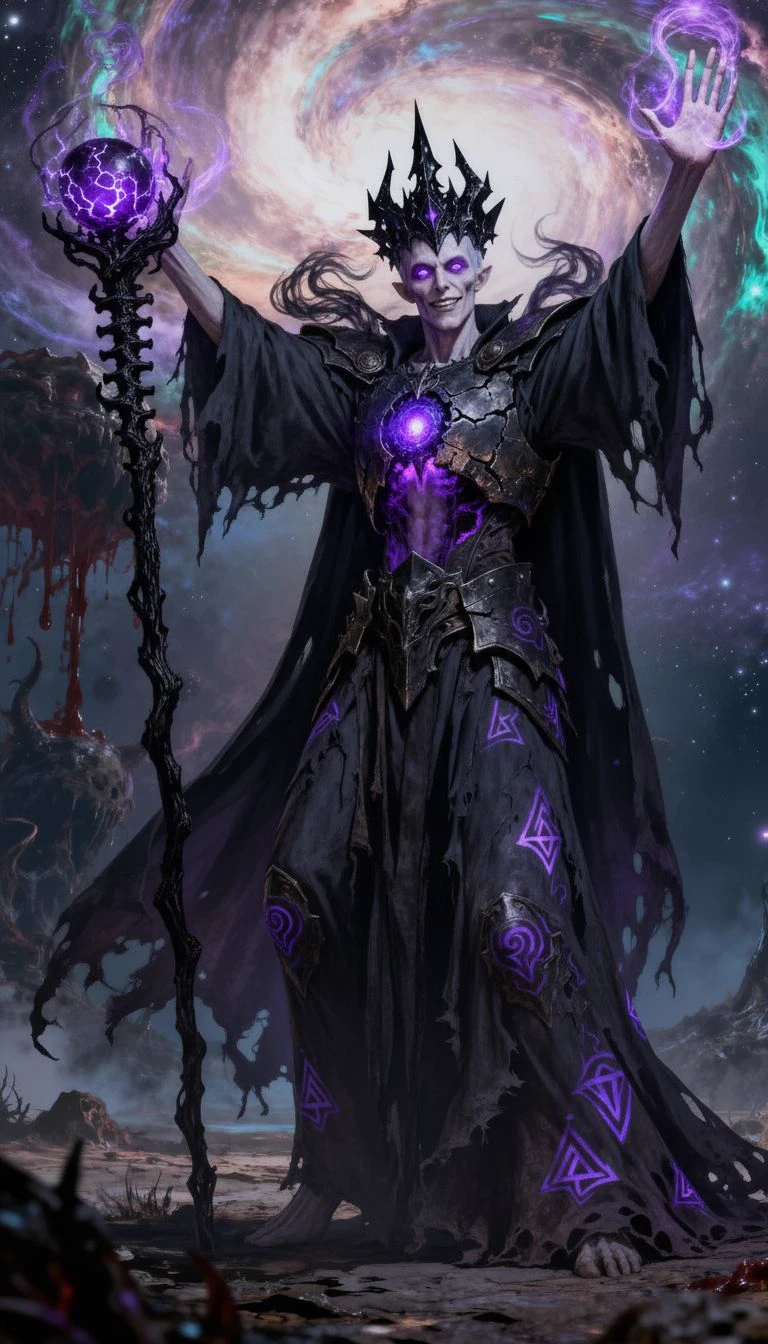
Void Warlock · Arms Raised
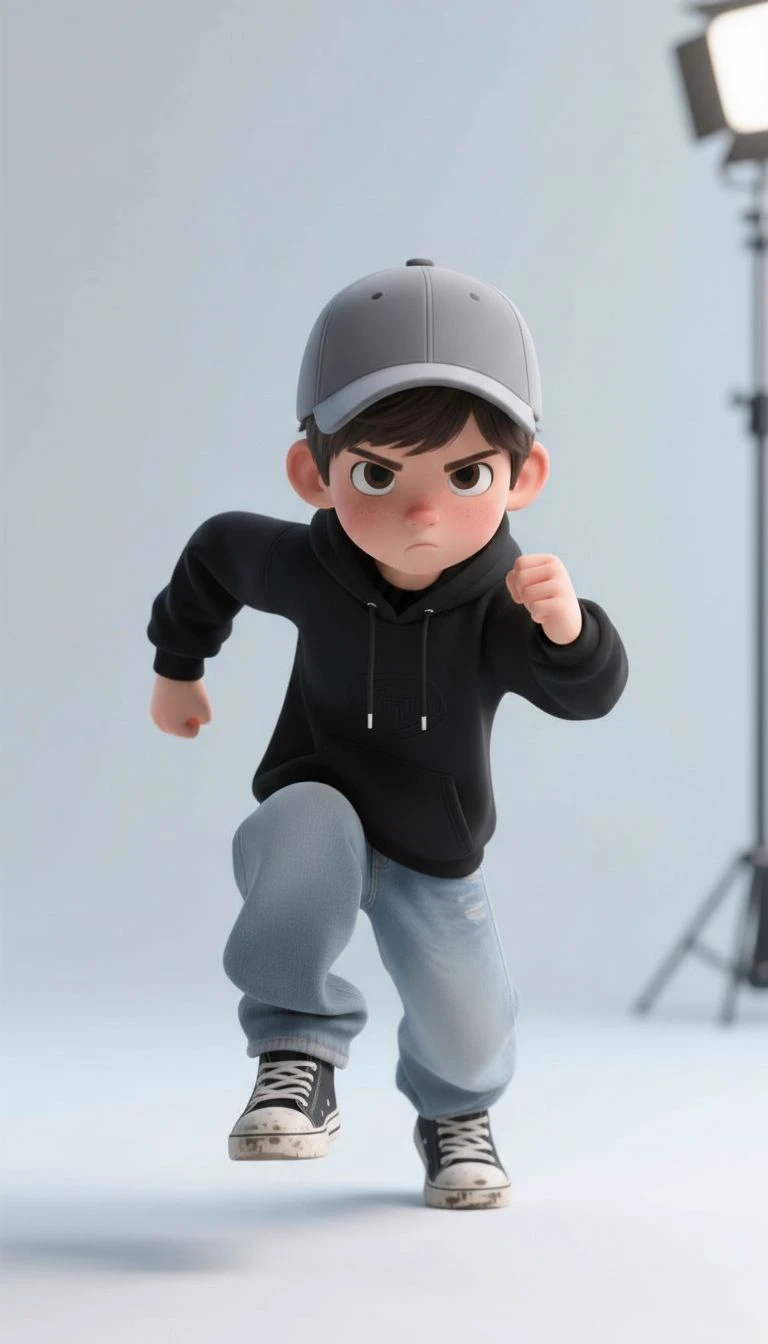
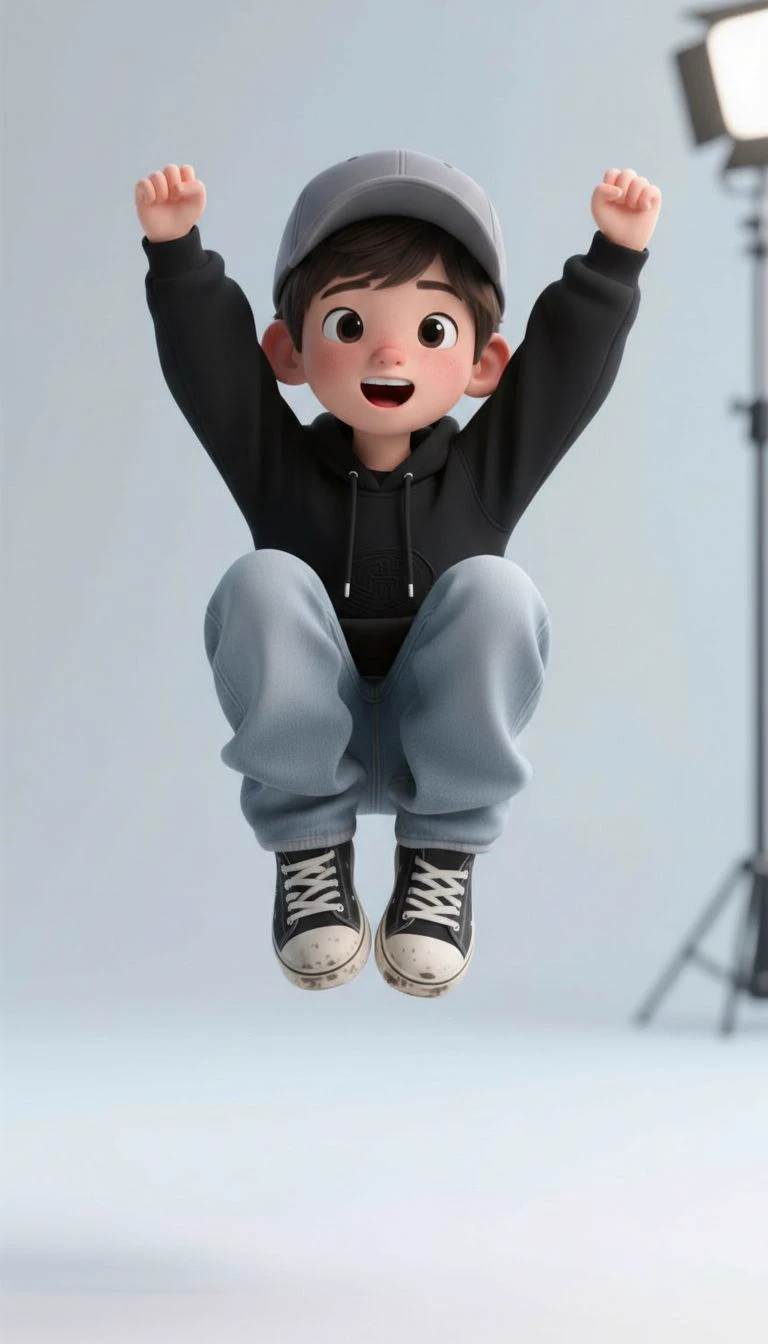
Hoodie Boy · Celebrating
Adventure Boy · T-Pose
Sorceress · Battle Stance
Berserker · Leaping Attack
Anime Fighter · T-Pose
Crystal Knight · Running Attack
Void Warlock · Arms Raised
Hoodie Boy · Celebrating
Adventure Boy · T-Pose
Sorceress · Spell Kneel
Berserker · Battle Stance
Hoodie Boy · Running
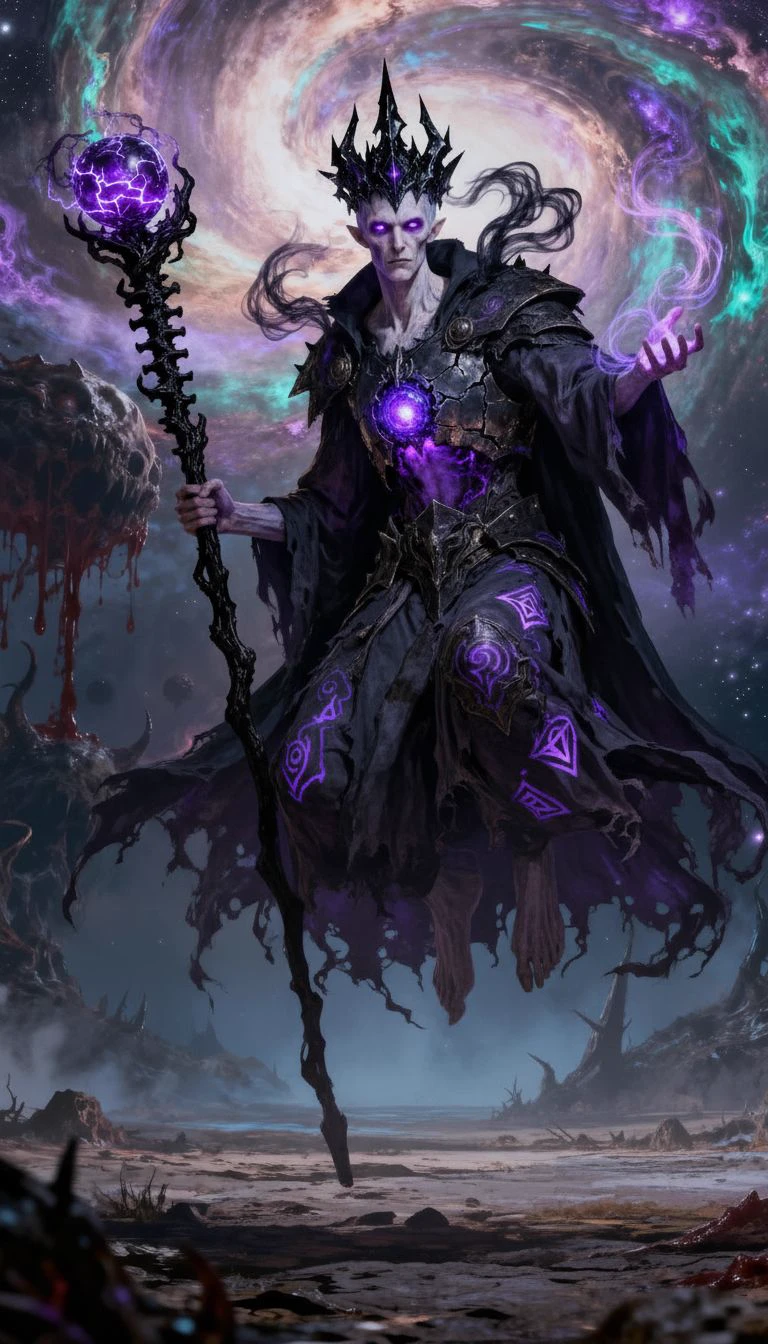
Void Warlock · Levitating
Crystal Knight · Aerial Leap
Adventure Boy · Running
Dark Knight · Combat Stance
Sorceress · Spell Kneel
Berserker · Battle Stance
Hoodie Boy · Running
Void Warlock · Levitating
Crystal Knight · Aerial Leap
Adventure Boy · Running
Dark Knight · Combat Stance
Berserker · Guard Stance
Anime Fighter · Running Kick
Shaman · Leaping Attack
Sorceress · Celebrating
Hoodie Boy · Joy Jump
Void Warlock · Casting
Adventure Boy · Defeated
Crystal Knight · Sword Thrust
Berserker · Guard Stance
Anime Fighter · Running Kick
Shaman · Leaping Attack
Sorceress · Celebrating
Hoodie Boy · Joy Jump
Void Warlock · Casting
Adventure Boy · Defeated
Crystal Knight · Sword ThrustHover over the gallery to pause · move your cursor away to keep it rotating
Export every pose variation as high-resolution PNG — ready for animation reference, rigging pipelines, sprite sheets and character art in any major engine.
Pair pose variations with the rest of the Rapid Assets character pipeline.
Generate 3D game assets from a text prompt — characters, weapons, creatures and environments with PBR textures, quad topology, LODs and GLB/FBX export. Free to start.
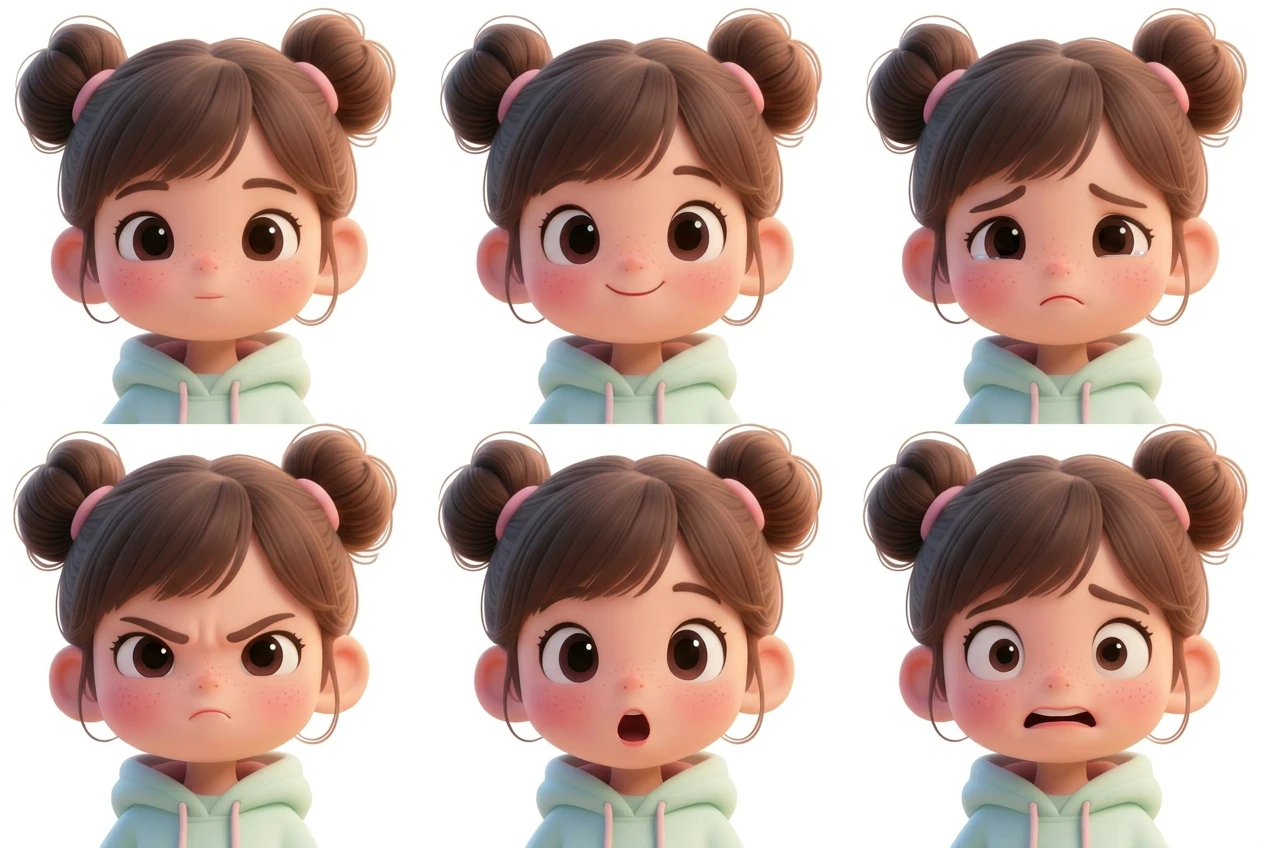
Read more →Generate a complete facial expression sheet with AI — up to 9 emotions per sheet including happy, sad, angry, surprised and more. Perfect for game characters, anime, animals and anthropomorphic designs. Free to start.
Read more →
Rapid Assets is a free Unreal Engine plugin that generates production-ready images and 3D models from text and imports them straight into your Content Browser.
Read more →
Rapid Assets is a free Unity plugin that generates production-ready images and 3D models from text, runs 6 AI workflows, and imports everything straight into your Assets folder. Built for indie devs, studios, and technical artists.
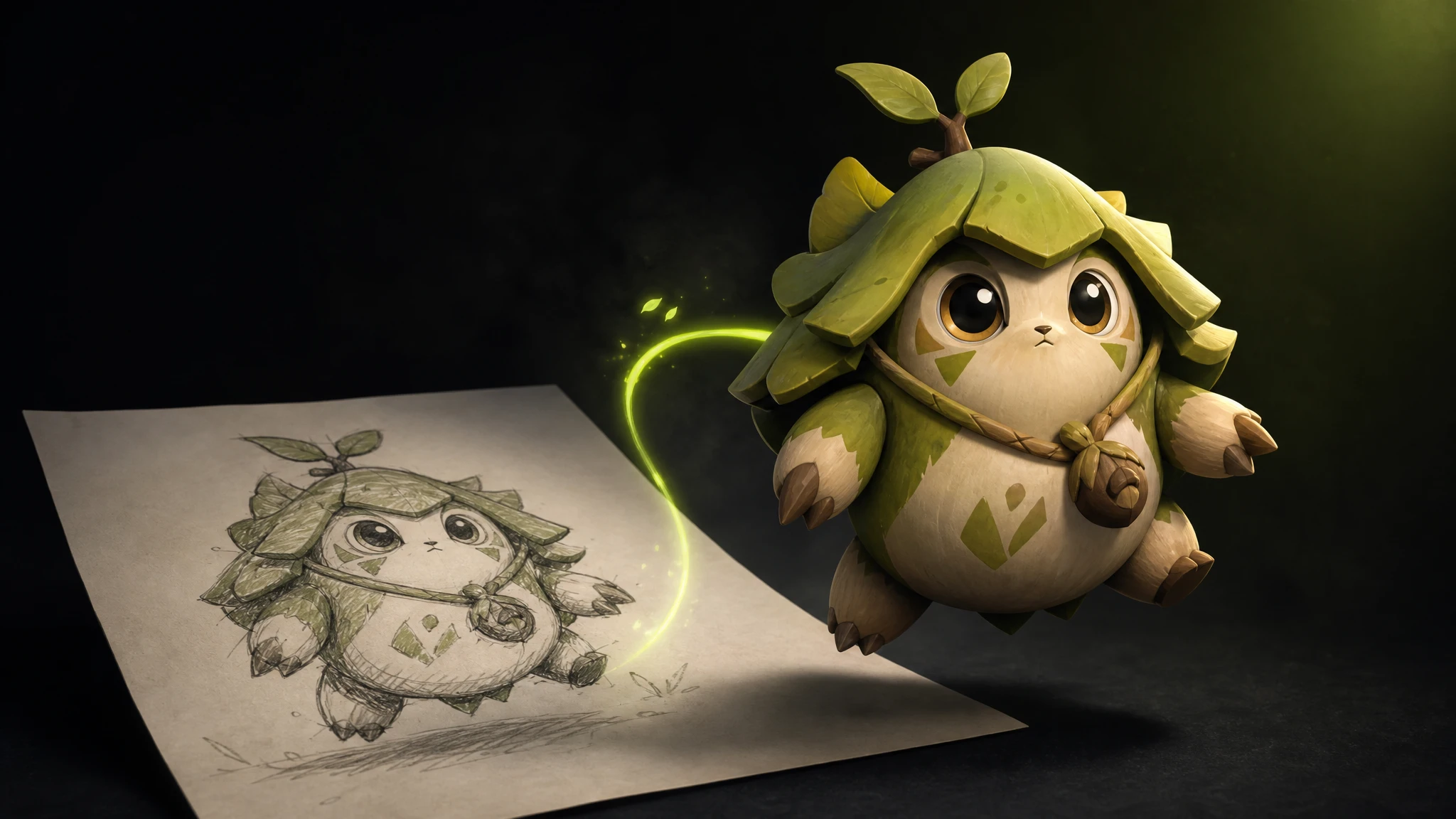
Read more →Free image to 3D generation — upload a sketch, concept art or photo and turn it into a fully textured 3D model in seconds. GLB & FBX export, PBR materials, no credit card.
Read more →Free 3D model generation — create game-ready 3D models from a text prompt or an image in seconds. Characters, creatures, props and weapons with PBR textures, quad or triangular topology, GLB/FBX export.
Read more →Generate one AI character and reuse it across every pose, scene, expression, turnaround and edit — the face, outfit and design stay perfectly consistent every time. Free to start.
Read more →The best free Meshy alternatives for AI 3D model generation in 2026. We rank Rapid Assets, Rodin AI, Tripo AI and Sloyd by free tier, pricing, licensing and game-readiness — so you know what you actually get before you pay.
Read more →Generate unlimited AI image variations from any image — change colors, outfits, backgrounds, art style or time of day while keeping the subject identical. Free to start.
Read more →
The best AI 3D model generator, image to 3D model converter, and best 2D to 3D ai converter for game developers in 2026. We compare 11 platforms — Rapid Assets, Meshy, Tripo AI, Kaedim and more — with pricing, pros, cons and a clear winner.
Read more →Free mythical creature and monster generator — describe a dragon, hydra, lich or eldritch horror and get concept art or a game-ready 3D creature in seconds. PBR textures, quad topology, GLB/FBX export.
Read more →Learn how to create low poly 3D models with AI — generate a model, then reduce it to a game-ready low poly mesh (under 20K faces). Free to start, GLB & FBX export, quad or triangular topology.
Read more →Lock one art style and generate every character, environment, vehicle and prop in that exact look — pixel art, anime, watercolor, cel-shaded cartoon and more. Perfectly consistent game art, every time. Free to start.
Read more →
Rapid Assets is a free Blender plugin that generates production-ready images and 3D models from text and imports them straight into your Blender scene.
Read more →Free text to 3D generation — type a prompt and get a production-ready 3D model in seconds. Characters, creatures, props and weapons with PBR textures, GLB/FBX export. No credit card.
Read more →
Create a professional character turnaround sheet in seconds with Rapid Assets' AI. Generate consistent front, side & back views for characters, objects, animals and any image. Free to start.
Read more →
The best free AI tools for game art in 2026 — sprite sheets, pixel art generator, image to 3D model, video game art, and character turnaround. We rank 7 platforms so you know exactly what you get free before spending a dollar.
Read more →
Rapid Assets is a free Godot plugin that generates production-ready images and 3D models from text and imports them straight into your project FileSystem.
Read more →
Share any Rapid Assets project with a collaborator via a single link. They can browse every generation, download assets, and review your work — all without touching your settings.
Read more →An AI pose variation generator takes any character image and produces multiple versions of it — each in a different body pose — while keeping the character's costume, face and art style completely identical. You can generate running, T-pose, fighting stance, crouching, jumping and more from a single input.
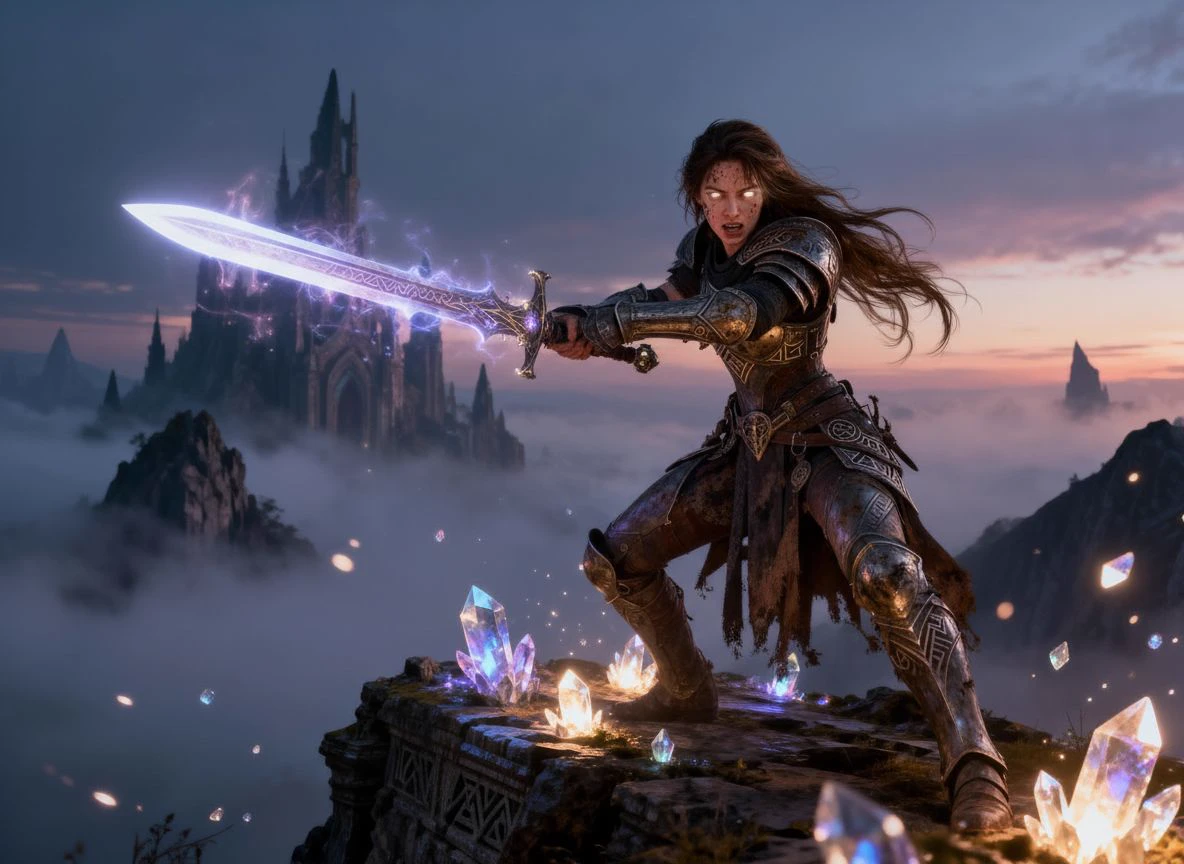
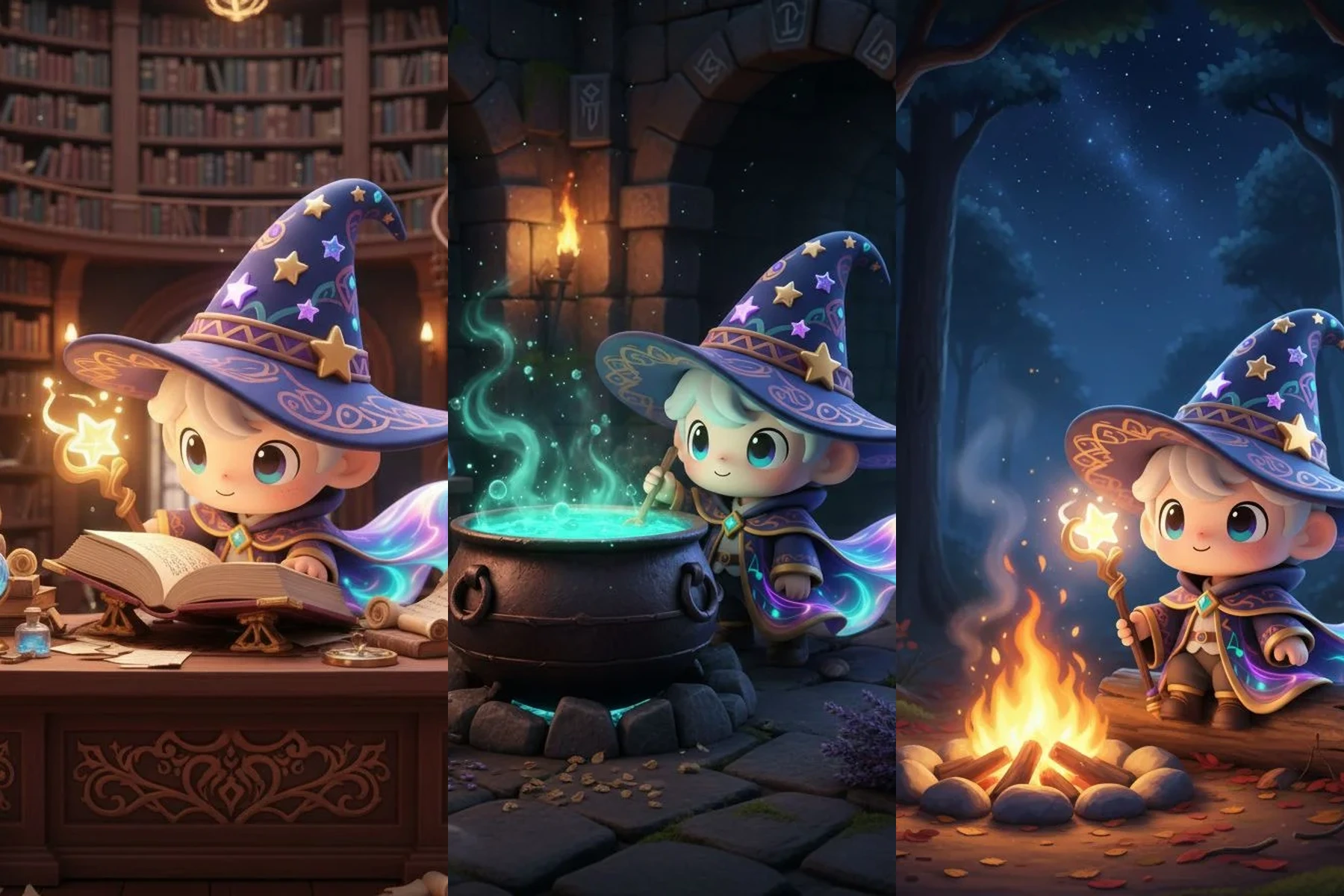
Rapid Assets supports up to 4 pose variations per generation run. You can mix any poses freely — for example T-pose + running + fighting stance + crouching — and receive all 4 outputs in a single generation. Run multiple generations to build a complete pose library for any character.
Supported poses include: Running, T-pose (bind pose for rigging), Fighting stance, Crouching, Jumping, Leaping attack, Defeated, Victory / celebrating, Idle standing, Open arms and more. You can also describe custom poses in natural language and Rapid Assets will generate them.
No. The character's costume, face, colors and art style remain identical across all pose variations. Only the body posture changes. This makes pose variations ideal for animation reference, character sheets and rigging preparation — you always get the same character, just in a different stance.
Yes. Pose variations are widely used as animation keyframe reference in game development. The T-pose is the standard bind pose for rigging in Unity, Unreal, Blender and Maya — generating it from your AI character lets animators prepare the skeleton immediately. Other poses serve as reference for building full animation cycles including run, idle and combat.
Pose variations export as high-resolution PNG — ready for Unity, Unreal, Godot, Blender, Maya or any design and animation pipeline. Each output is a standalone image file, fully production-ready.