1. Home
  2. /
  3. Blog
  4. /
  5. Image Variations
$10 credits free on signup

AI Game Art Variation Generator

Upload any image and generate unlimited variations — change colors, outfits, backgrounds or the time of day while keeping your subject perfectly identical. No Photoshop. No manual edits.

Anime girl original meadow image — input for image variation generation Original Input
Anime girl with spring forest stream background variation Riverside Glade
Anime girl with autumn forest background variation Moonlit Meadow
Anime girl with castle garden background variation Autumn Leaves

One input image → 3 instant background variations. Subject stays identical.
Generate Your Variations
Image Variation Generator AI Image Variations Object Color Change Outfit Color Variation Background Replacement AI Time of Day Variation Image Remix AI Outfit Style Variation Image Variation Generator AI Image Variations Object Color Change Outfit Color Variation Background Replacement AI Time of Day Variation Image Remix AI Outfit Style Variation
Endless creative directions

What you can vary

From a single input image, Rapid Assets can vary colors, outfits, backgrounds, lighting, styles and much more. A few examples of what's possible are shown below.

Object Color Variations

Change any object's color instantly

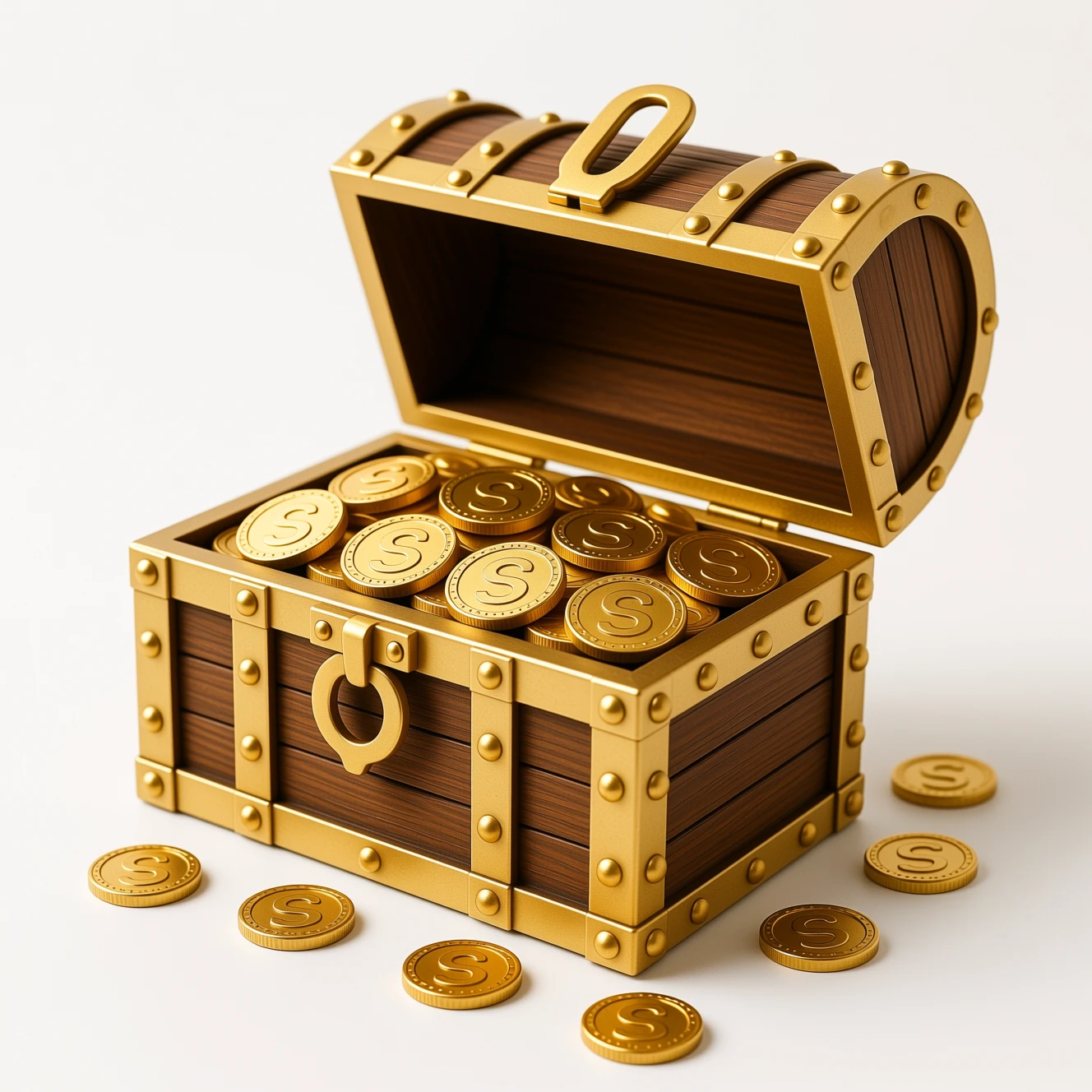
Upload an object or prop and generate as many color variations as you need — same shape, same lighting, different color palette. Perfect for game assets, icons and product mockups.

Original treasure chest — brown wood with gold trim Input
Variations
Treasure chest color variation — sage green Sage Green
Treasure chest color variation — royal blue Royal Blue
Outfit Color Variations

Recolor character outfits in seconds

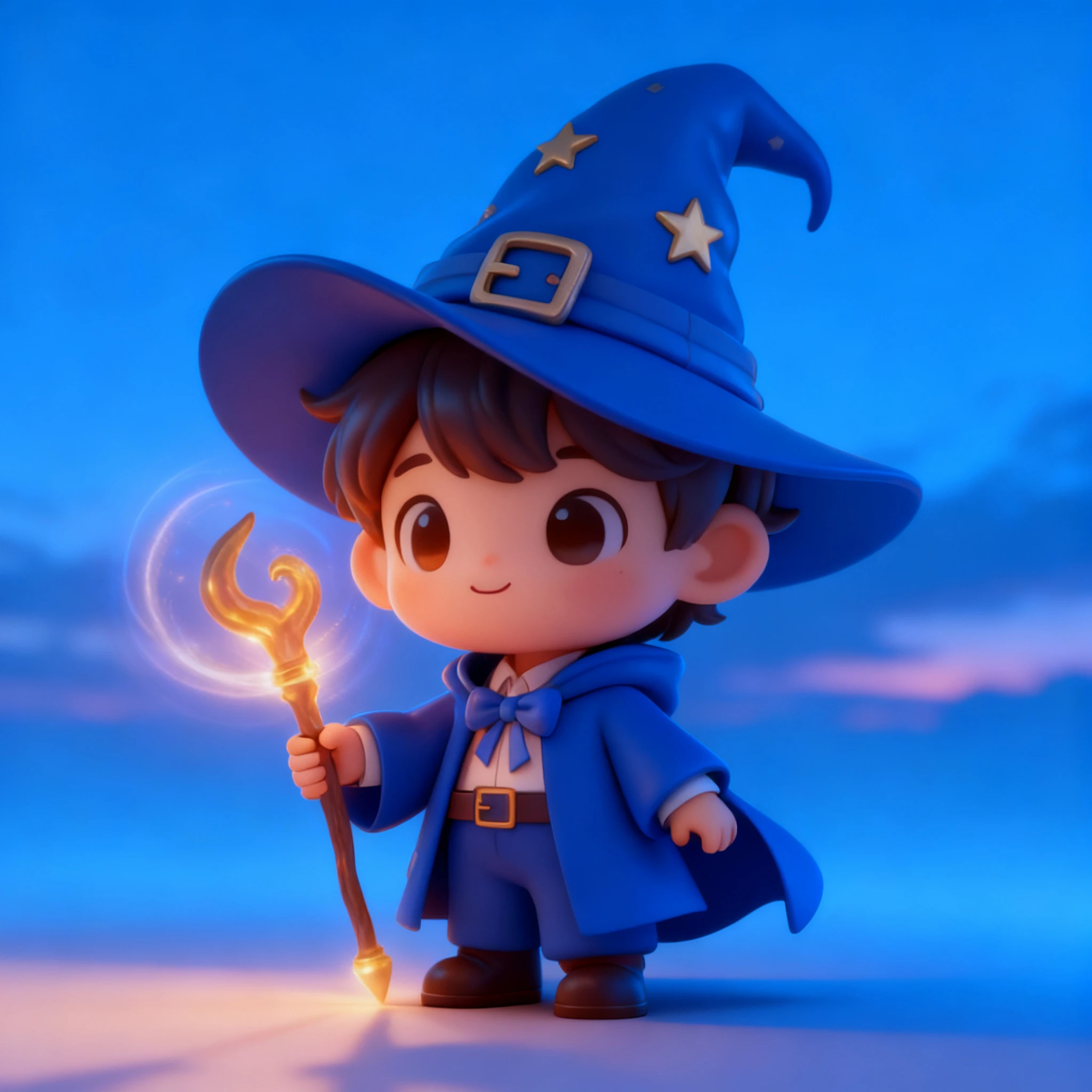
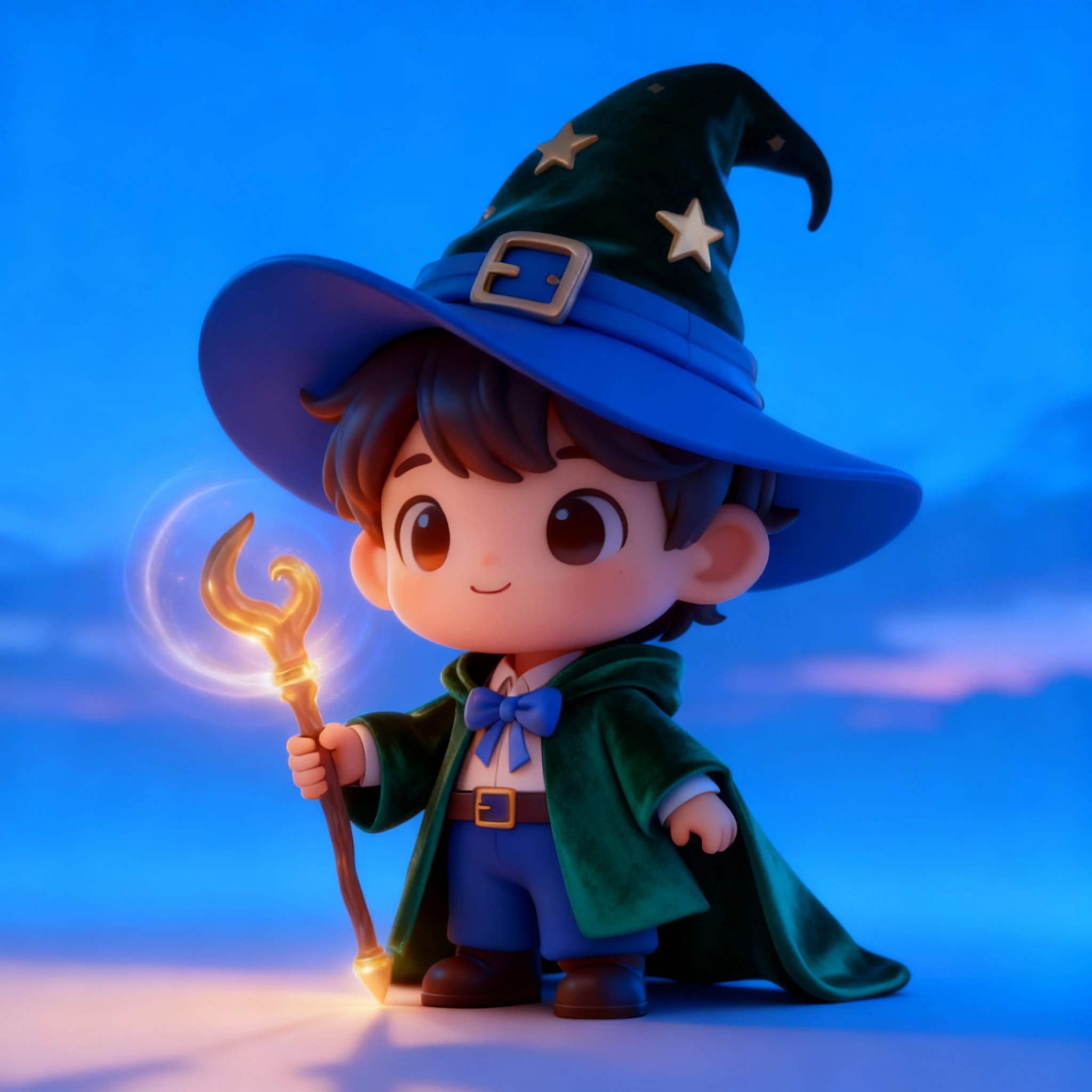
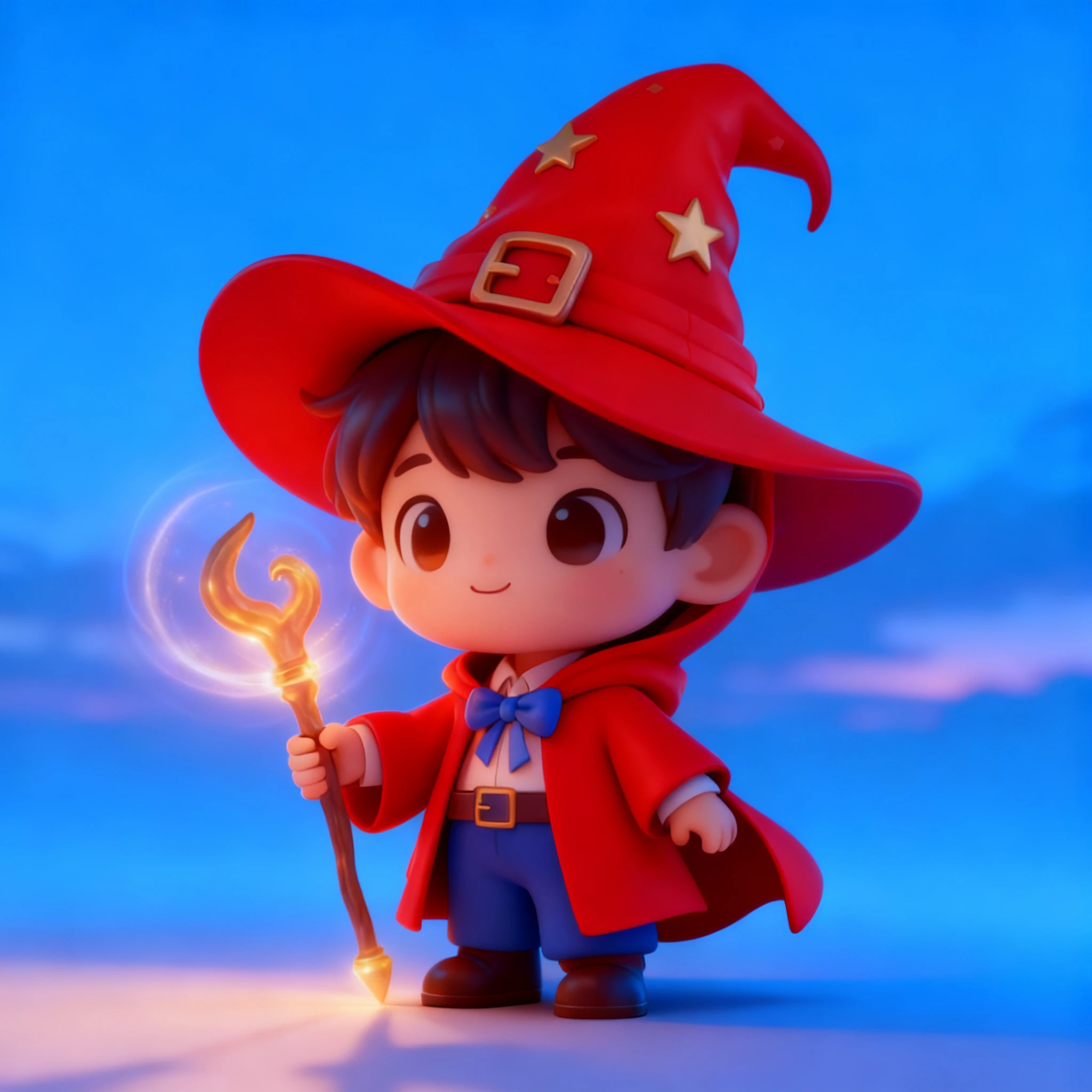
Keep the character, pose and background exactly the same — change the outfit color with a single prompt. Generate every color variant for your character lineup without re-drawing a single pixel.

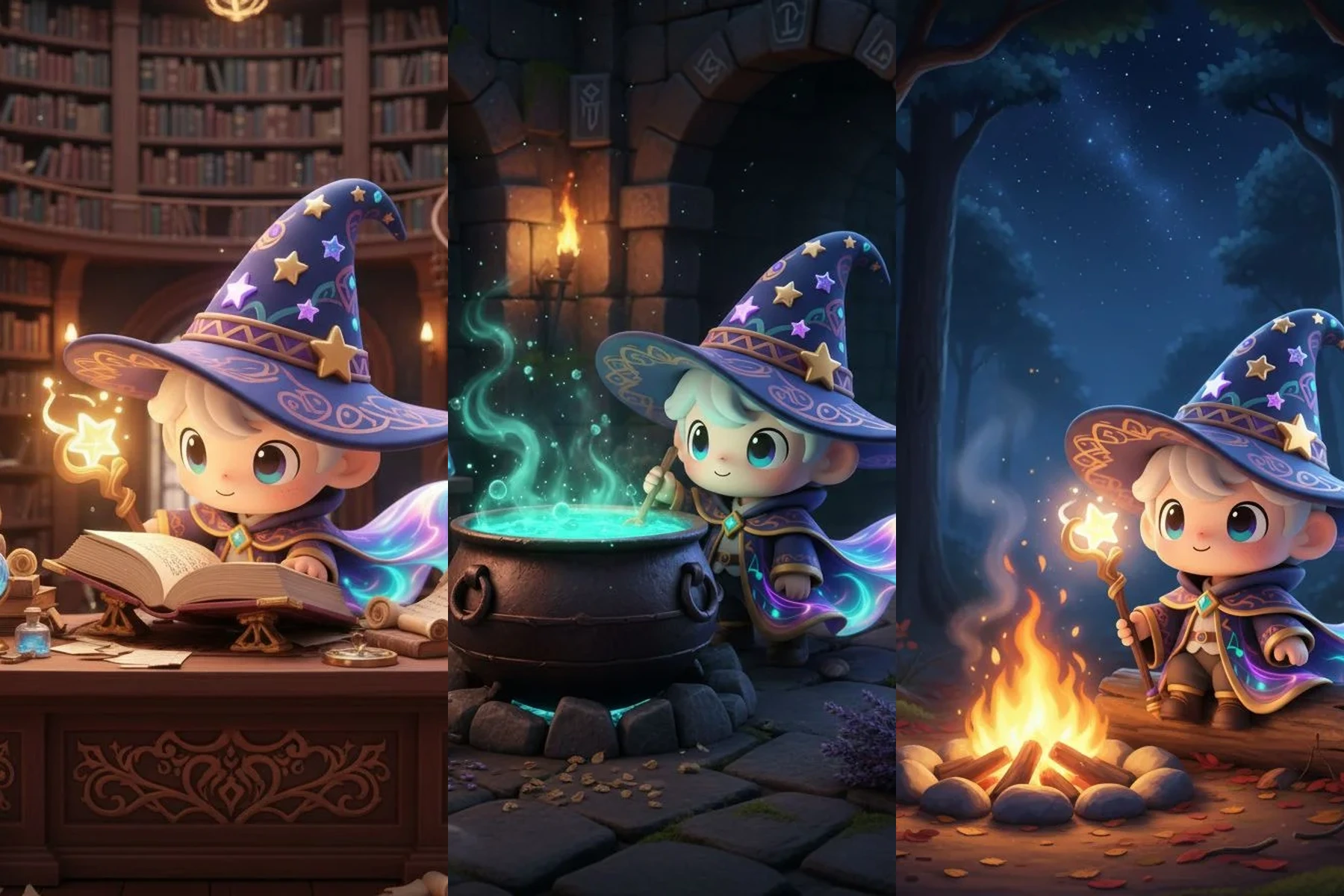
Original wizard boy character in blue outfit Input
Variations
Wizard boy outfit color variation — emerald robe Emerald Robe
Wizard boy outfit color variation — scarlet red Scarlet Red
Outfit Style Variations

Change the entire outfit style

Go beyond color — change the full outfit design while keeping the same character identity, pose and scene. Explore floral, iridescent and elegant styles from a single base image.

Original angel character with simple white outfit Input
Variations
Angel outfit style variation — floral gown Floral Gown
Angel outfit style variation — iridescent gown Iridescent
Angel outfit style variation — elegant golden gown Elegant Gold
Background Variations

Place your character in any scene

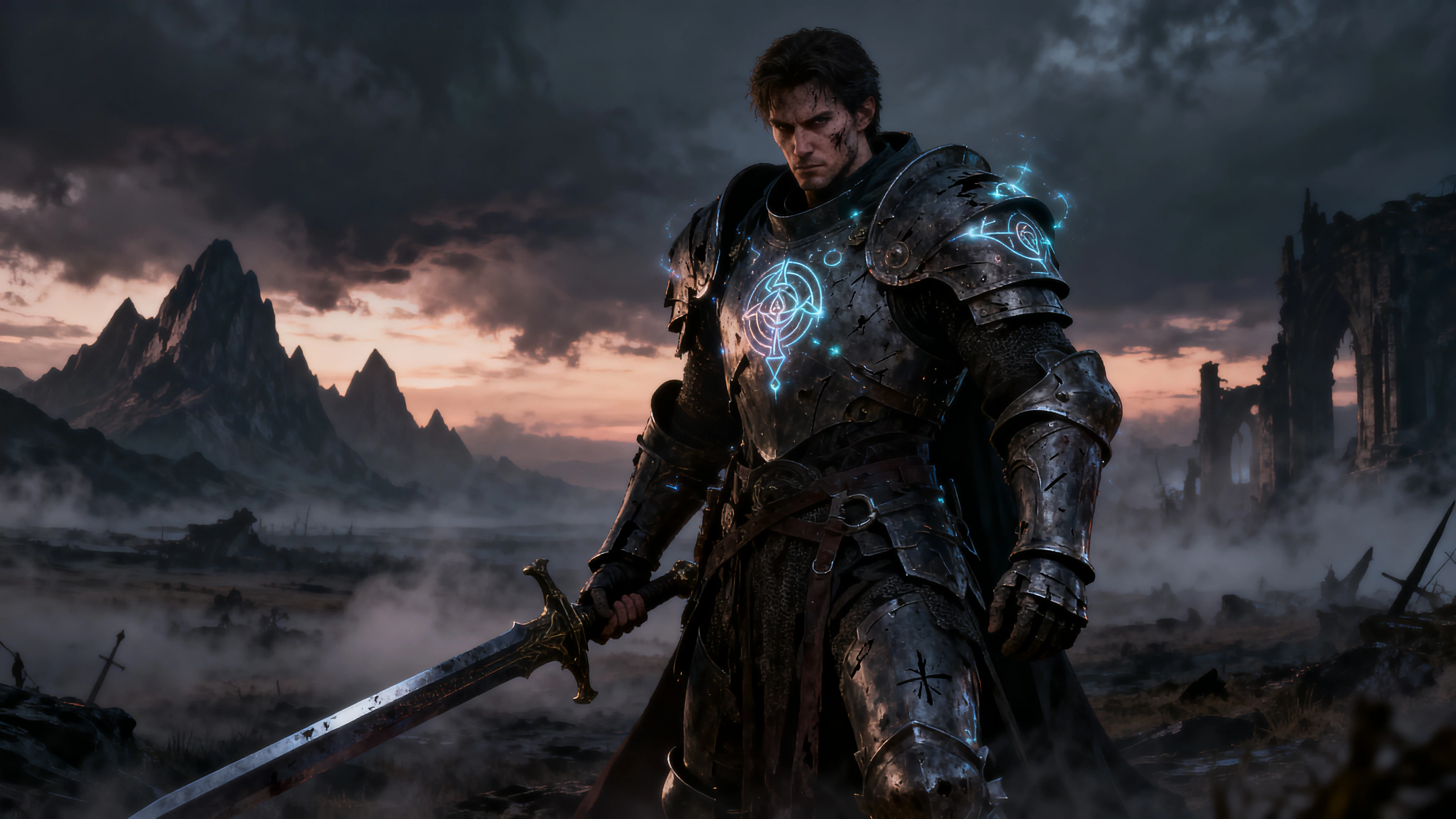
Swap the background while keeping the subject perfectly cut out and consistent. Forest, city, volcanic, night sky — generate every scene you need for your visual novel, game or animation.

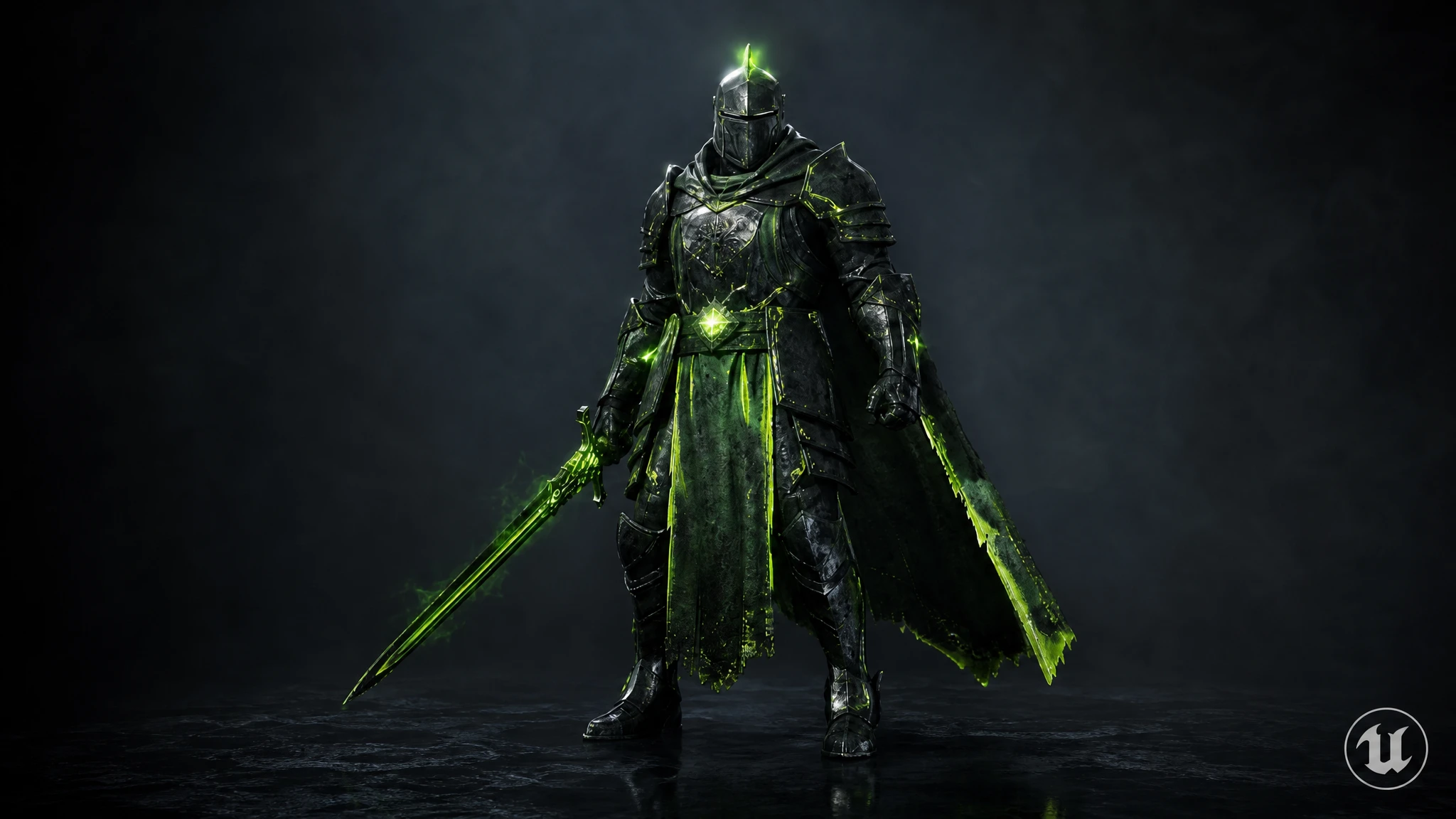
Original warrior knight on dark misty battlefield with glowing rune armour Input
Variations
Warrior background variation — dark forest with ruined castle Dark Forest Ruins
Warrior background variation — cyberpunk city rooftop Cyberpunk City
Warrior background variation — volcanic lava landscape Volcanic Lava
Time of Day Variations

Shift the lighting across any scene

Change morning to sunset, sunset to midnight — all with the same character and composition. Generate every lighting scenario for your game's day/night cycle or scene transitions.

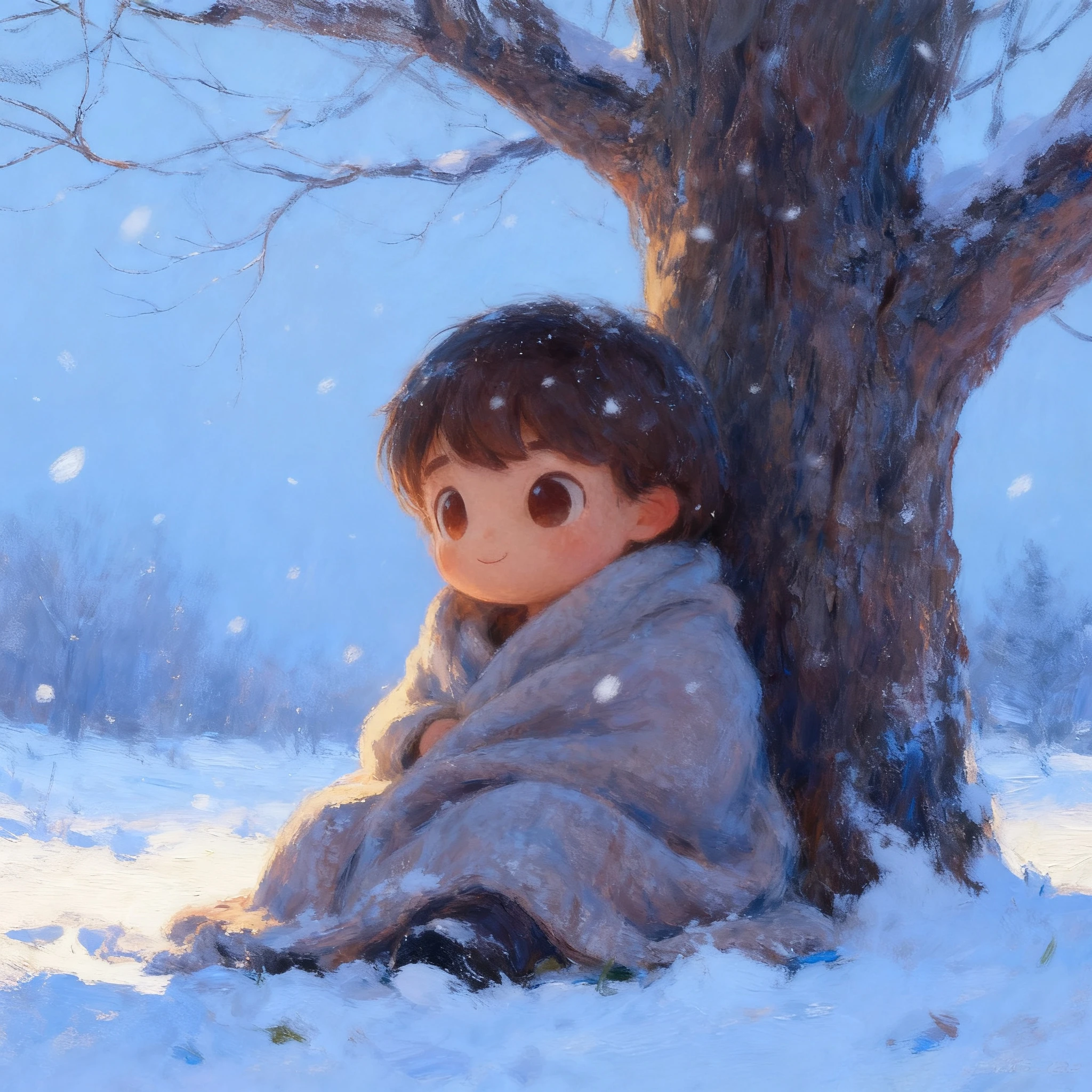
Original snow boy scene — daytime blue sky Input
Variations
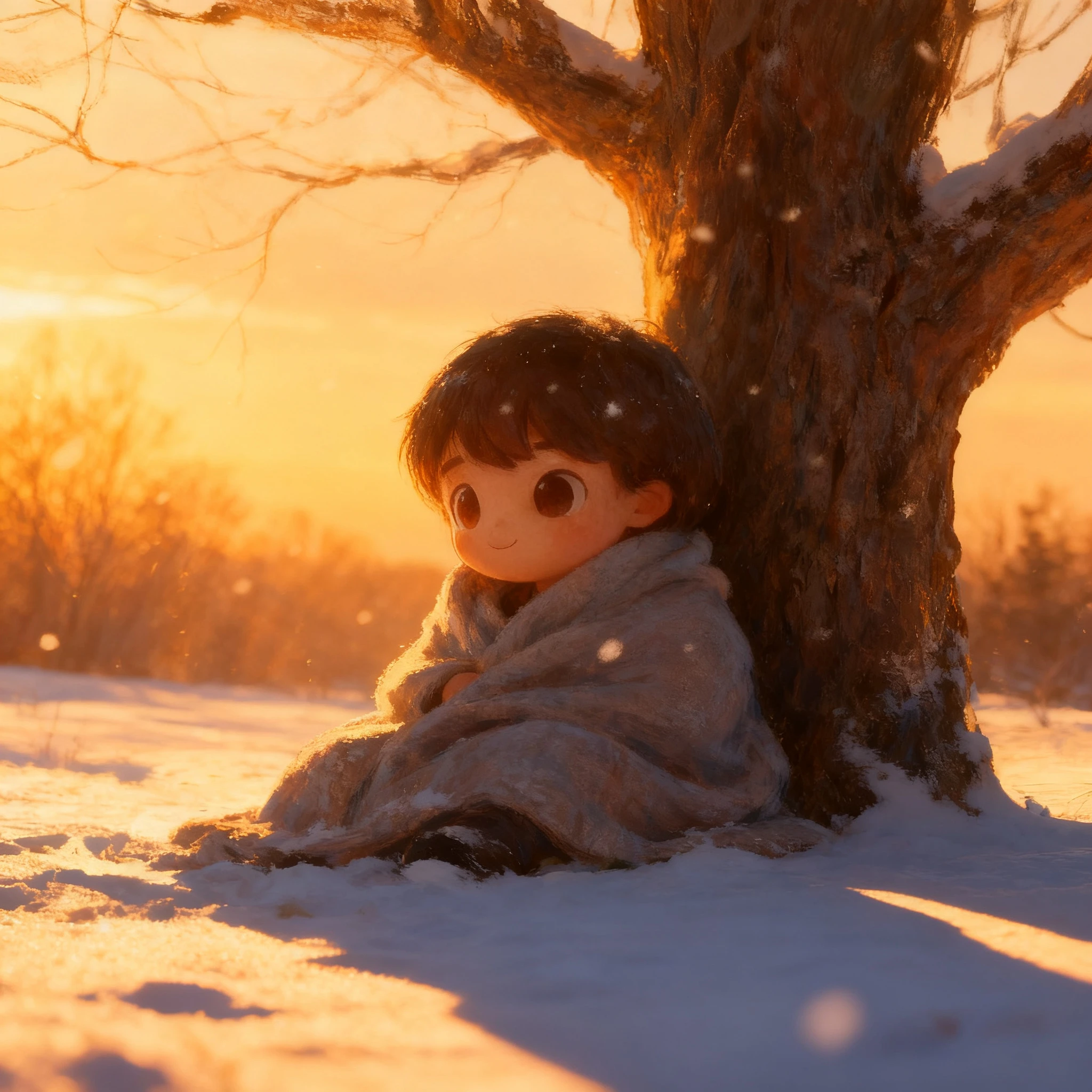
Snow boy scene time of day variation — golden sunset Golden Sunset
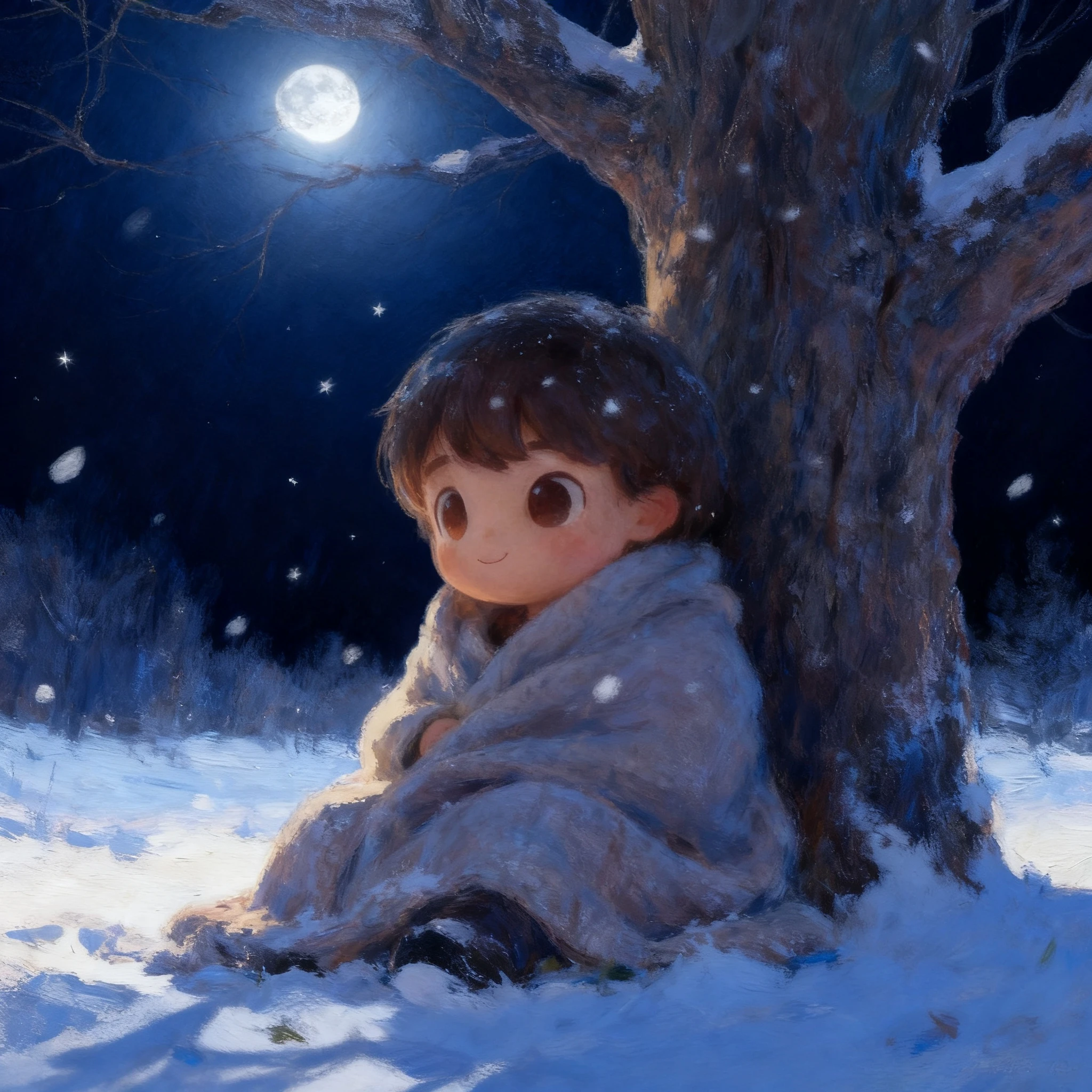
Snow boy scene time of day variation — moonlit night Moonlit Night
Simple 3-step process

How to generate image variations

No design skills, no masking, no Photoshop. Upload your image, describe what to change, and get up to 4 variations in seconds.

1

Upload your image

Upload any PNG, JPG or WebP image — a character, object, scene or prop. The AI locks it as your reference: everything you don't ask to change stays perfectly identical across every variation.

2

Describe what to change

Tell the AI exactly what to vary — outfit color, background scene, object color, art style or time of day. Choose how many variations you want: 1 to 4 outputs per generation. Mix freely — change the outfit and background at the same time, or focus on just one thing.

3

Download up to 4 variations

Get up to 4 high-resolution variations per generation — exported as PNG, ready to drop straight into your game engine, visual novel, animation pipeline or design project.

Start Generating for Free

What is an image variation generator?

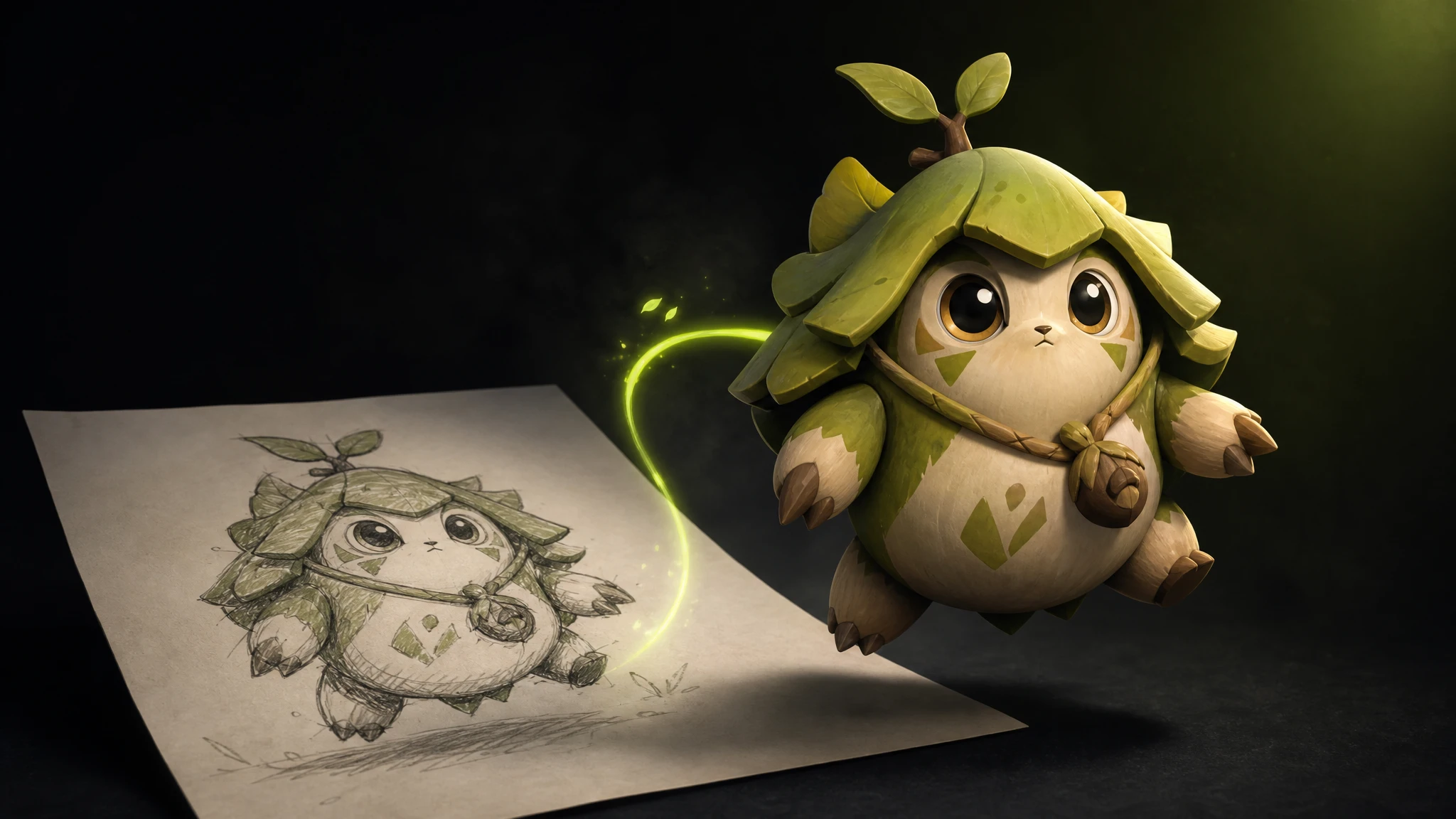
An image variation generator takes one input image and produces multiple versions — changing color, outfit, background or lighting while keeping the subject identical.
One locked reference. Unlimited creative directions. Zero manual editing.

Try it for Free
Wizard boy character with red outfit variation — image variation example

Why every production needs image variations

Games, visual novels and animations all need assets in multiple versions — different colors, outfits, backgrounds, lighting. Re-commissioning each variant wastes time and budget.

With image variations you generate every version in seconds from one source image — ready for color selection, dialogue scenes, day/night cycles or costume systems.

Start for Free
Snow boy scene with golden sunset time of day variation
Built for your pipeline

Drop straight into your game engine

Export all variations as high-resolution PNG — ready for sprite sheets, dialogue portrait systems, texture atlases and environment art in any major engine.

Unity
Unity
Unreal Engine
Unreal Engine
Godot
Godot
Blender
Blender
Explore the suite

You might also be interested in

Pair image variations with the rest of the Rapid Assets creative pipeline.

Good to know

Frequently asked questions

What is an image variation generator?

An image variation generator takes any input image and produces multiple versions of it — changing colors, backgrounds, outfits, art styles, time of day and much more — while keeping the core subject identical. The possibilities are virtually unlimited, letting you explore any creative direction without starting from scratch.
What can I change with Rapid Assets image variations?

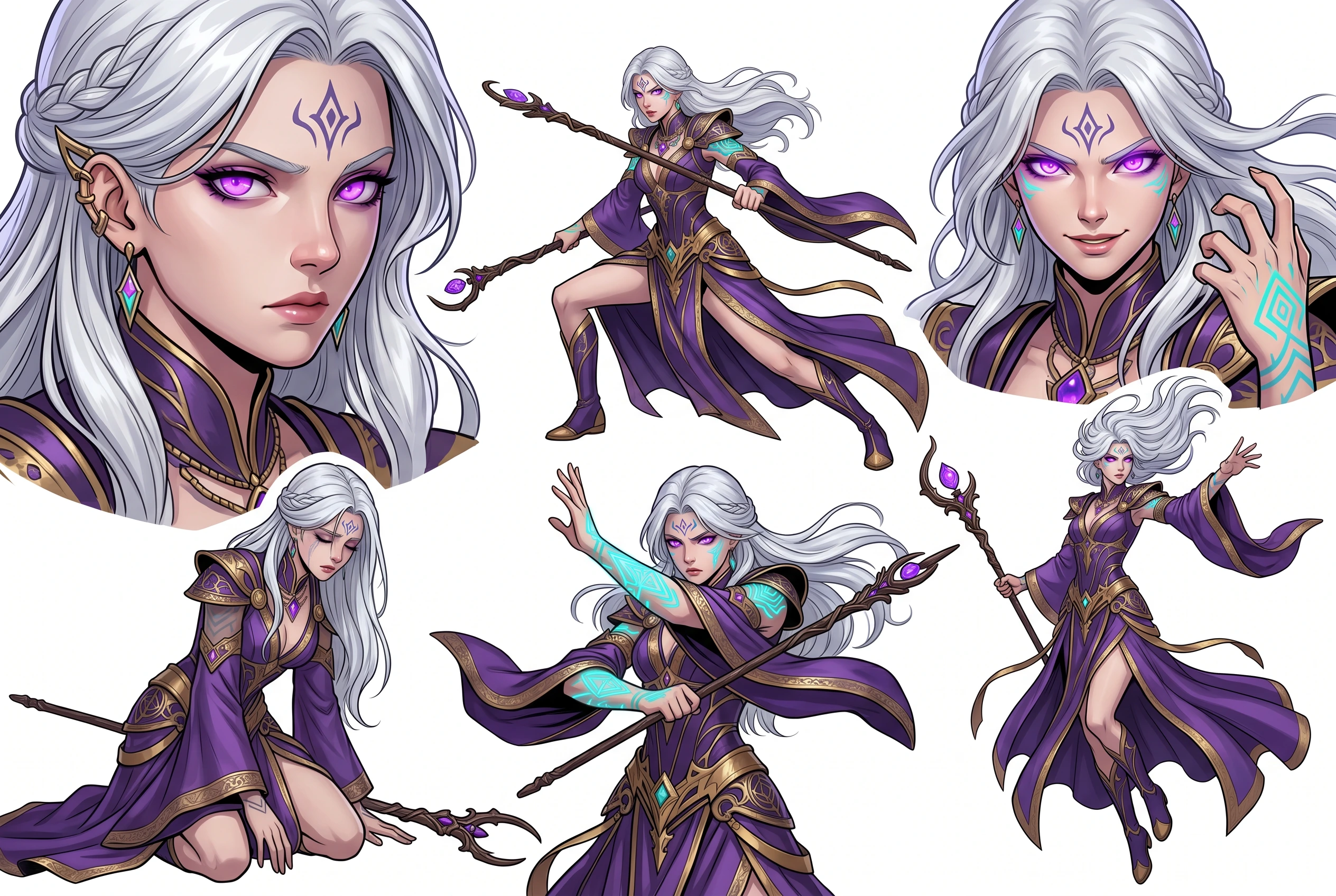
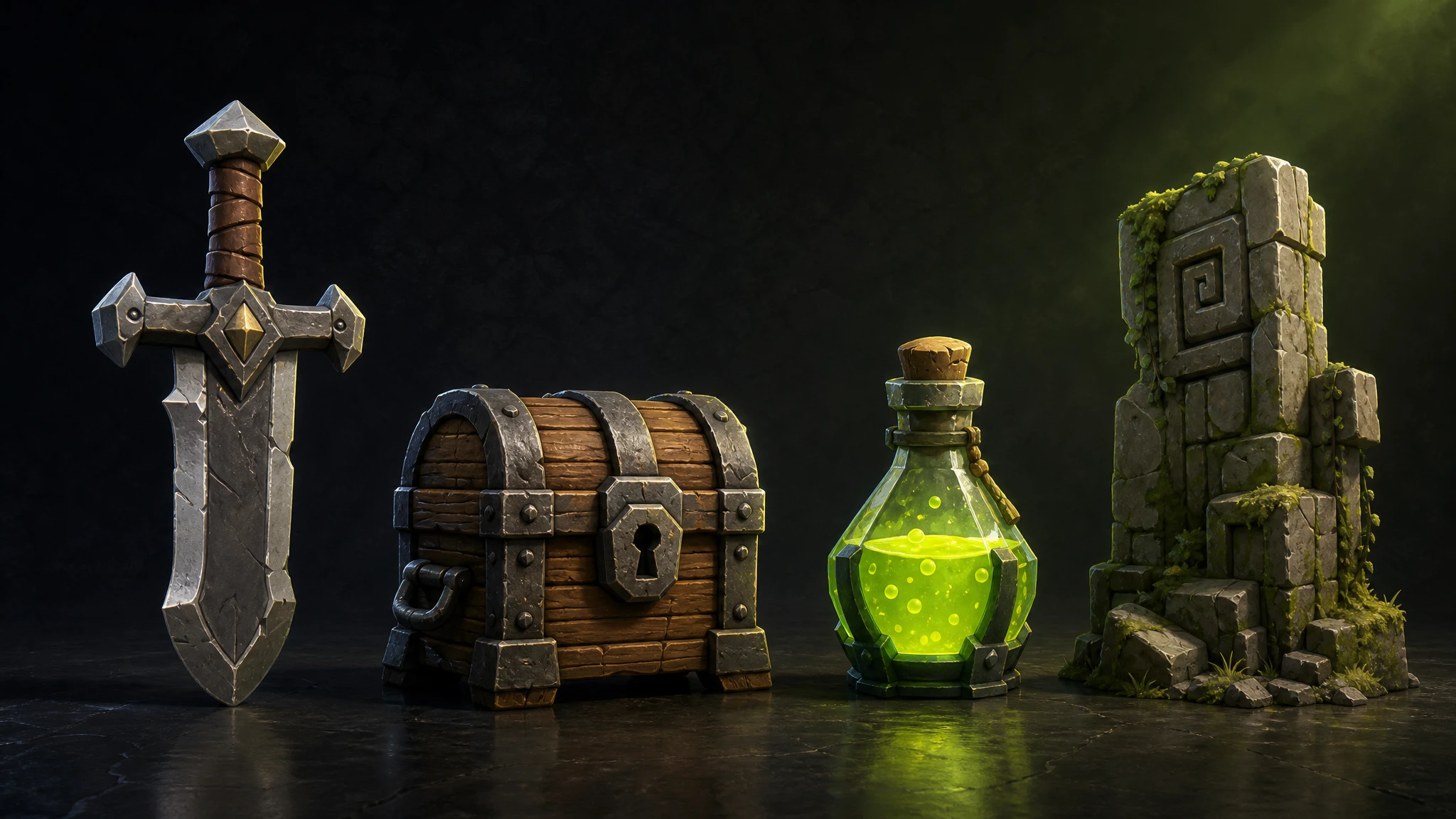
You can change object and asset colors, character outfit colors and styles, scene backgrounds, the time of day or lighting — and much more. The subject stays consistent across all variations, while the possibilities for what you can vary are virtually unlimited.

Do I need to draw or edit anything manually?

No. Upload your image, describe what you want to change, and the AI handles everything. No drawing, masking or Photoshop skills required.

Can I use the image variations commercially?

Yes. All variations generated with Rapid Assets include a commercial license — use them freely in games, apps, websites, films and client work.

What image formats can I upload and download?

Rapid Assets accepts PNG and JPEG uploads. All variations export as high-resolution PNG — ready for any production pipeline or game engine.

Ready to generate your first variations?

Join thousands of artists and studios generating production-ready image variations with Rapid Assets.

$10 in free credits on signup — no card required
Get Started for Free