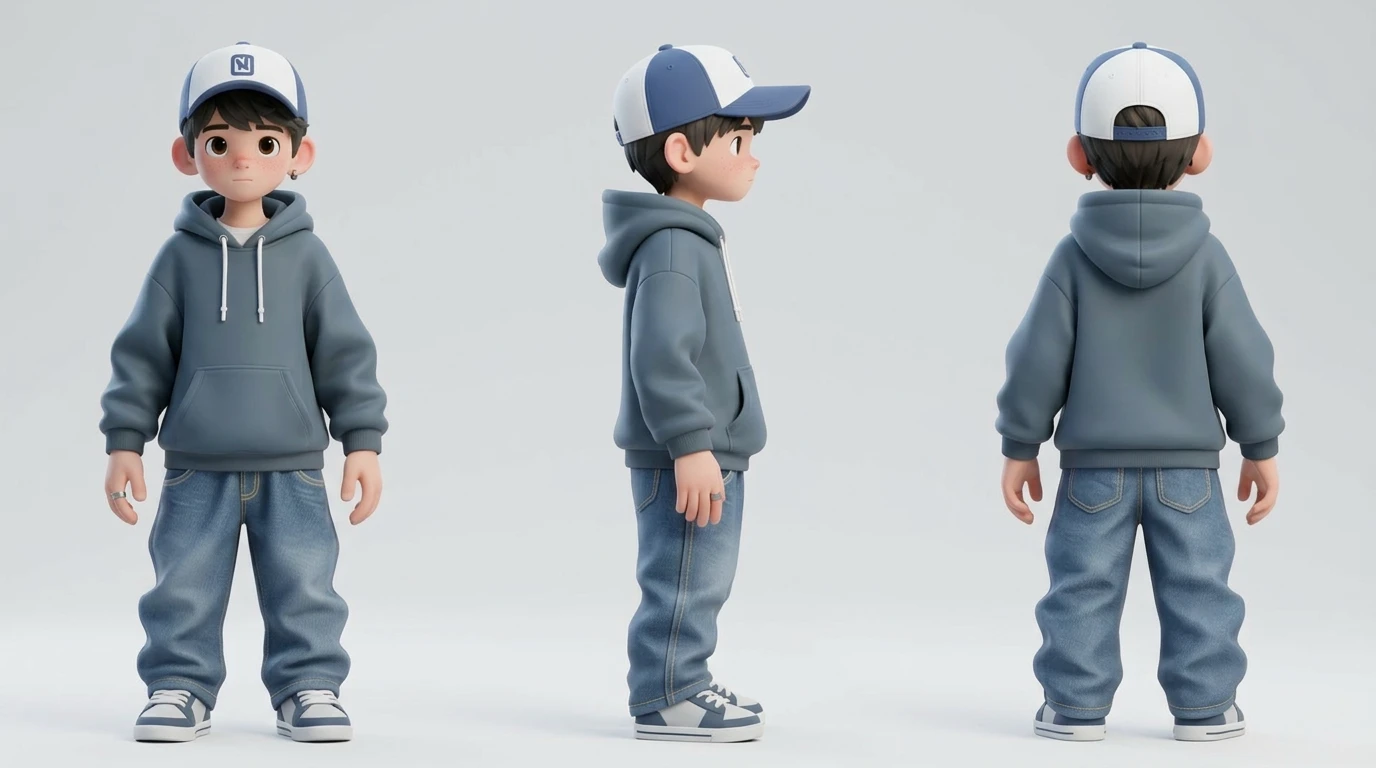
How to Generate 3D Game Assets Using AI

Describe any character, weapon, creature or environment, and Rapid Assets turns your text into a production-ready 3D model in seconds. Export to GLB or FBX with PBR textures, quad or triangular topology, and the polygon count you want at every LOD level.

✓ Free to start  ·  No credit card required  ·  Instant access
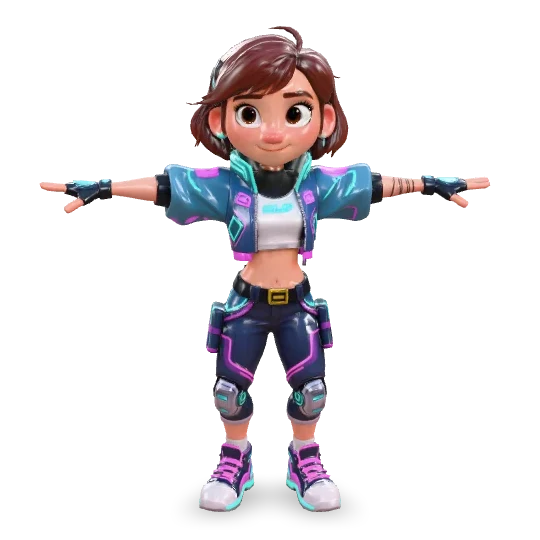
Cyber girl 3D character model — AI generated stylized hero Character
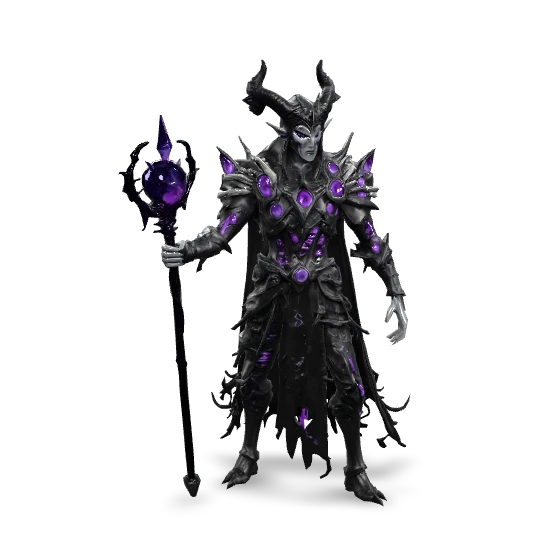
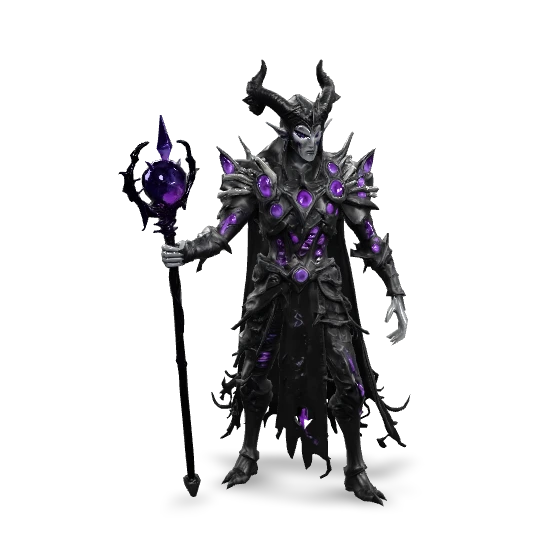
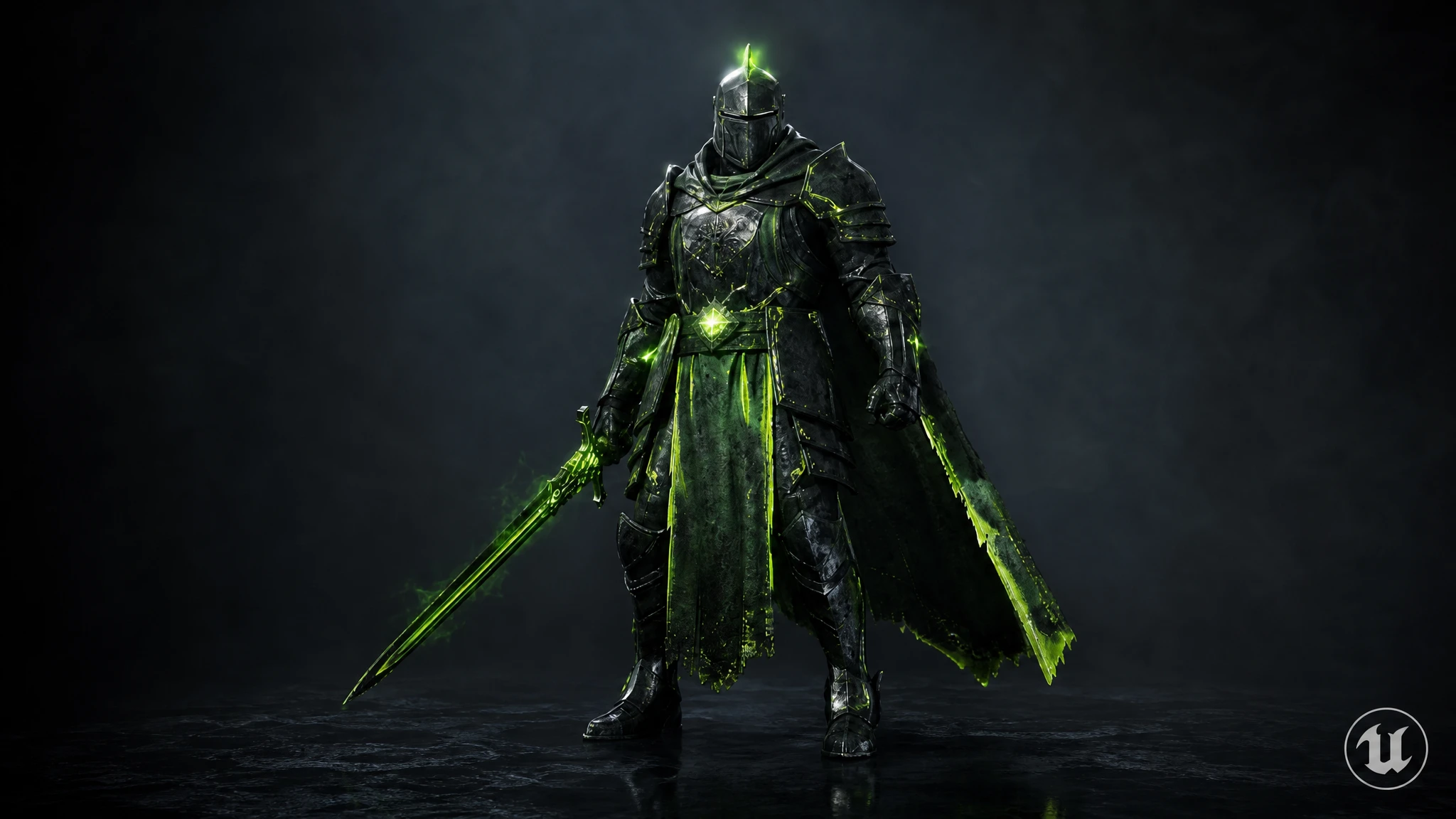
Dark Lich 3D model — AI generated fantasy villain Villain
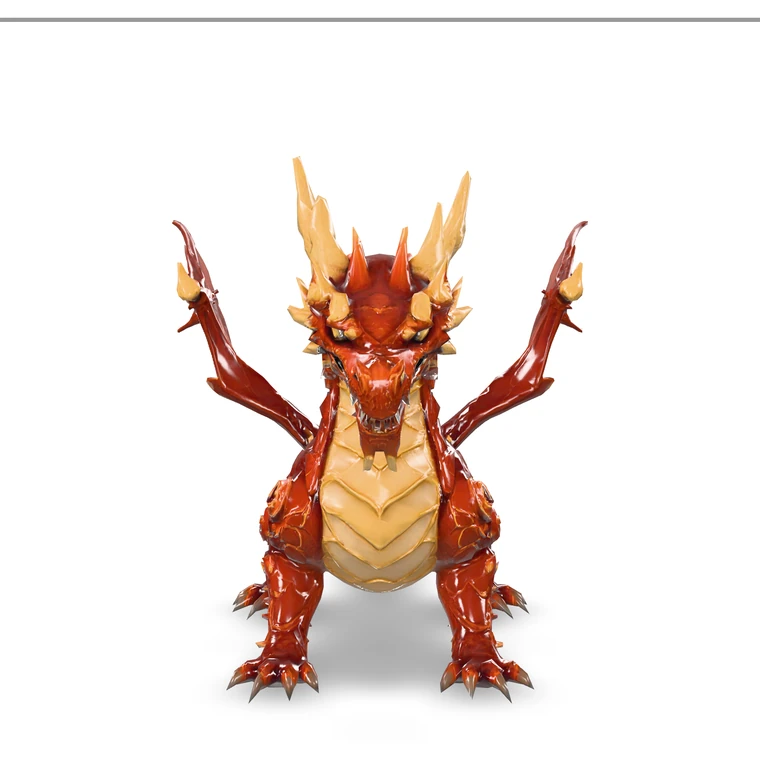
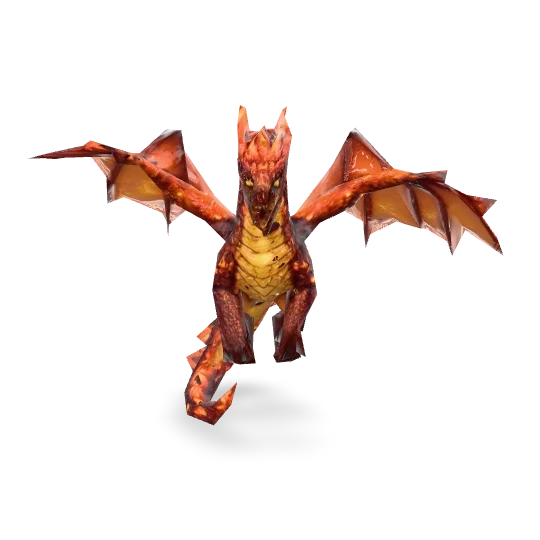
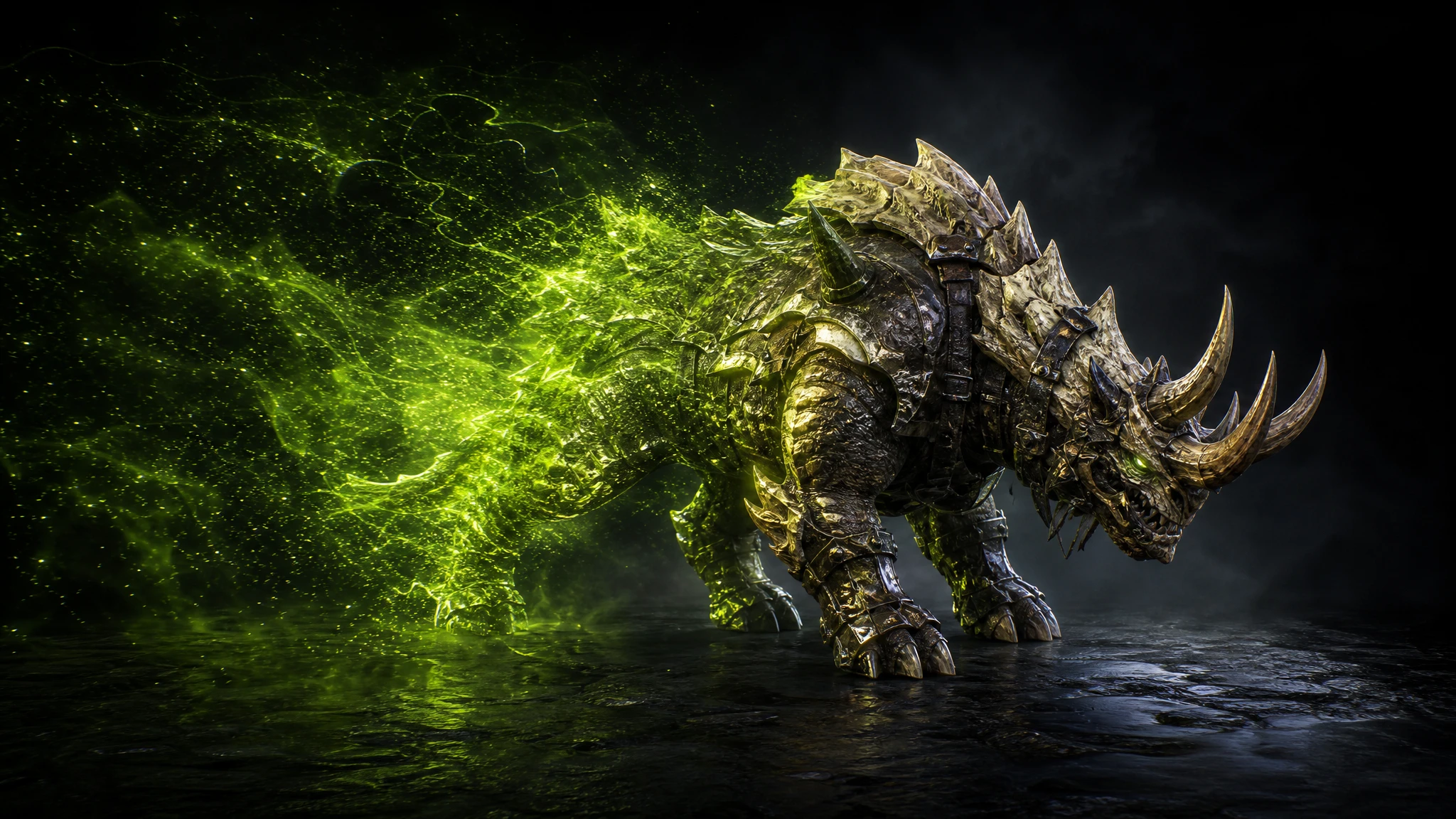
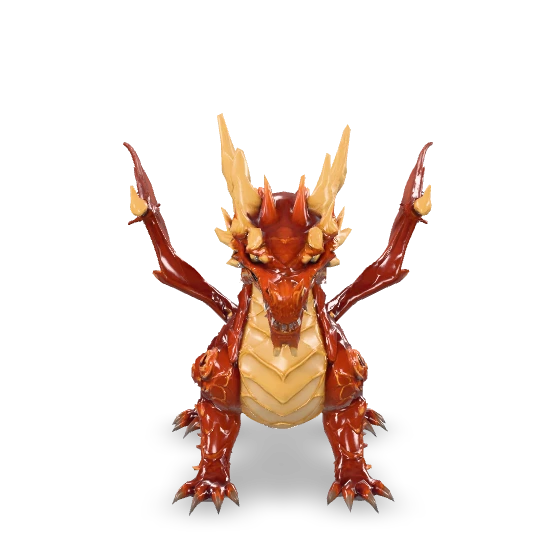
Red Dragon 3D model — AI generated creature Creature
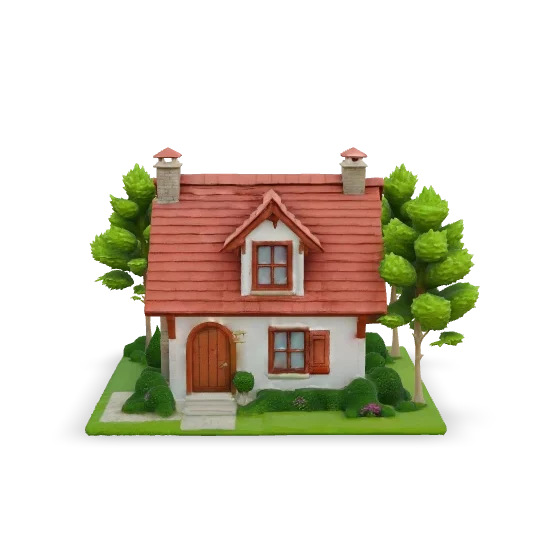
Stylized cottage house 3D environment — AI generated building with garden Environment
Text to 3D

Type a prompt. Get a production-ready 3D model.

Type what you want. "A fire dragon in high quality." "A female anime character in quad topology." "A fantasy treasure chest with iron fittings." Rapid Assets hands back a fully textured 3D mesh in seconds, and it works out the geometry, the UV unwrapping and the PBR materials on its own. The GLB is ready to download straight away, so you never have to open a 3D package.

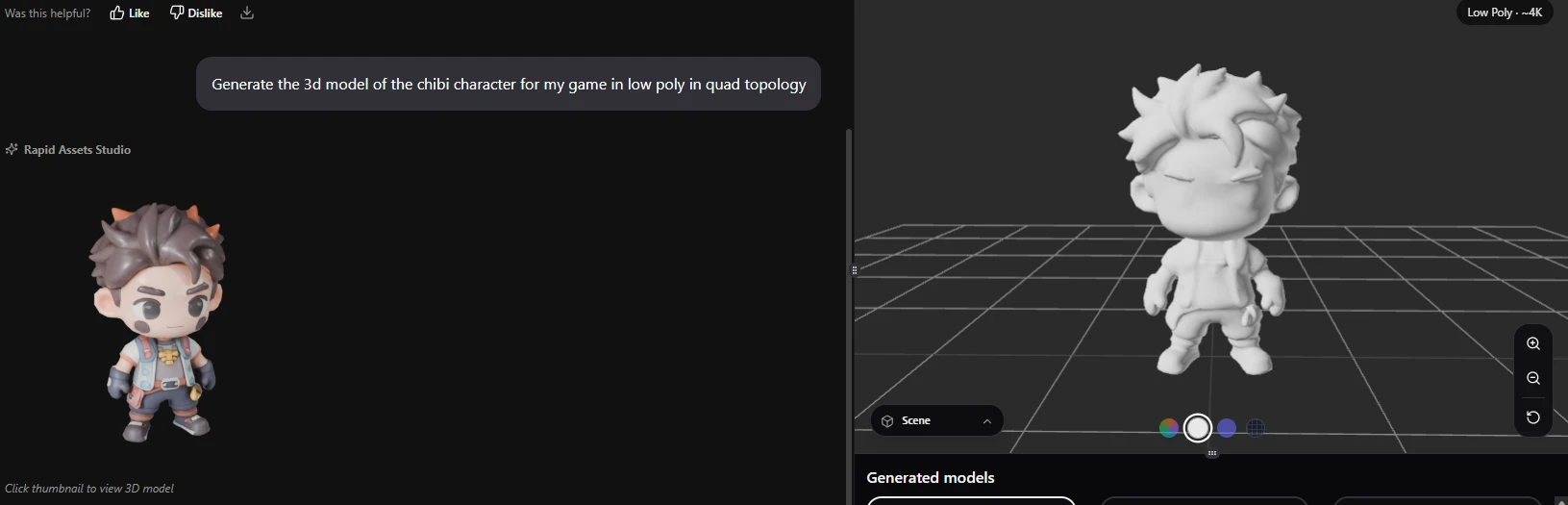
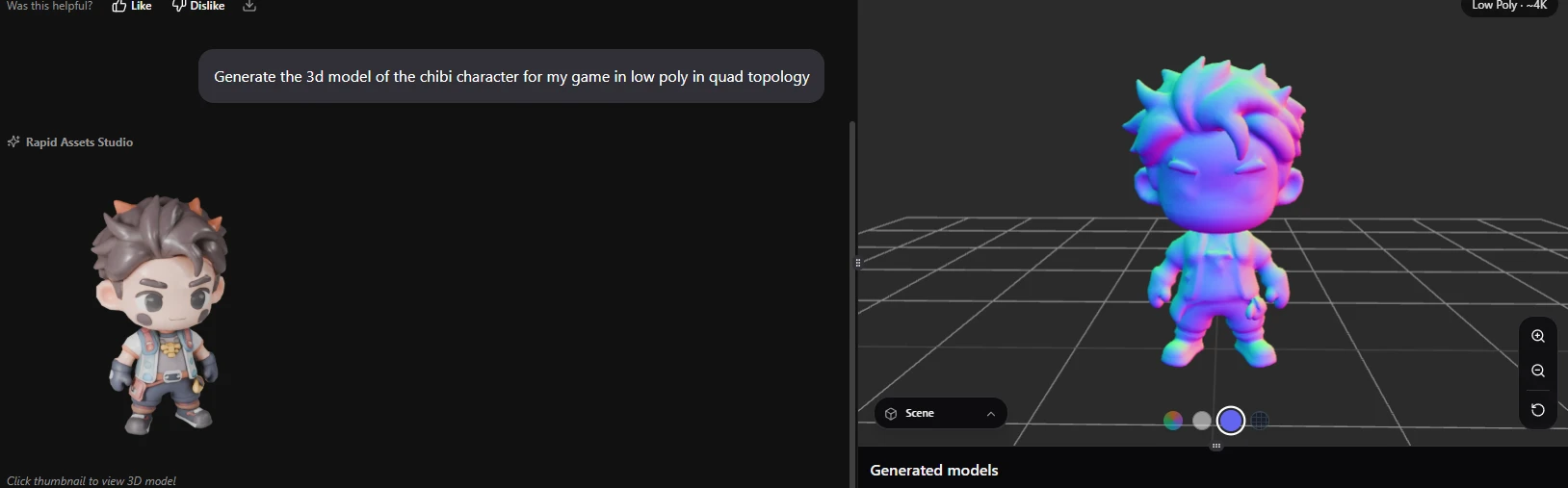
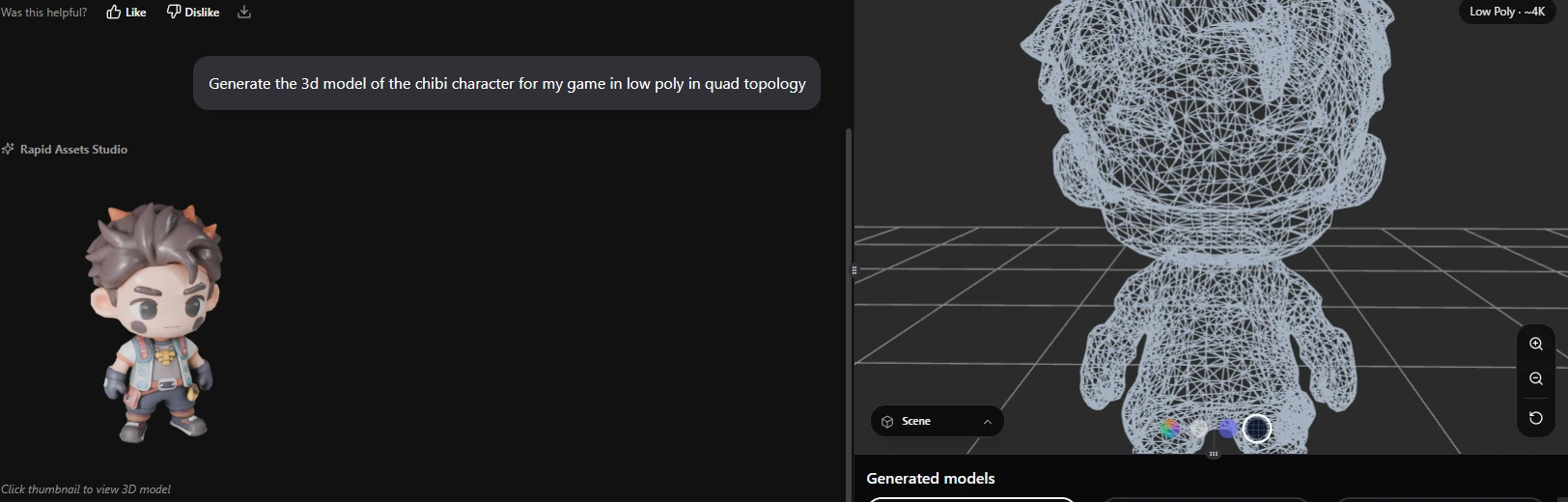
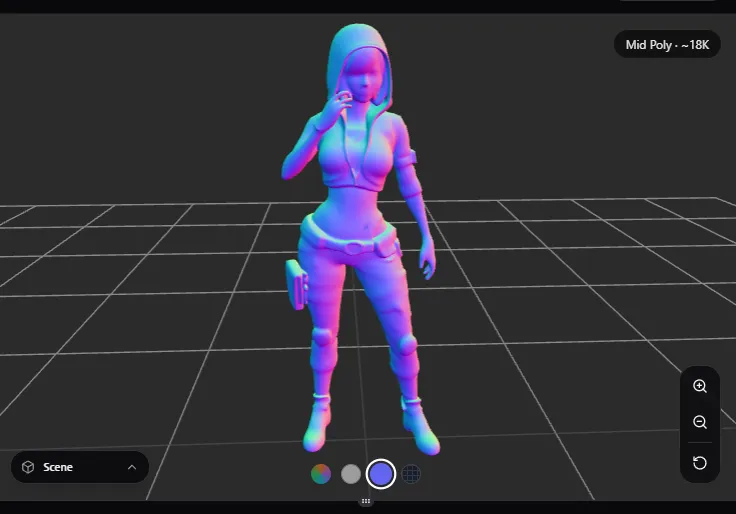
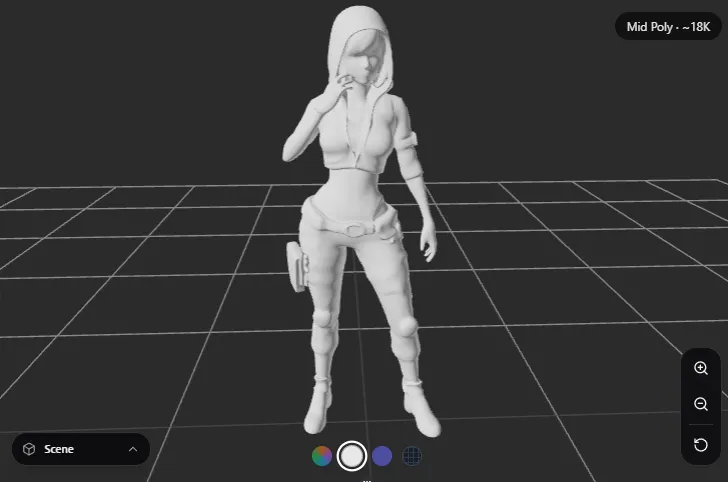
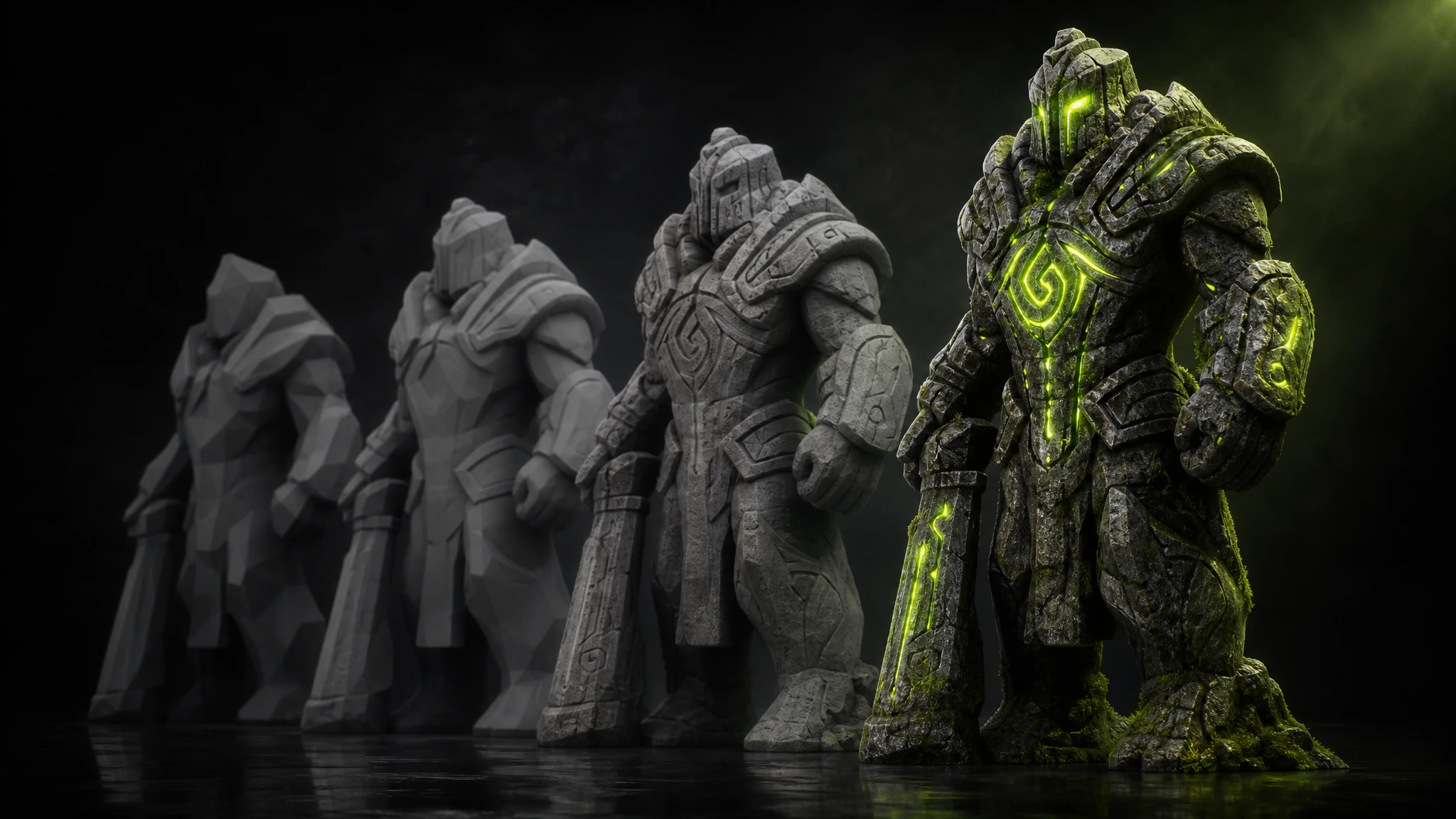
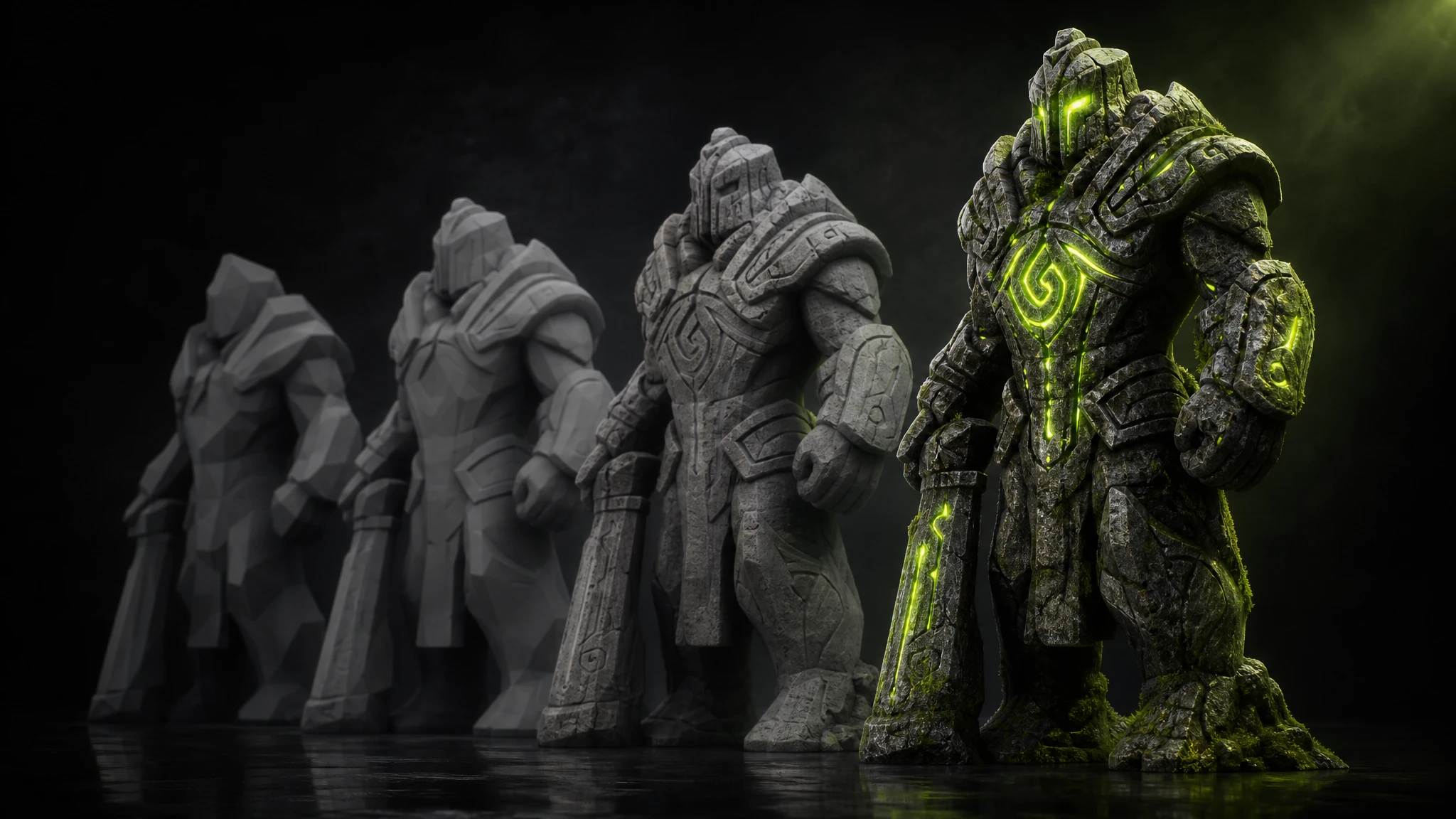
One prompt gives you every pass: PBR texture, clay, normal map and wireframe topology, straight from the studio.

Chibi character generated from a text prompt — textured PBR render
Textured · PBR
Chibi character from text prompt — clay render
Clay render
Chibi character from text prompt — normal map
Normal map
Chibi character from text prompt — wireframe topology
Wireframe topology
Image to 3D

Turn any 2D reference into a full 3D model.

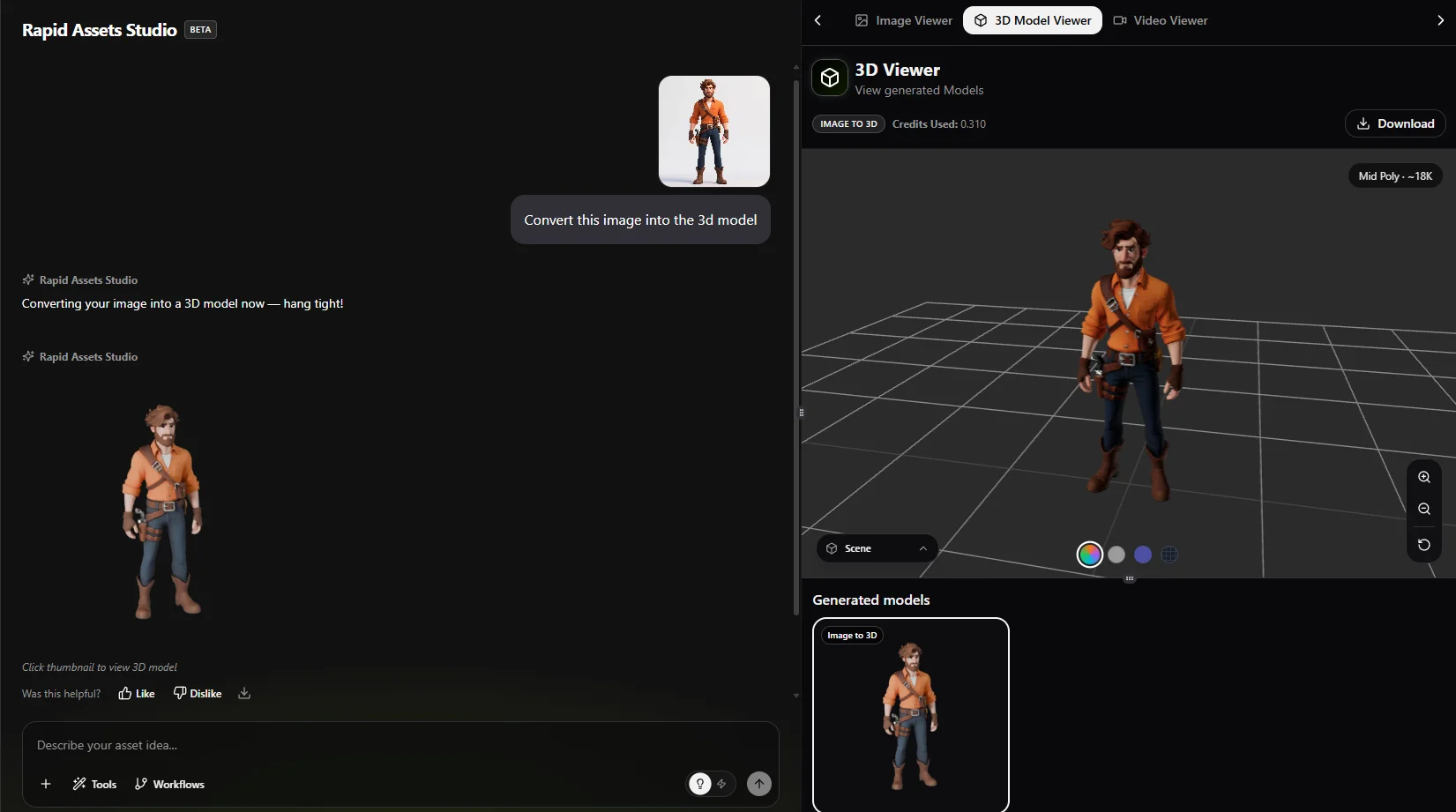
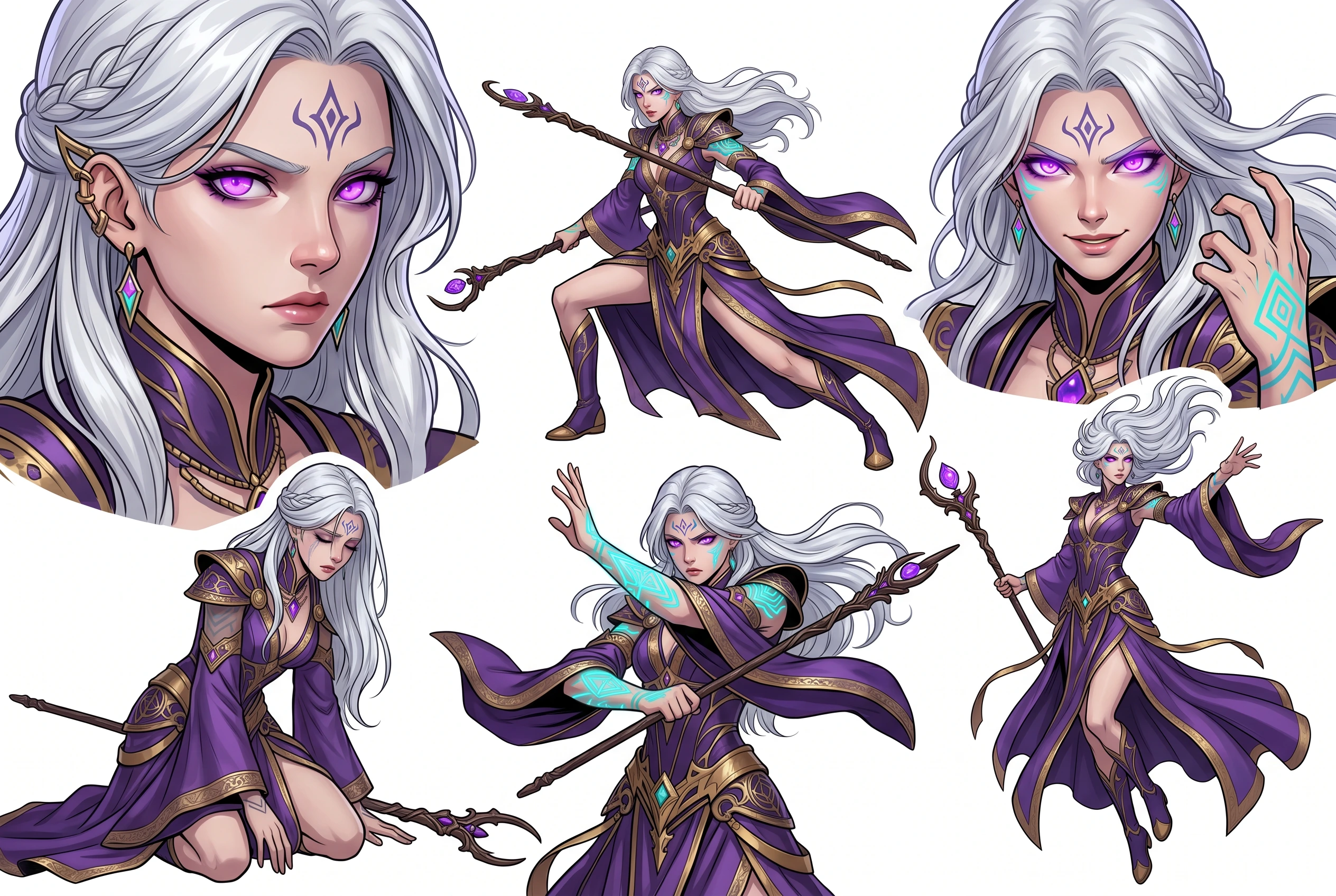
Already have a character sketch, some concept art, or a 2D sprite? Upload it and Rapid Assets rebuilds the whole thing in 3D from that one image, geometry and textures and PBR materials included. You don't sculpt anything, retopologise anything, or go near a UV layout. It reads the silhouette, the depth cues and the art style, then builds a model that still looks like the thing you drew.

  • From character sketch to 3D model in one step
  • PBR textures match the color palette of your reference image
  • Mid poly output at around 18K faces, game-ready without being over-built
  • Supports anime, realistic, stylised and cartoon art styles
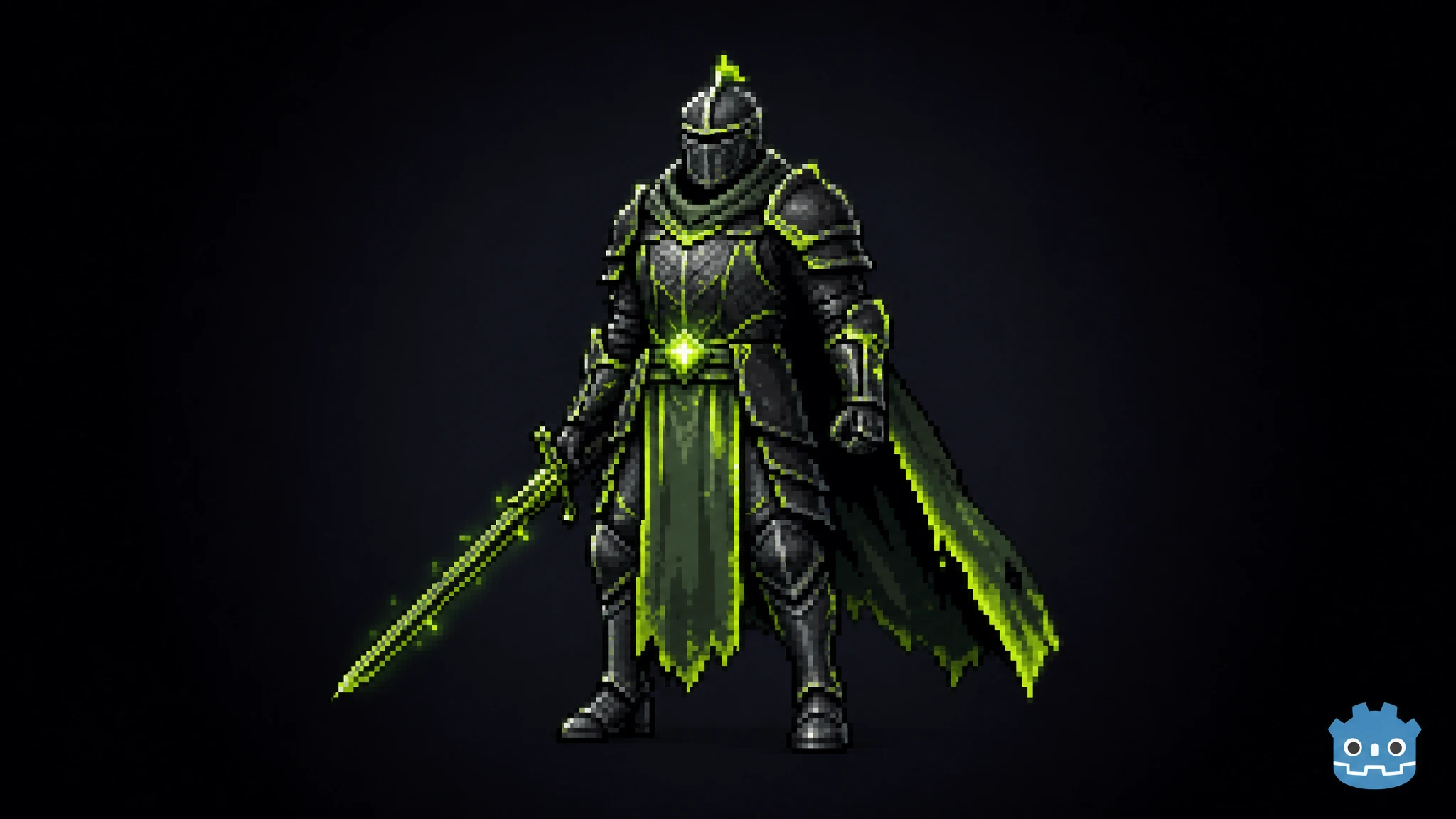
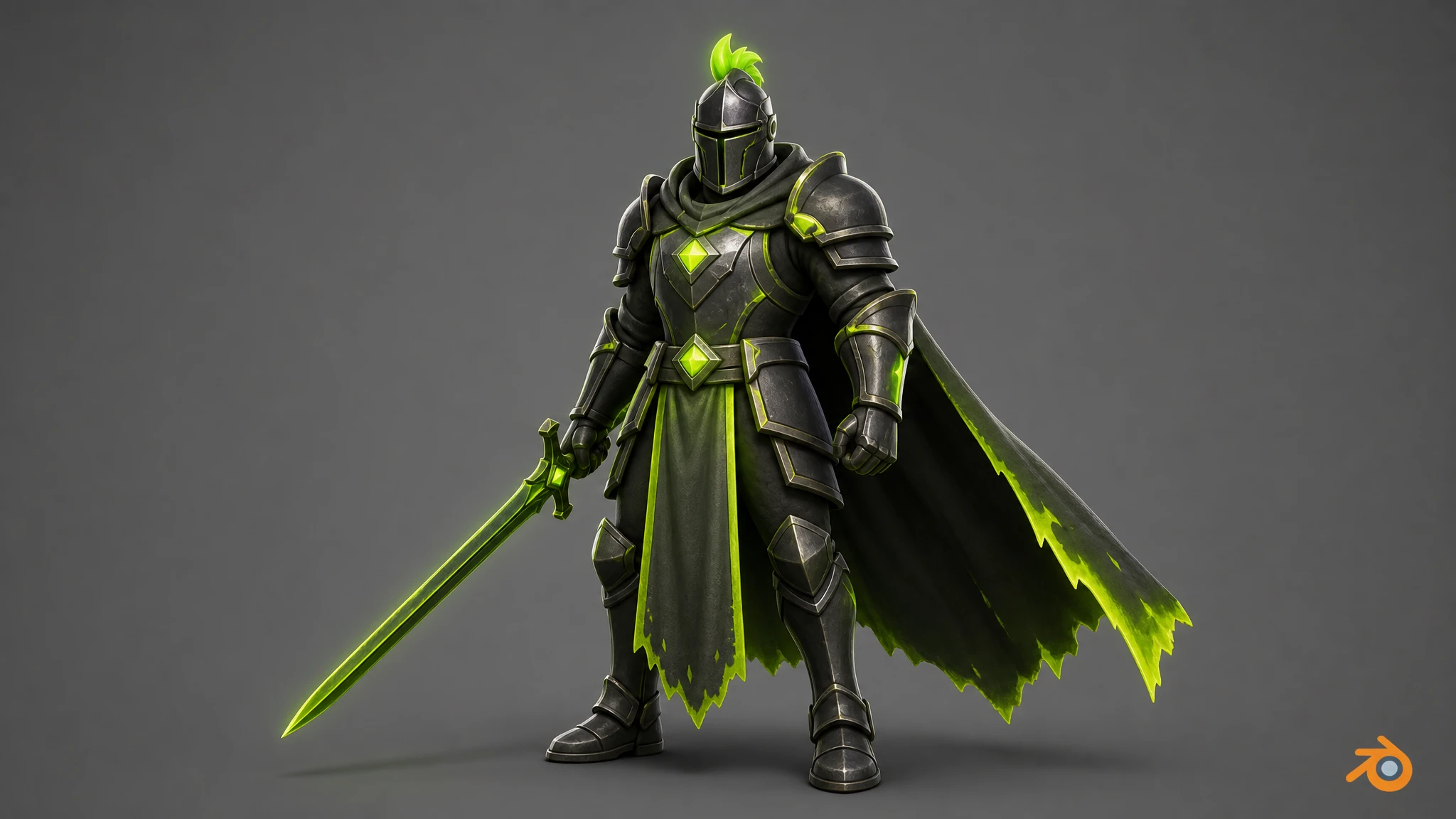
Rapid Assets Image to 3D — uploading a 2D character image and converting it to a textured 3D model in the 3D viewer
Topology Control

Quad or triangular, your choice

Select your mesh topology before generation, or convert after. Both options export as clean, manifold meshes ready for your specific pipeline.

Triangular Topology

Optimized for real-time rendering

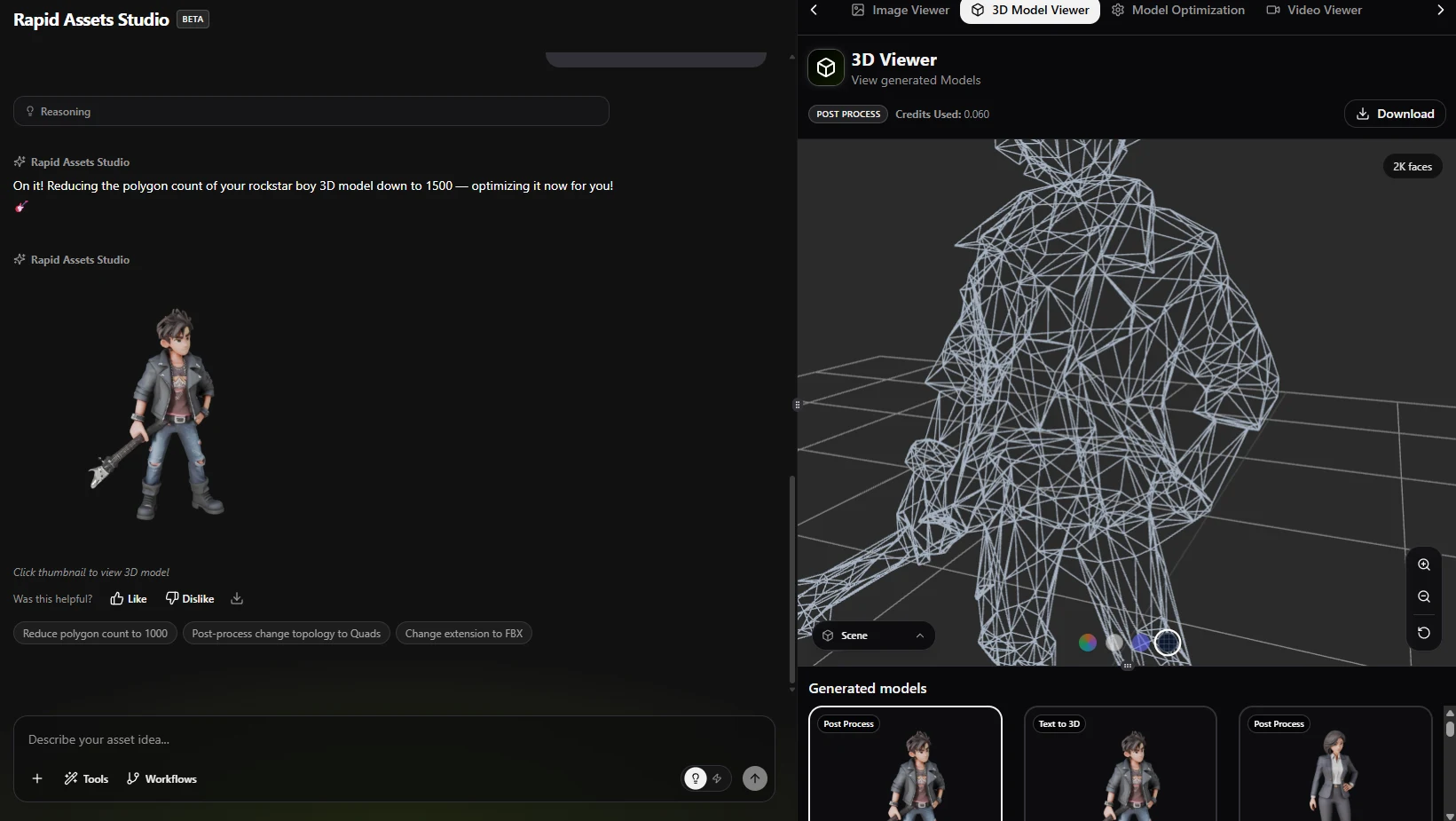
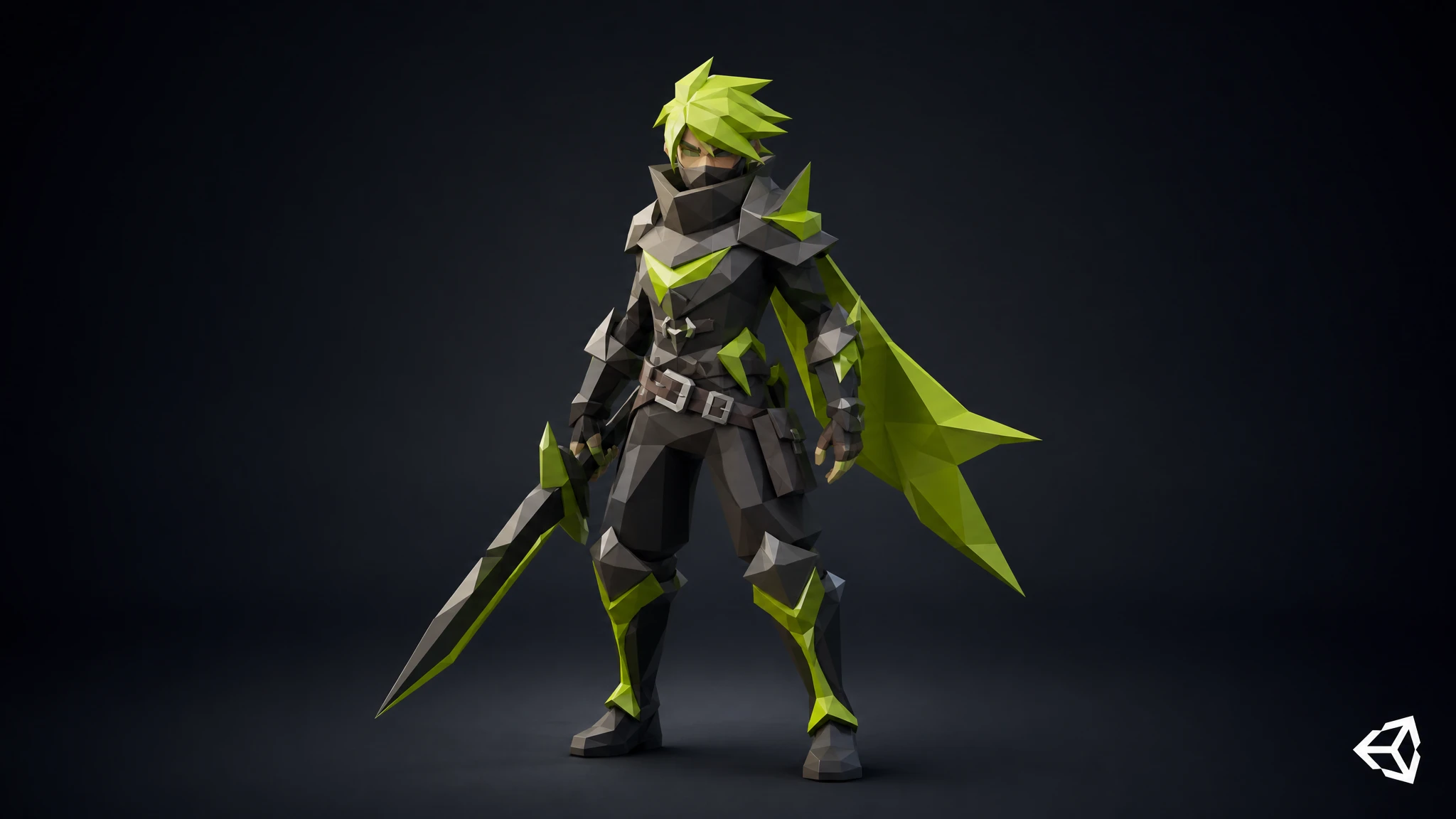
Triangle meshes are what game engines actually use at runtime. Pick triangular topology for environment props, weapons, vehicles, and anything else that doesn't move. What comes out is clean and manifold, with valid faces and correct normals, so it imports straight into Unity or Unreal without a conversion step in between.

Triangular topology wireframe — manifold triangle mesh for real-time game rendering shown on a rockstar boy character reduced to 2K faces
Quad Topology

Built for animation & rigging

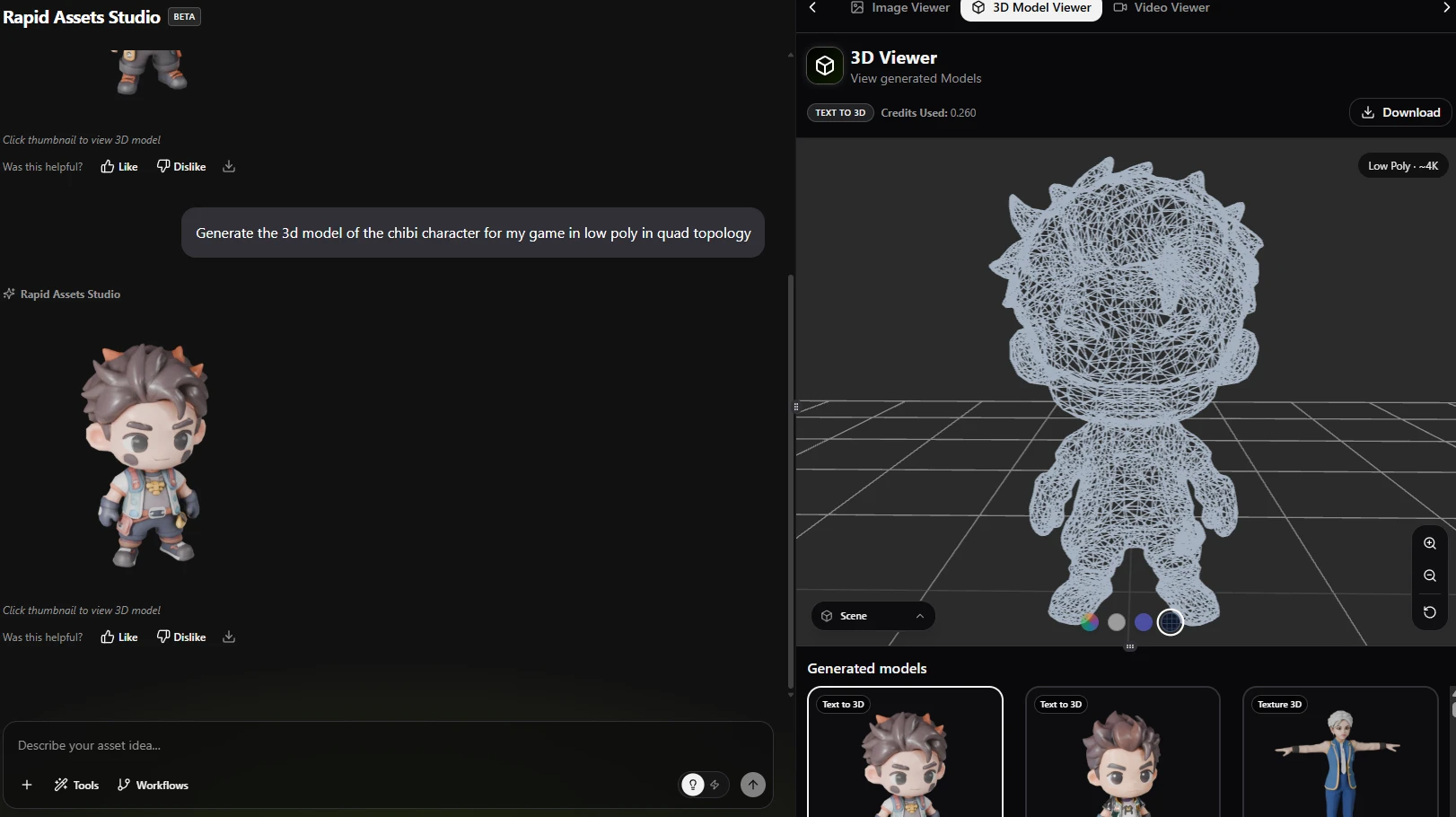
Quad meshes have organized edge loops that follow the contours of a body, running around joints, muscles and facial features the way an artist would lay them out by hand. That only matters once a skeleton is driving the mesh, and then it matters a lot: quads deform predictably instead of pinching or tearing. Pick quad for any character or creature you intend to rig, skin or animate, whether that happens in Blender, Maya, or your engine's own rigging tools.

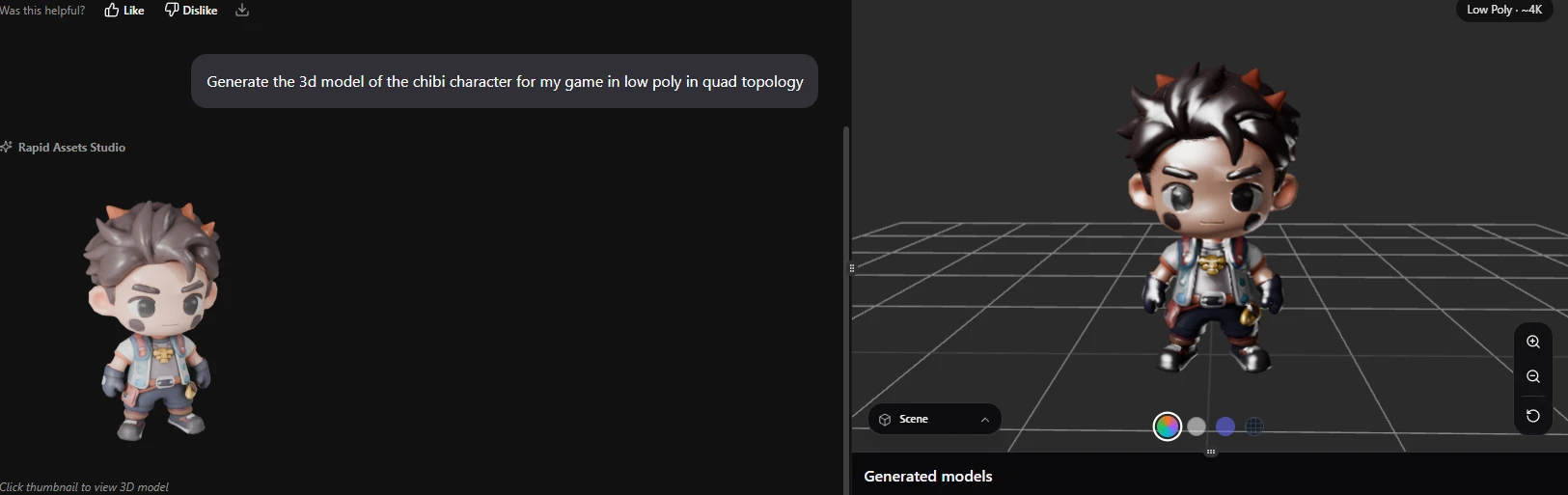
Rapid Assets studio showing quad topology generation — chibi character wireframe mesh, full studio view
Polygon Count & LOD

Set exact face counts for every LOD level

You control the polygon count. Generate a high-poly master, then bring it down to game-ready counts in the same workflow, without any manual retopology.

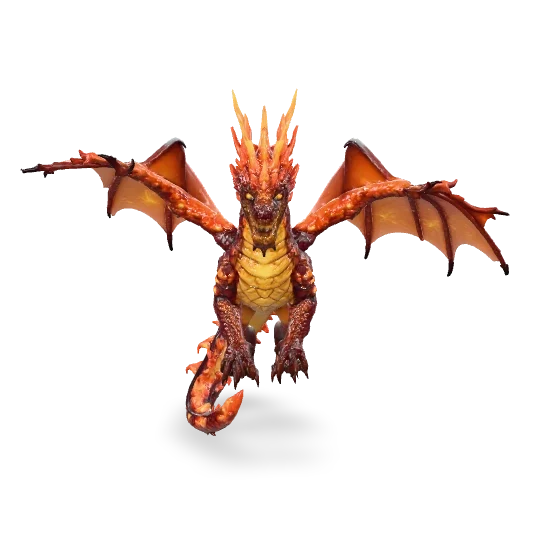
3D dragon LOD0 — high poly master with 50000 faces for cinematics
LOD 0 · Master
~50,000 faces
Cinematics & key art
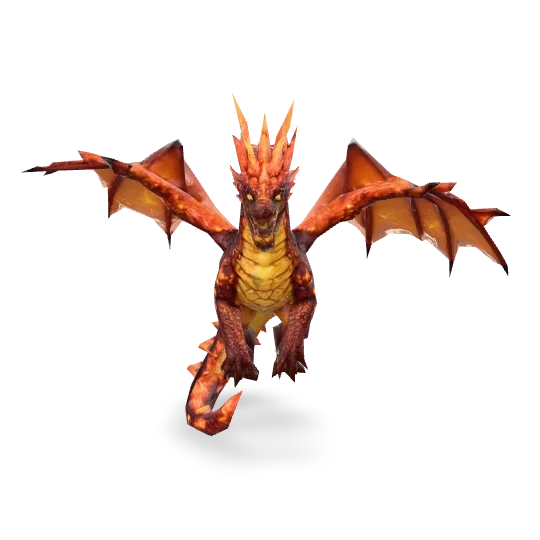
3D dragon LOD1 — reduced to 2000 faces for mid-distance in-game
LOD 1 · Mid
~2,000 faces
Close to mid-distance
3D dragon LOD2 — reduced to 800 faces for far-distance and mobile
LOD 2 · Far
~800 faces
Far distance & mobile
Format Export

Generate your 3D model, then convert it to FBX in one click.

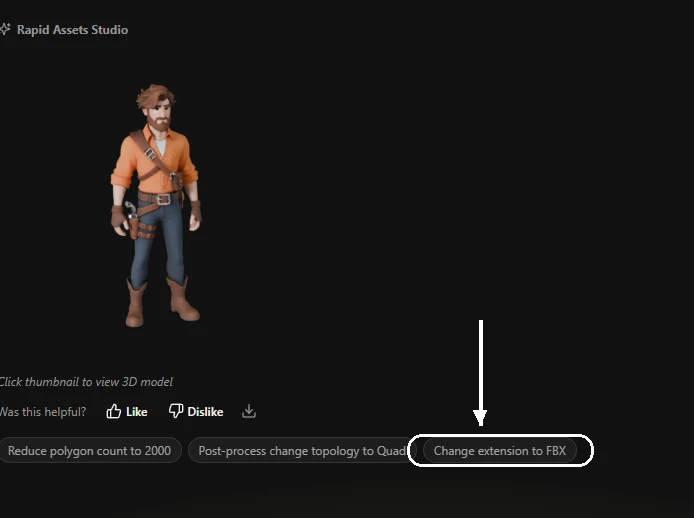
Once your model is generated in Rapid Assets Studio, you're not locked into GLB. Every model ships with a "Change extension to FBX" button in the post-process panel. Hit it once and you're done. There's no Blender round trip, no third-party converter, nothing to re-import. The mesh, the PBR textures, the UV layout and the material assignments all land in an FBX that Unreal Engine, Maya or 3ds Max will open as it is. Generating, reviewing and exporting all happen in the same place.

  • Generate as GLB, then convert to FBX without leaving the studio
  • PBR textures, UVs and mesh hierarchy all transfer intact
  • GLB for Unity, Godot & web  ·  FBX for Unreal, Maya & 3ds Max
  • No file size bloat, because the FBX is built server-side and downloads clean
Rapid Assets Studio — 3D character model with Change extension to FBX post-process button highlighted 🔍 Click to enlarge
↑ The "Change extension to FBX" button. One click converts your GLB.

Rapid Assets Studio · Post-process panel

Once a model exists, the post-process panel gives you three things you can do to it straight away: drop the polygon count, change the topology, or switch the extension to FBX. Each one runs server-side and takes a few seconds, so you never end up in a download and re-upload loop.

PBR Texturing

Physically-based materials. Every model.

Every model ships with a full PBR material set: albedo, normal map, and ORM (occlusion, roughness, metallic). They plug straight into Unity's URP or Unreal's Material Editor. The normal map is quietly doing most of the work, since it carries surface micro-detail without adding a single polygon, which is why a low-poly model still reads as high-detail once dynamic lighting hits it. There is nothing to rebake and no textures to assign by hand.

  • Albedo, Normal, and ORM maps auto-generated for every model
  • Physically correct, so it holds up in any lighting environment
  • Plugs directly into Unity URP and Unreal material slots
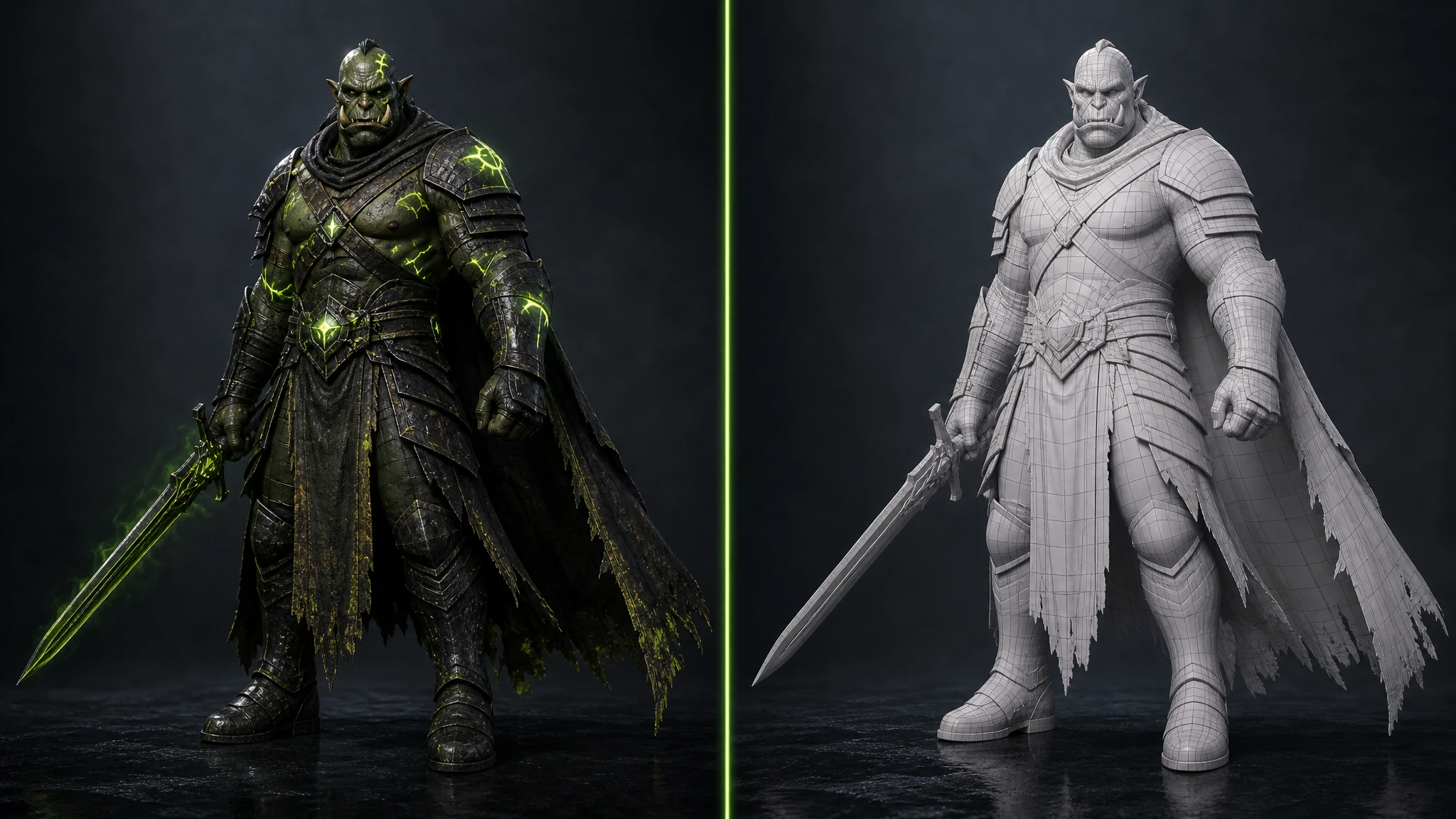
  • View in clay or PBR mode before downloading
PBR material view — sci-fi character showing color and normal map preview
Clay render — sci-fi character mesh showing geometry before PBR texture
Characters

3D Character Models

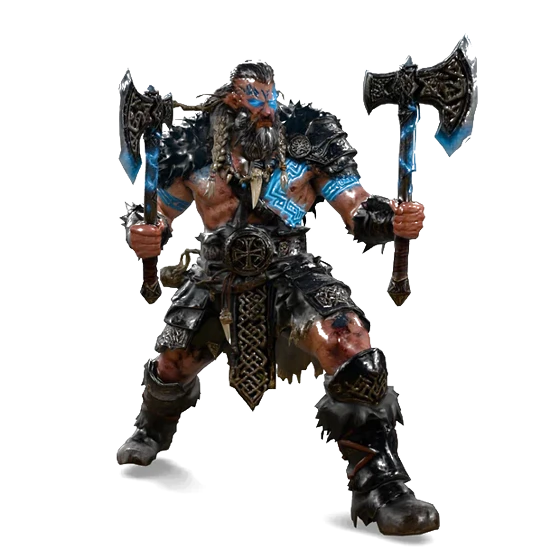
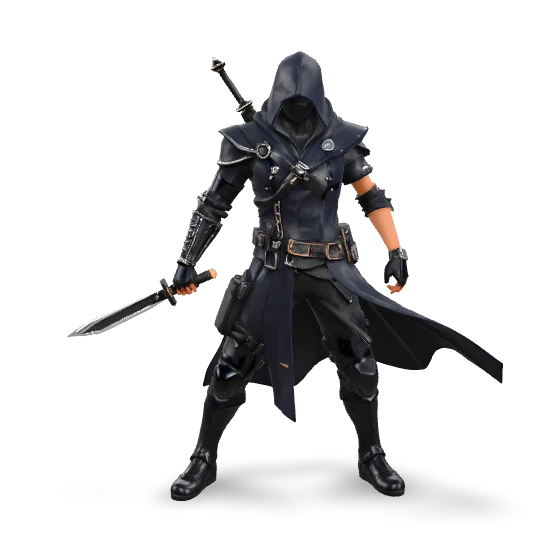
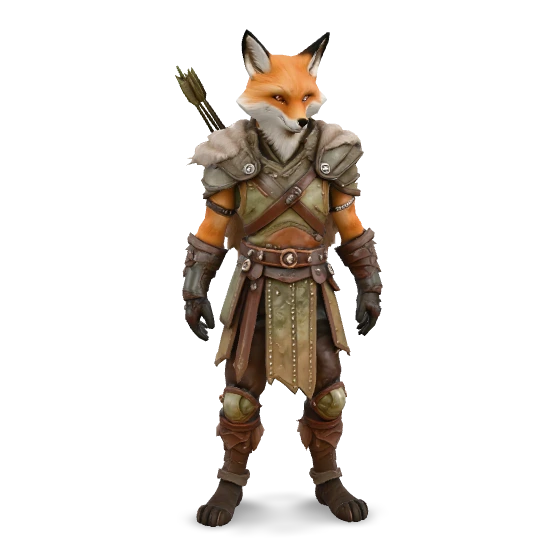
Heroes, villains and NPCs: warriors, mages, rogues and merchants. All fully textured and game-ready.

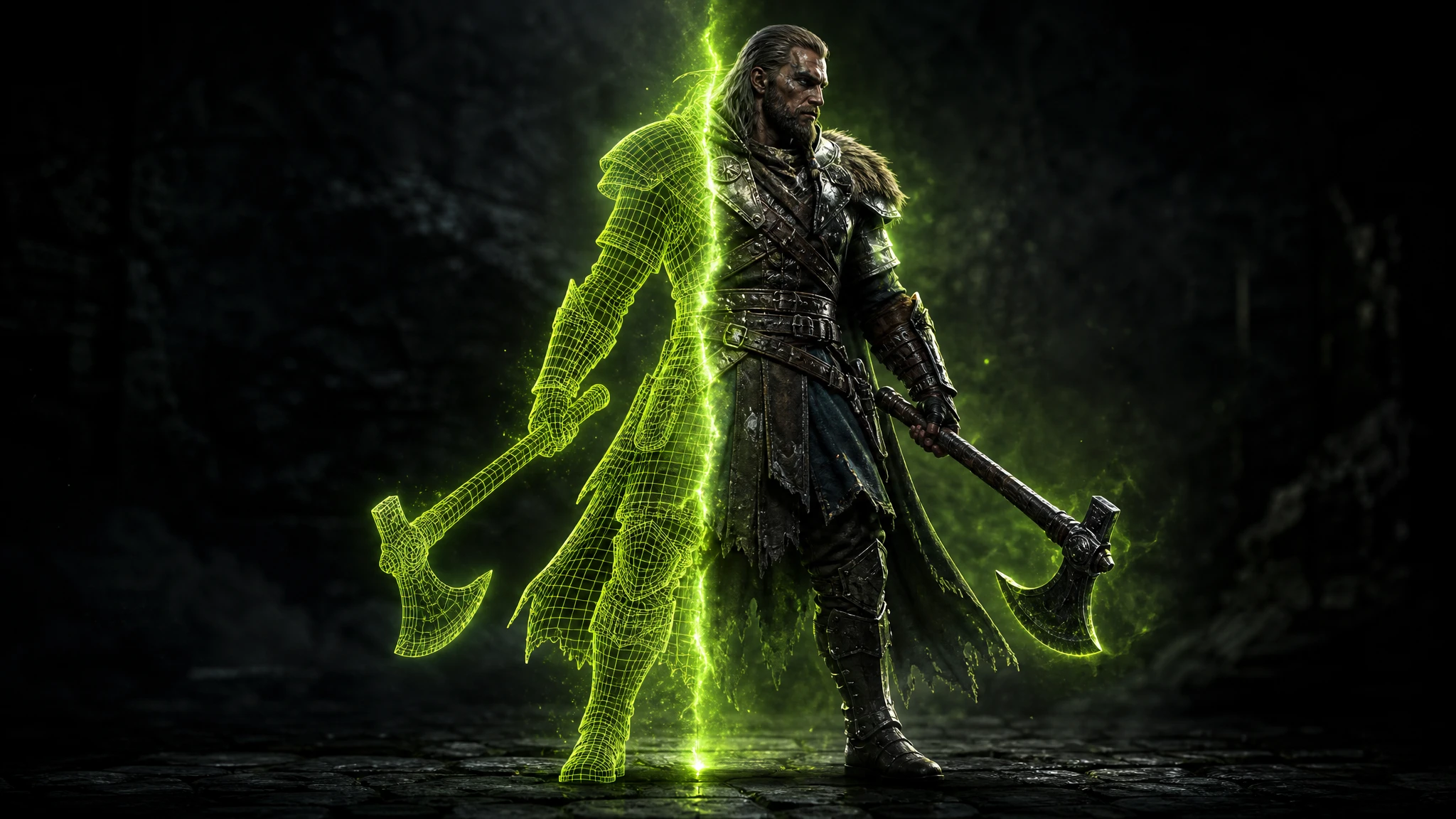
Viking Berserker
Viking Berserker
Character · GLB + PBR
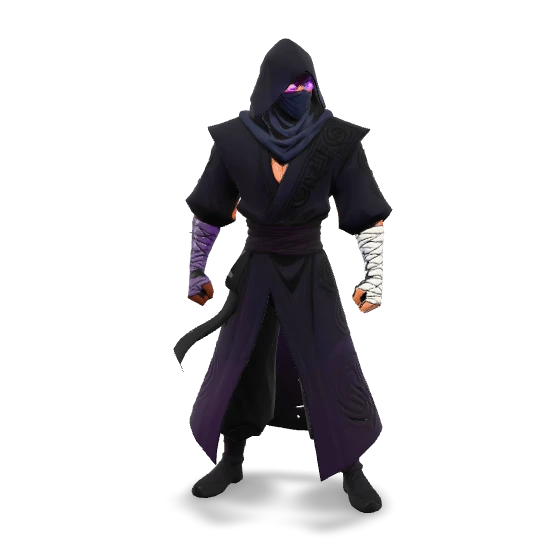
Shadow Assassin
Shadow Assassin
Character · GLB + PBR
Fox Archer
Fox Archer
Character · GLB + PBR
Dark Lich
Dark Lich
Character · GLB + PBR
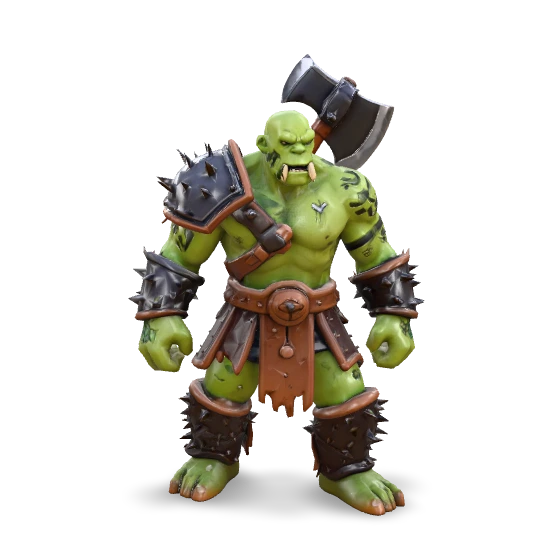
Orc Warrior
Orc Warrior
Character · GLB + PBR
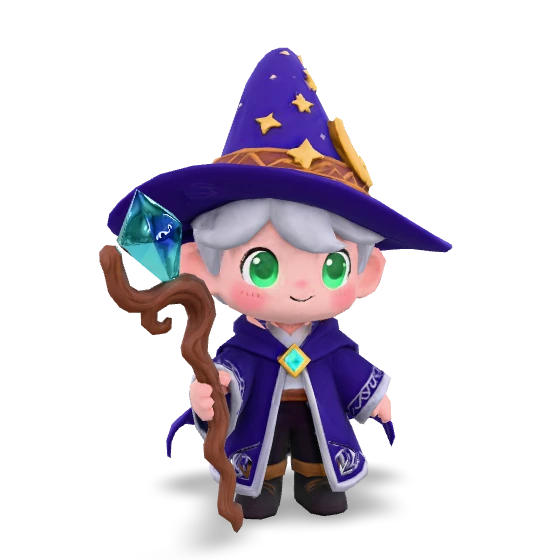
Chibi Wizard
Chibi Wizard
Character · GLB + PBR
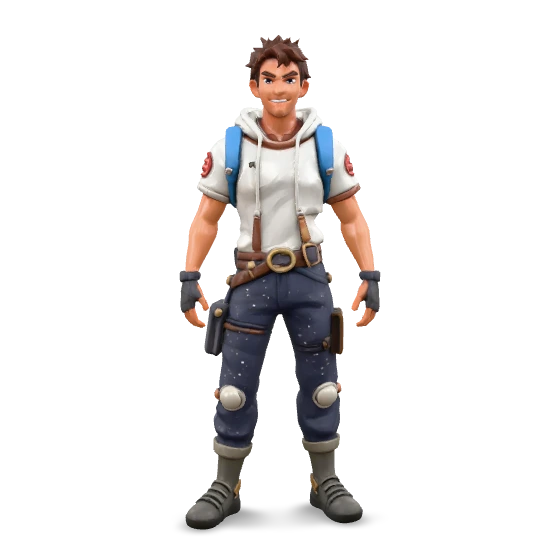
Street Runner
Street Runner
Character · GLB + PBR
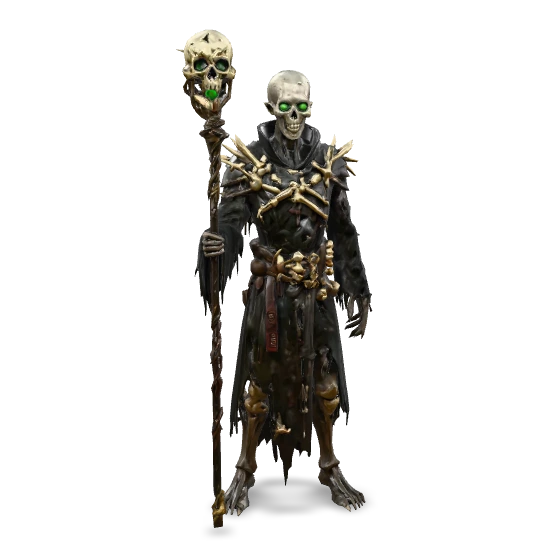
Skeleton Mage
Skeleton Mage
Character · GLB + PBR
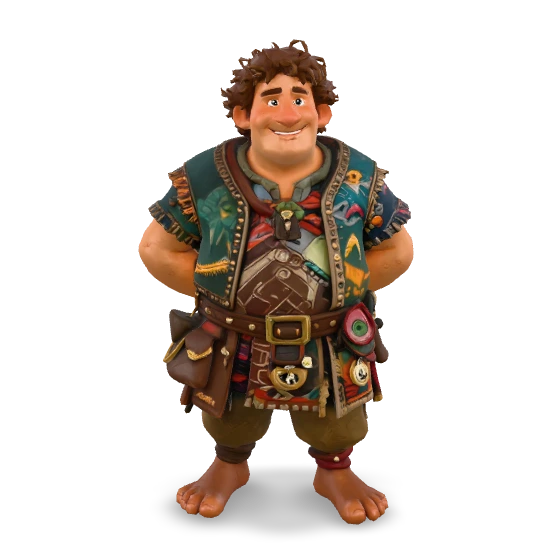
Tavern Merchant
Tavern Merchant
Character · GLB + PBR
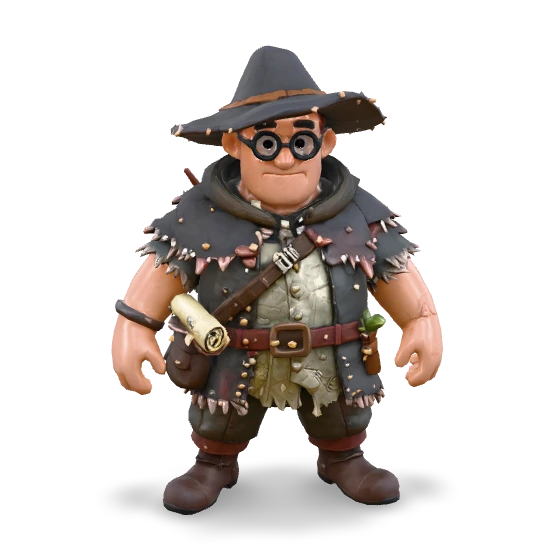
Witch Hunter
Witch Hunter
Character · GLB + PBR
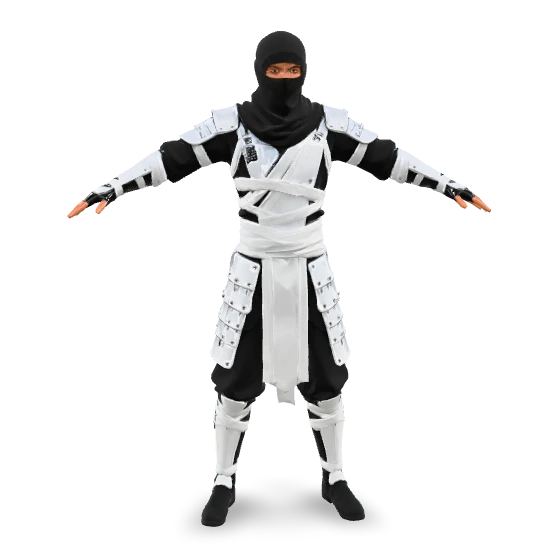
White Ninja
White Ninja
Character · GLB + PBR
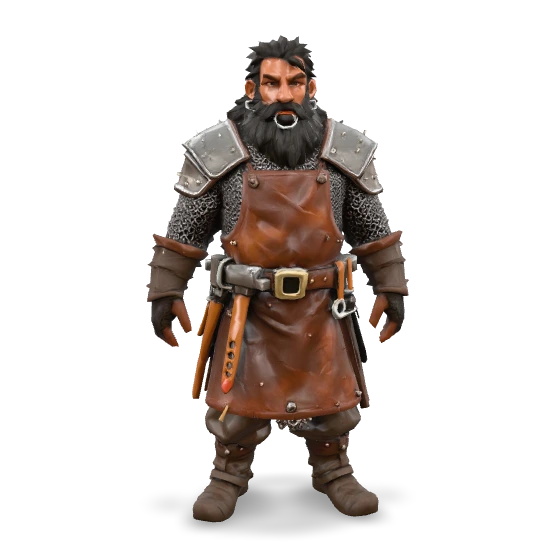
Dwarf Warrior
Dwarf Warrior
Character · GLB + PBR
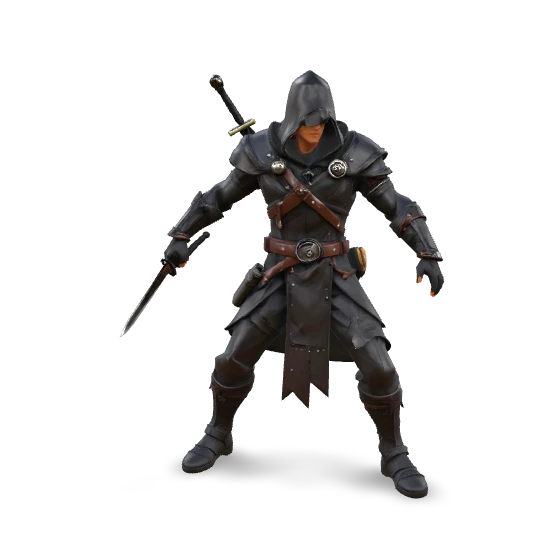
Dark Ranger
Dark Ranger
Character · GLB + PBR
Void Sorcerer
Void Sorcerer
Character · GLB + PBR
Creatures

3D Creature & Animal Models

Dragons, big cats, birds and beasts, with scales, fur, feathers and anatomy detailed enough to animate.

Red Dragon
Red Dragon
Creature · GLB + PBR
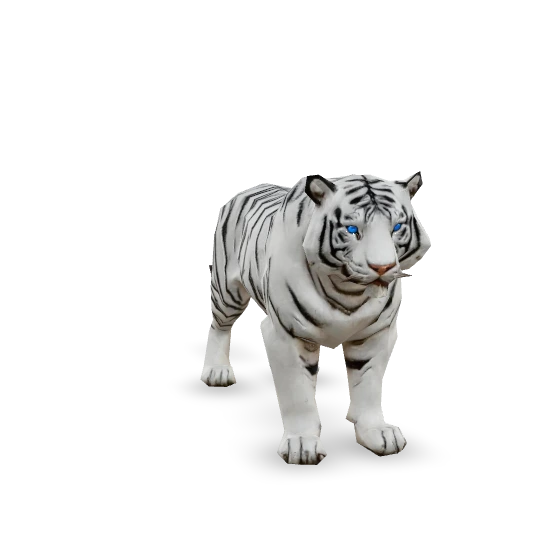
White Tiger
White Tiger
Creature · GLB + PBR
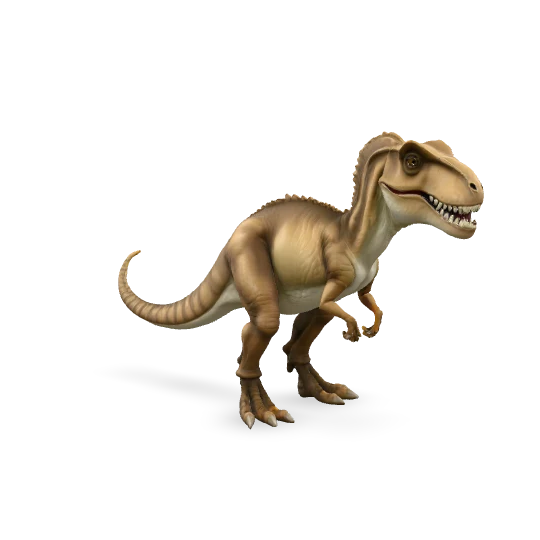
T-Rex dinosaur 3D animal model
T-Rex
Creature · GLB + PBR
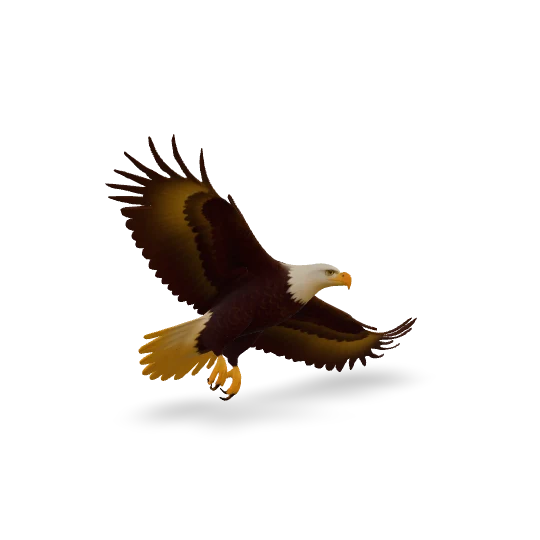
Flying eagle 3D animal model
Flying Eagle
Animal · GLB + PBR
Cute cat 3D animal model
Cat
Animal · GLB + PBR
Environments & Props

3D Environment & Prop Models
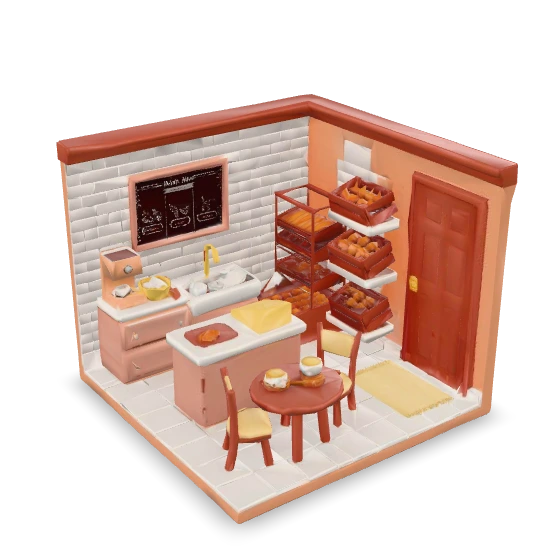
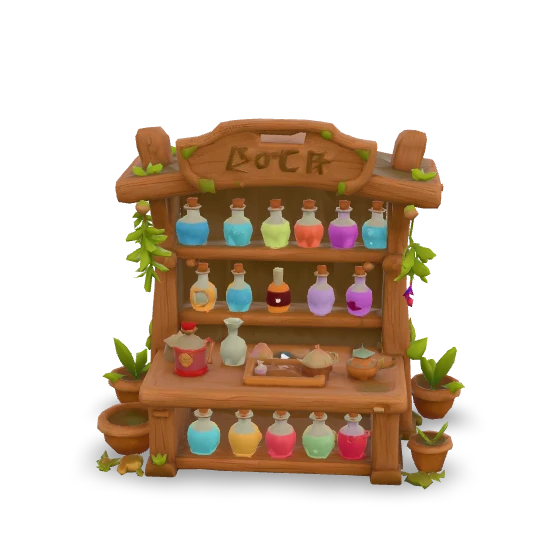
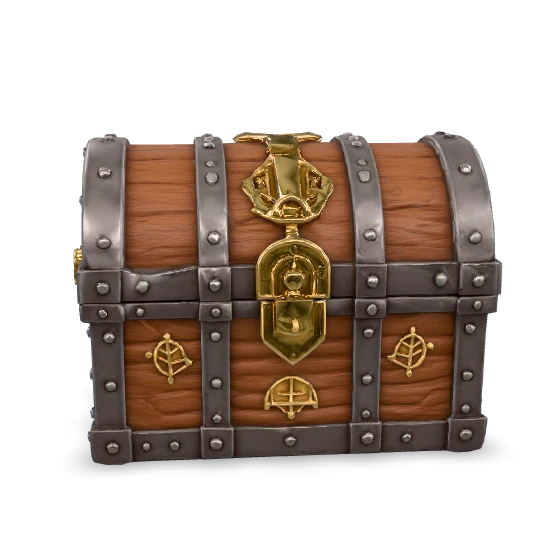
Haunted houses, fantasy villages, cozy bakeries and treasure chests. Scene-ready props with full PBR materials.

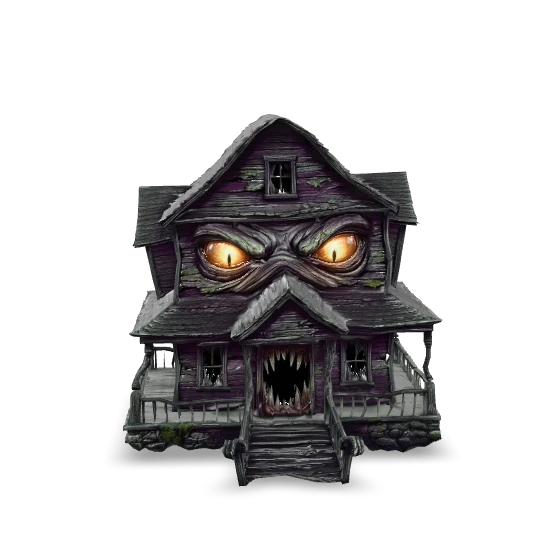
Haunted House
Haunted House
Environment · GLB + PBR
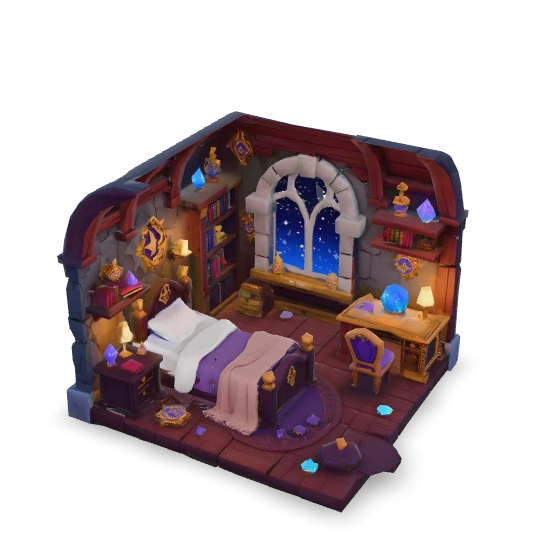
Wizard Bedroom
Wizard Bedroom
Environment · GLB + PBR
Bakery Shop
Bakery Shop
Environment · GLB + PBR

Potion Shop
Potion Shop
Prop · GLB + PBR
Treasure Chest
Treasure Chest
Prop · GLB + PBR
Weapons

3D Weapon Models

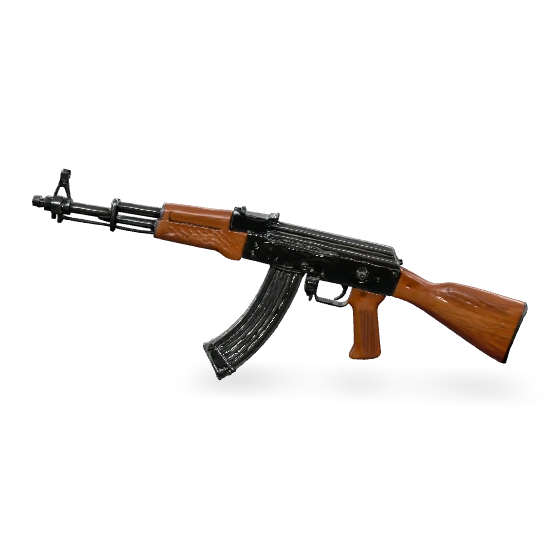
Rifles, swords, hammers and blades, with PBR textures detailed right down to the metal wear, the wood grain and the scratches.

Assault Rifle
Assault Rifle
Weapon · GLB + PBR
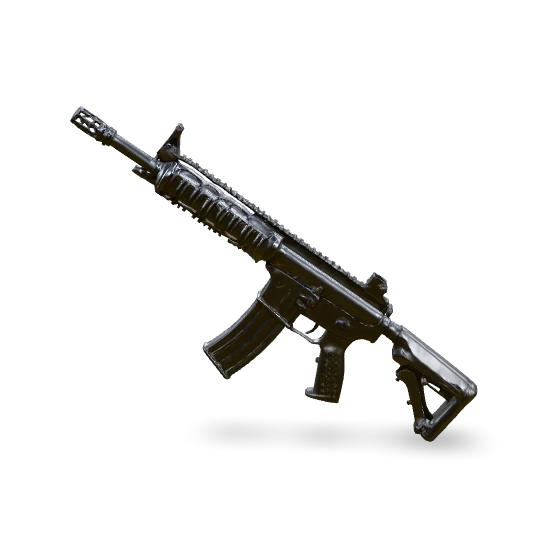
M4 Rifle
M4 Rifle
Weapon · GLB + PBR
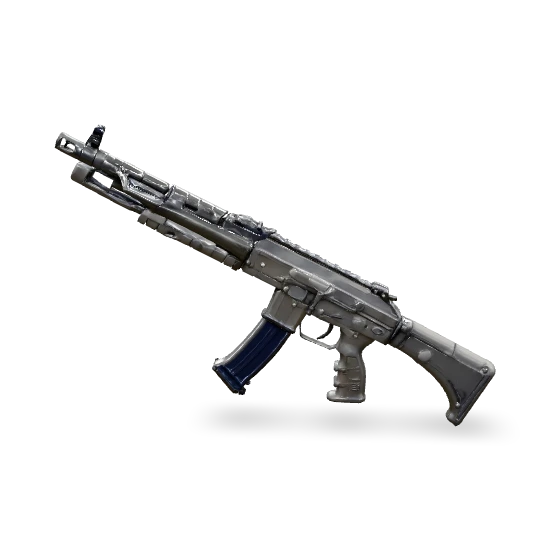
AK-47
AK-47
Weapon · GLB + PBR
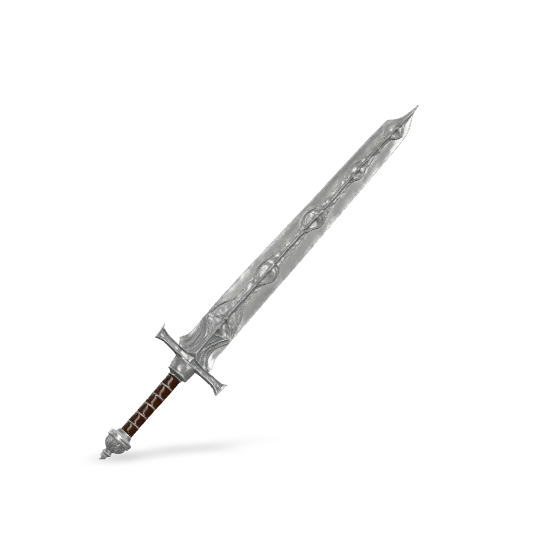
Steel Sword 3D weapon model
Steel Sword
Weapon · GLB + PBR
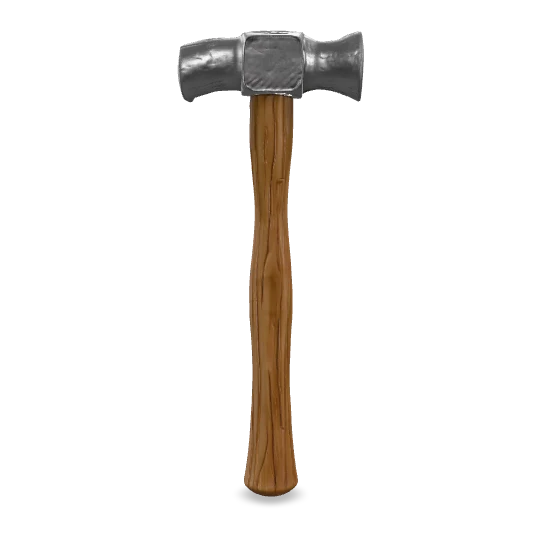
War Hammer 3D weapon model
War Hammer
Weapon · GLB + PBR
How It Works

3 steps from prompt to game-ready asset

No 3D software. No design skills. No credit card.

1

Enter a text prompt or upload an image

Describe what you need: a character, creature, weapon or environment. Or upload a 2D reference and let it work from that instead.

2

Customize topology, polygon count & format
Choose quad or triangular topology, set the target face count for each LOD, and pick GLB or FBX export. It all happens in the studio UI.

3

Download & import into your engine

Your GLB or FBX downloads with the PBR textures already embedded. Drag it into Unity, Unreal, Blender or Godot and it works.

Engine Compatibility

Works with every major game engine

Generated models import directly into any engine that reads GLB or FBX. There is nothing to convert, rebake or re-UV.

FAQ

Frequently Asked Questions

Is the Rapid Assets 3D generator free to use?

Yes. You get $10 in free credits on signup , and no credit card is required. Each generation costs a small number of credits depending on how complex the model is, and the free allocation covers enough of them to build and evaluate dozens of models for a project.

What 3D formats does Rapid Assets export?

GLB and FBX. GLB bundles every texture into one binary file, which suits Unity, Godot and the web. FBX is the standard in Unreal Engine, Maya and 3ds Max. You can switch between the two with a single click in the post-processing panel after generating.

Can I use generated 3D models in commercial games?

Yes. Anything you generate on Rapid Assets is yours to use commercially, published games on PC, console, mobile or anywhere else included. There are no royalties and no attribution requirements.

How long does it take to generate a 3D model?

Most models generate in 15–60 seconds. Simple props and weapons are faster; complex organic characters with high poly counts may take closer to a minute. Post-process steps (polygon reduction, topology change, format conversion) take a few seconds each.

What is quad topology and why does it matter?

Quad topology means the mesh is built from four-sided polygons, with organized edge loops that follow the contours of the body around joints, muscles and facial features. Under skeletal animation quads deform predictably rather than pinching or tearing. Use quad for any character you plan to rig. For static props and weapons, triangular is fine.

Can I generate multiple LOD levels from one model?

Yes. After generating your high-poly master, use the "Reduce polygon count" post-process button and enter an exact face count. Repeat that as often as you need: LOD0 at 50K faces, LOD1 at 2K, LOD2 at 800, each one a separate download with the silhouette preserved.

Explore the suite

You might also be interested in

More guides and tools from the Rapid Assets pipeline.

Start generating 3D game assets today

Join 10,000+ indie developers and studios building their games faster with Rapid Assets. Free credits on signup.

Generate Free 3D Assets →

✓ $10 free credits  ·  No credit card  ·  GLB & FBX export  ·  Instant access

Drag to rotate · Scroll to zoom
Loading 3D model…