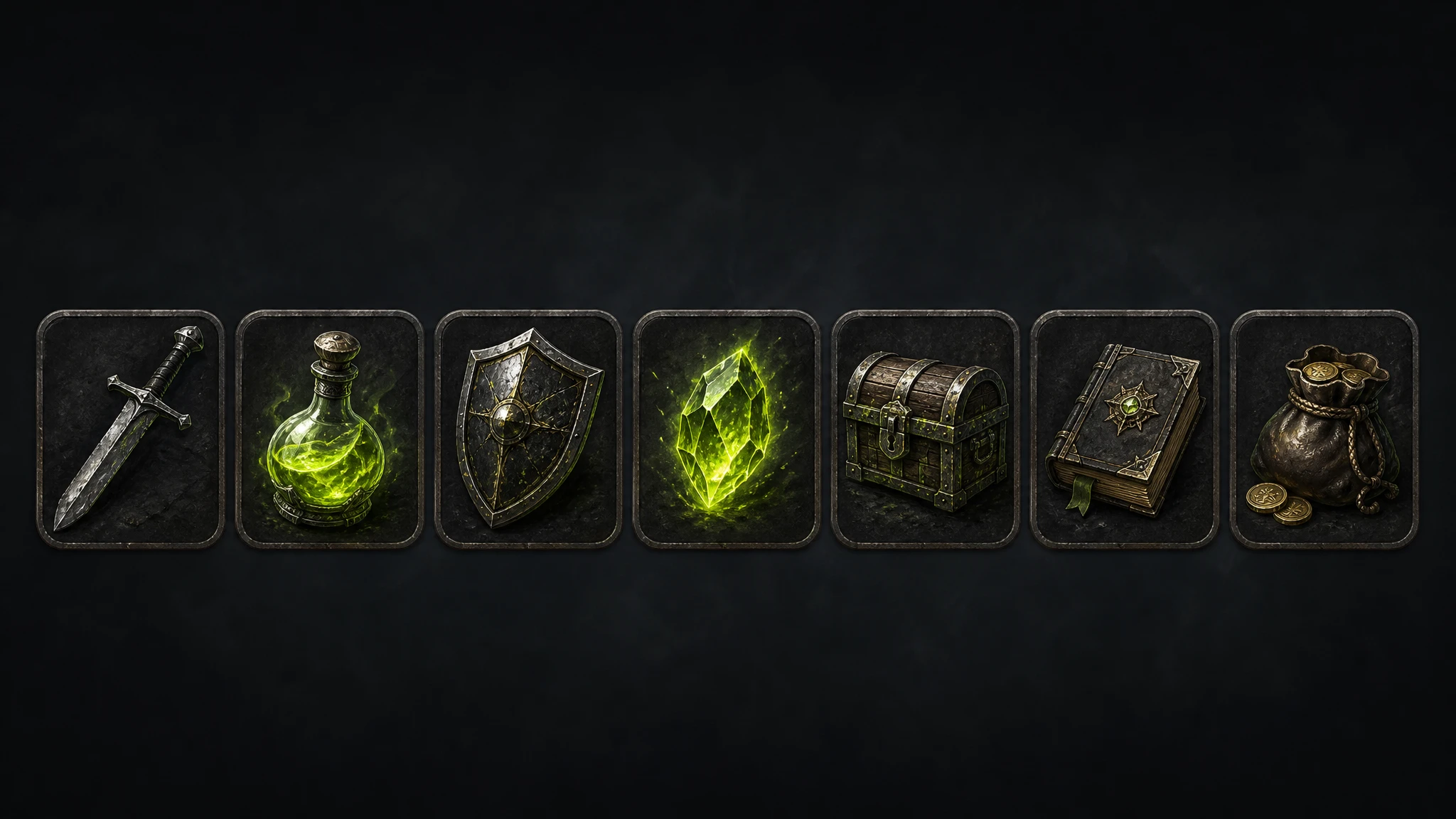
The free tier is the most important page on any AI tool's website, and the most misleading. A platform can advertise "free forever" while giving you so few credits that you can't evaluate whether it actually works for video game art, sprite sheets, or 3D model generation. Others lock commercial rights behind a paywall, making their free tier worthless for any project you plan to ship.
We tested 7 AI platforms specifically on their free plans: what you can generate, how many times, whether you own the output, and whether it connects to your game engine. If you are an indie developer, solo artist, or small studio trying to generate pixel art, character turnaround sheets, expression sheets, image to 3D models, or sprite animations without paying upfront, this is the breakdown you need.
01What to look for in a free AI game art tool
Not all free tiers are equal. Here are the six things that actually matter when evaluating a free plan for game art production:
Usable free credits
A free tier with 5 credits is a demo, not a trial. You need enough to actually evaluate image gen, 3D models, and editing before you decide to pay.
Commercial licensing
If free-tier assets require attribution (CC BY 4.0) or can't be used in shipped games, the free tier has no practical value for any commercial project.
Art type coverage
Sprite sheets, pixel art, 3D models, character turnaround, expression sheets, and video are different outputs: most tools only cover one or two.
Engine plugin access
A free tier that locks out engine plugins forces you to manually export every asset into Unity, Blender, Unreal, or Godot. That overhead kills the value of generating assets quickly.
Watermarks & export limits
Watermarks on free exports make assets unusable. Resolution caps or format restrictions mean extra post-processing before an asset is ready for your project.
Free forever vs. free trial
A free-forever tier renews monthly. A one-time free trial expires. Knowing which you have determines whether the platform is a long-term resource or just an onboarding hook.
02Rapid Assets — best free tool for the full game art pipeline
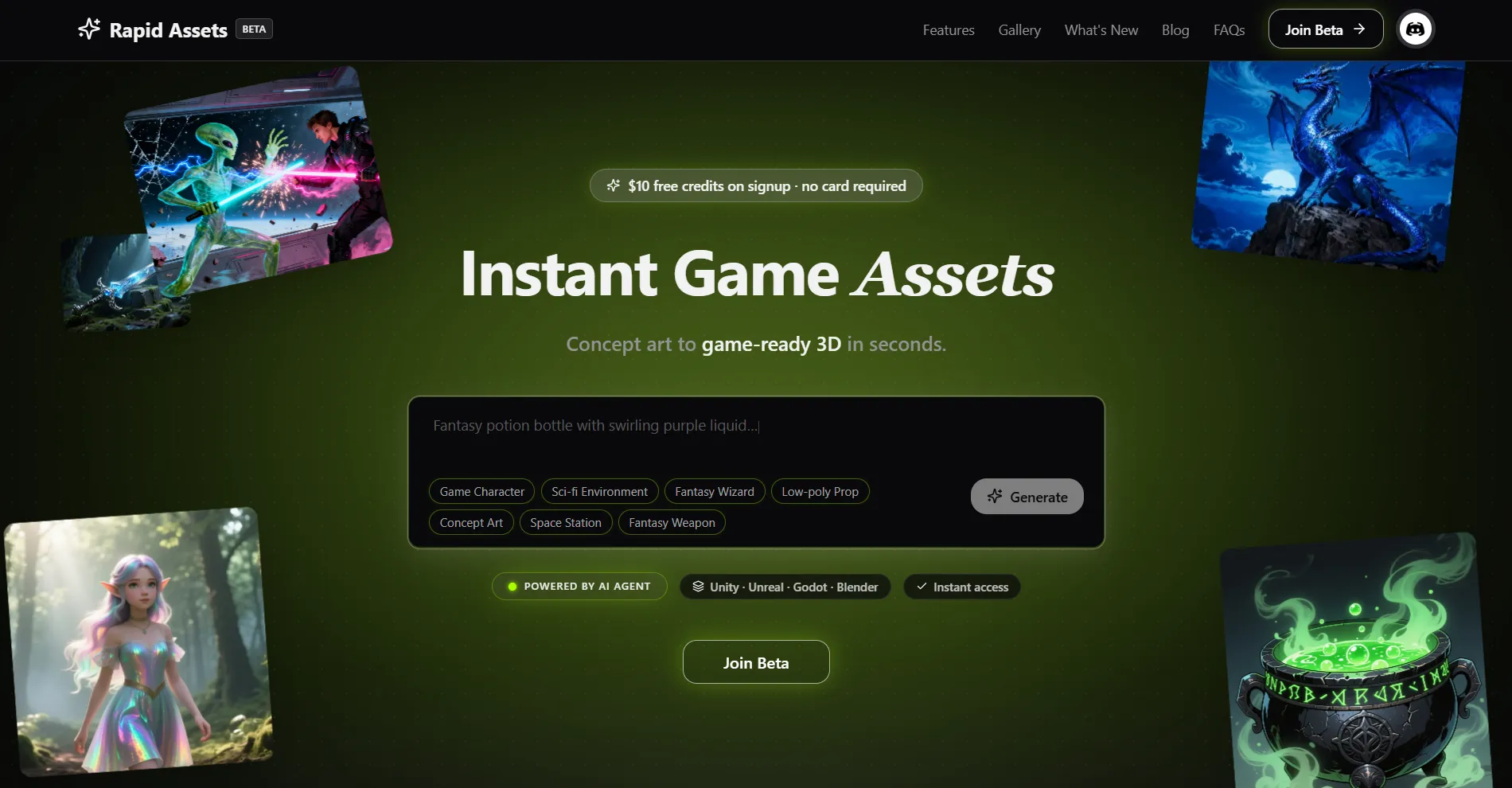
$10 in free credits on signup: no credit card required. Covers multiple image generations, image-to-3D model conversions, image editing sessions, and video generation. Full commercial rights on all output. No watermarks. No attribution required. Free credits do not expire during the trial window.
Every other platform on this list gives you a free tier that covers one type of game art: images, or 3D, or video. Rapid Assets is the only free AI tool that covers all four: text-to-image generation for video game art and concept references, image-to-3D model generation for game-ready meshes, image editing for sprite sheets, background removal, and upscaling, and image-to-video generation for trailers and gameplay previews. Everything runs in one account, no switching apps mid-pipeline.
It is also the only platform on this list with native free access to engine plugins for Unity, Blender, Unreal Engine, and Godot. Generate a low poly 3D model, click import, and it lands directly in your scene: no manual export, no format hunting. The same applies to unity assets like textures and sprites. For character turnaround and expression sheets, Rapid Assets supports multi-view character generation natively: front, side, three-quarter, and back views from a single prompt, all included in your free credits. It is also the best 2D to 3D AI converter for developers who want to take a concept sketch or reference image and get a game-ready mesh without leaving the platform.
The free credits are genuinely useful: not a five-generation demo. New users consistently report generating multiple complete asset sets before needing to top up. And unlike Meshy's free tier, which licenses output under CC BY 4.0, Rapid Assets gives full commercial ownership on every free-tier asset, so anything you generate while evaluating the platform is ready to ship in your game.
Pros
- $10 free credits — most generous free start of any tool on this list, no credit card required
- Full commercial rights on free-tier output — no CC BY 4.0, no attribution, no watermarks
- Covers image gen, 3D models, image editing, sprite sheets, and video in one free account
- Native plugins for Unity, Blender, Unreal Engine, and Godot — free tier included
- Multi-view character turnaround and expression sheet generation built in
- Best 2D to 3D AI converter for game developers — concept image to game-ready mesh in minutes
Cons
- No free forever plan — credits expire after the trial period ends
- Model style variety is expanding — some niche art styles still maturing
03Leonardo AI — best free video game art & concept art
Leonardo AI has the strongest free 2D image generation of any platform on this list. For video game art (concept characters, environment references, item icons, and weapon designs), Leonardo's output quality on its free tier is genuinely impressive. The platform is especially good for character turnaround reference images and expression sheets: generate a character in a specific style, then use Leonardo's reference image system to produce front, side, and emotion variants with consistent design. The daily credit reset also makes it a sustainable free resource if your generation needs are moderate.
The hard limitation: Leonardo AI is a 2D-first image platform, not a game development tool. There is no image to 3D model conversion, no engine plugins, no sprite sheet automation, and no path from a generated character into Unity or Godot without leaving the platform and exporting manually. Leonardo does offer image-to-video generation through third-party models like Veo and Kling, but on the free tier those burn through the daily token allowance in one or two clips, so it isn't a practical source of usable game trailer footage. If your game art workflow extends beyond 2D concepts, Leonardo's free tier runs dry fast.
Pros
- 150 daily tokens — renews every day, making it a true free-forever 2D art resource
- Best free AI output for video game art concepts, icons, and environment references
- Strong for character turnaround references and expression sheet art
- Huge community and tutorials — easiest platform to learn quickly
Cons
- Free tier outputs are public — your game art concepts are visible to the whole community
- No image to 3D model conversion — 2D only, no path to game-ready meshes
- No engine plugins for Unity, Unreal, Blender, or Godot
- No sprite sheet automation or audio pipeline; video generation exists but eats the daily token budget fast
- Not built for game developers — adapted by them from a general AI image tool
04Meshy — best free 3D model generator & sprite animation
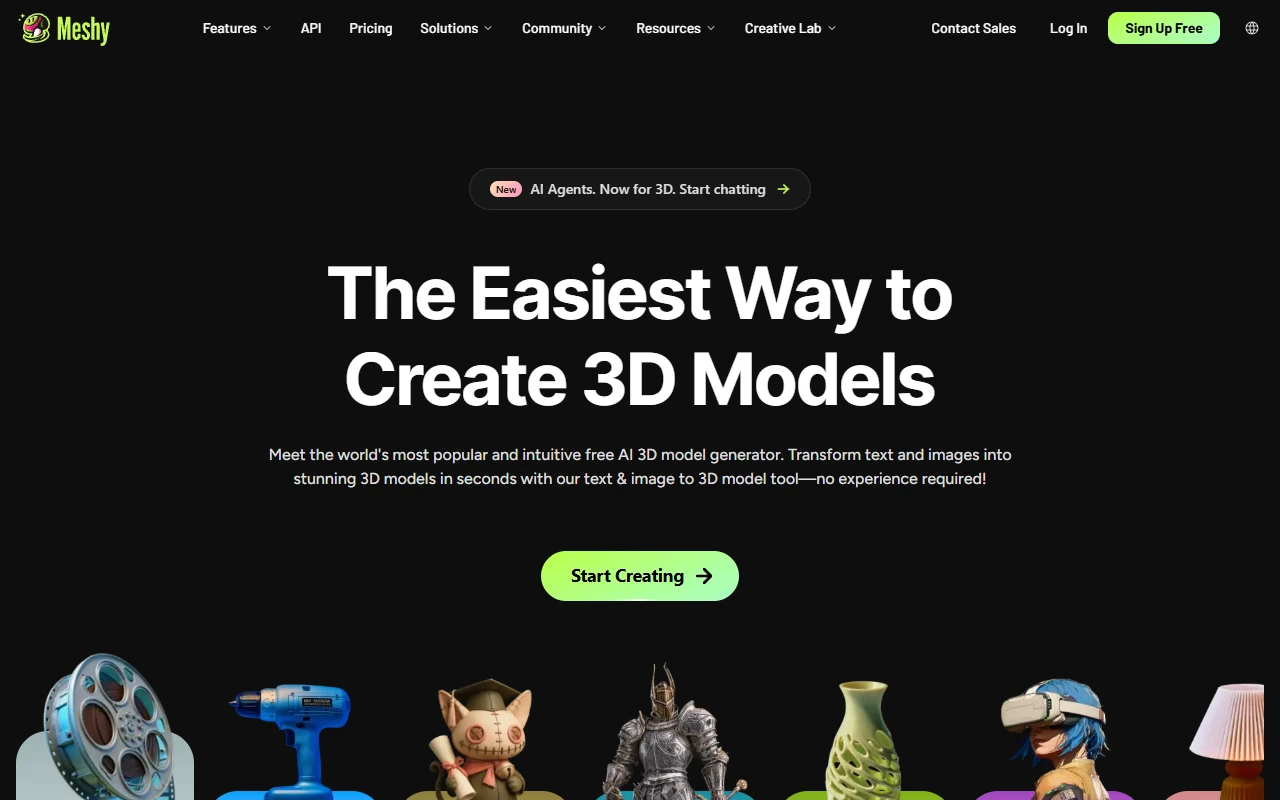
Meshy has one of the strongest free 3D tiers on the market. The 100 monthly credits give you genuine access to text-to-3D, image-to-3D, AI texture editing, and the platform's sprite animation maker AI: a library of 500+ game-ready animations you can apply to generated characters, available on the free plan. For low poly 3D models, Meshy produces clean geometry suitable for mobile and indie games. The core limitation is licensing: free-tier output requires attribution under CC BY 4.0. For a prototype or game jam, that is fine. For a commercial release, it is a real problem that Rapid Assets avoids entirely.
Pros
- 100 free credits per month — renews, making it a genuine free-forever tier
- Sprite animation maker AI included — 500+ game-ready animations on free plan
- Strong low poly 3D model output quality for indie and mobile games
- Plugins for Unity, Blender, Unreal, Godot available on paid plans
Cons
- Free tier is CC BY 4.0 — attribution required, not suitable for most commercial game releases
- 5–10 models per month is limiting for active development pipelines
- Engine plugins locked behind paid plans — free tier requires manual export
- No image generation, video generation, or sprite sheet creation pipeline on free tier
- Characters require manual cleanup — not production-ready straight out of the generator
05Tripo AI — best free image to 3D model converter
Tripo AI is the fastest image to 3D model converter on this list and earns its place as one of the most capable free best 2D to 3D AI converters for game developers who need quick hard-surface prop generation. Upload a concept sketch or reference image and get a 3D mesh in seconds: the geometry quality on architectural props, vehicles, and items is among the best available. The 200 free credits give you approximately 8 model generations before you need to subscribe, a narrow window, but enough to seriously evaluate the platform's 3D output quality before committing.
The limitations are significant for production use: texturing is weak, rigging is unreliable, and there is no image generation, sprite sheet creation, or video game art pipeline. Engine plugins require a paid plan. For a developer who only needs fast 3D mesh prototyping, Tripo AI's free trial is a useful short-term resource, but it is not a long-term free tool, and it is not a complete game art solution.
Pros
- Fastest free image to 3D model generation speed on the market
- Great geometry quality on hard-surface assets — props, items, vehicles
- Good starting point for evaluating 2D to 3D AI converter quality
Cons
- One-time 200 credits — not a recurring free tier, credits expire
- Only ~8 models before the free allocation runs out
- Weak texturing — free-tier output often requires manual texture work
- Engine plugins (Unity, Unreal, Godot) locked behind paid plans
- No image generation, sprite sheets, pixel art, or video pipeline
- Poor rigging — free-tier character output is not animation-ready
06Scenario — best free sprite sheets & unity assets tool
Scenario is the strongest free option for sprite sheets and style-consistent unity assets. Its daily 50 credits give you a renewable source of 2D art generation for environments, UI elements, textures, and character sprites: all in a consistent style once you find a model that matches your game's aesthetic. Scenario also supports image to pixel art style transfers on its free tier, making it useful for pixel-art game developers who want to convert reference art into a pixelated output that matches their existing game art.
The challenge is complexity. Scenario was built for enterprise studios, and the free tier reflects that: the interface is dense, model selection is overwhelming for new users, and the workflow for producing game-ready unity assets requires some time to learn. Scenario has since added 3D generation, character rigging, and video generation, but these run on third-party partner models bolted onto a primarily 2D-first platform, and they consume the daily 50-credit allowance much faster than a standard image generation does.
Pros
- 50 daily credits — genuine renewable free tier for sprite sheet and texture generation
- Access to 550+ AI models including specialized game art styles
- Supports image to pixel art style conversion on free tier
- Good for style-consistent 2D game art across multiple asset types
Cons
- Complex interface — steep learning curve for indie and solo developers
- Unity plugin locked behind paid plans — free tier requires manual export
- Free tier outputs may be public and visible to other users
- No 3D model generation, no image to 3D model converter, no video pipeline
- Enterprise-first design — not built for the solo indie developer workflow
07ImagineArt — best free AI image to video generator
ImagineArt's main draw for game developers on the free plan is its image to video AI generator capability: one of the few platforms that includes video generation on a free tier at all. For game developers who want to convert a static video game art image into a short animation clip for a trailer or gameplay preview, ImagineArt's free video generation is a useful starting point. The platform also covers image generation across multiple styles, a canvas tool, and basic audio generation, giving it a broader surface than most free competitors.
The problem is depth. ImagineArt tries to cover too many output types, and the free tier reflects that tradeoff: watermarks on video output, unclear commercial licensing, no image to 3D model pipeline, and no engine plugins for Unity, Unreal, or Godot. The production workflow for game assets is weak even on paid plans, and the free tier is genuinely limited in what you can produce without hitting paywalls.
Pros
- One of the few platforms with image to video AI generator on a free tier
- Broad feature set: image gen, video gen, canvas, and audio in one account
- Multiple AI models available including Kling, Runway, and Veo integrations
Cons
- Watermarks on free-tier video output — not usable in shipping projects
- Unclear commercial licensing for free-tier game art assets
- No image to 3D model conversion — no 3D pipeline at all
- No engine plugins for Unity, Blender, Unreal, or Godot
- Too broad — weak depth in every category including sprite sheets and pixel art
- Free allocation not publicly documented — hard to plan production around
08Civitai — best free AI pixel art generator & community
Civitai has the largest library of community-trained AI models on the internet, and for pixel art generator use cases specifically, it is unmatched. There are hundreds of LoRA models trained on specific pixel art styles, including 8-bit, 16-bit, anime pixel art, isometric sprites, and RPG character art, that you can run for free or near-free using the platform's Buzz token system. For developers building pixel art games who want to explore niche styles, Civitai's community models are a resource no other platform on this list can replicate. Image to pixel art conversion is also well-supported through community style-transfer workflows.
But Civitai is a community content platform, not a game development tool. There is no production pipeline, no project management, no sprite sheet automation, no image to 3D model converter, and no engine plugin for getting art into Unity, Blender, or Godot. The generation quality varies wildly between community models: you will spend time testing before finding reliable ones. And the free Buzz allocation on signup runs out quickly, so "free" on Civitai is more of a trial than a sustainable resource for active development.
Pros
- Best free community library for pixel art generator and anime pixel art styles
- Huge selection of niche game art LoRA models — 8-bit, 16-bit, isometric, RPG
- Supports image to pixel art style conversion via community workflows
- Largest AI art community — good for discovering new styles and techniques
Cons
- Free Buzz allocation is very small — runs out quickly, pay-per-generation after
- No production pipeline — not designed for game asset workflows
- Quality varies enormously — requires extensive model testing to find reliable ones
- No sprite sheet automation, no image to 3D model conversion
- No engine plugins for Unity, Blender, Unreal, or Godot
- No commercial licensing clarity for most community models
09How to choose the right free tool
Your art type determines your best free option. Use these decision points to find the right match:
Do you need 3D models, sprite sheets, video, and engine plugins — all free?
→ Use Rapid Assets.
It is the only tool that covers all four output types with full commercial rights and engine plugins included in the free credits. No other platform on this list comes close to that coverage on a free tier.
Do you need a renewable free 3D model generator with animation support?
→ Use Meshy (with caution).
Meshy's 100 monthly credits renew, making it the best recurring free 3D option. But the CC BY 4.0 license on free output means you cannot ship those assets in a commercial game without attribution.
Do you need high-quality 2D concept art, character turnaround, or expression sheets for free?
→ Use Leonardo AI.
150 daily tokens renew every day: it is the most sustainable free 2D image generation resource. Best for concept art and character reference work, though everything is public on the free tier.
Do you need a pixel art generator or image to pixel art converter for free?
→ Use Civitai for styles, Scenario for workflow.
Civitai has the best library of pixel art LoRA models. Scenario supports image-to-pixel-art style transfers with daily renewed credits and a more structured workflow than Civitai's community setup.
10Frequently asked questions
Rapid Assets is the best free AI tool for game art in 2026. It gives new users $10 in free credits with no credit card required: enough to generate images, create 3D models, edit assets, and produce video. It is also the only platform with native plugins for Unity, Blender, Unreal Engine, and Godot, making it the most useful free start for game developers.
Rapid Assets and Scenario both support sprite sheet generation on their free tiers. Scenario's free plan gives 50 daily credits suitable for sprite sheet and texture work. Civitai has community models tuned for pixel art and sprite generation. For sprite animation specifically, Meshy's free tier includes access to its 500+ animation library for generated 3D characters.
Civitai is the strongest free AI pixel art generator thanks to its massive library of community-trained pixel art LoRA models. Leonardo AI also has pixel art style models available on its free tier (150 tokens/day). For image to pixel art conversion specifically, Leonardo AI and Scenario both support style-transfer workflows that can convert reference images into pixel art.
Rapid Assets, Meshy, and Tripo AI all support image to 3D model conversion on their free tiers. Rapid Assets gives $10 in starting credits covering multiple image-to-3D conversions with full commercial rights. Tripo AI gives approximately 8 free models as a one-time allocation. Meshy offers 100 free monthly credits but with CC BY 4.0 licensing on free output.
It depends on the platform. Rapid Assets' free credits produce assets with full commercial use rights and no attribution required. Meshy's free tier licenses output under CC BY 4.0: attribution required, which may conflict with commercial titles. Leonardo AI's free tier makes outputs public and licensing varies by model. Always check the platform's terms before shipping free-tier assets in a commercial game.
Rapid Assets is the best free AI tool for character turnaround and expression sheets. It supports multi-view character generation natively, producing front, side, three-quarter, and back views from a single prompt, all included in the free credits. Leonardo AI on its free tier also produces high-quality character concept art suitable for expression sheet work, though it does not support structured multi-view generation automatically.